QDIM — Quick dimension
 Ribbon: Annotate ▸ Dimensions ▸ Dimension ▸ Quick DimensionCommand:
QDIM
QDIM quickly creates a series of dimensions from a list of points you click.
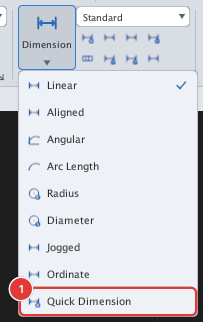
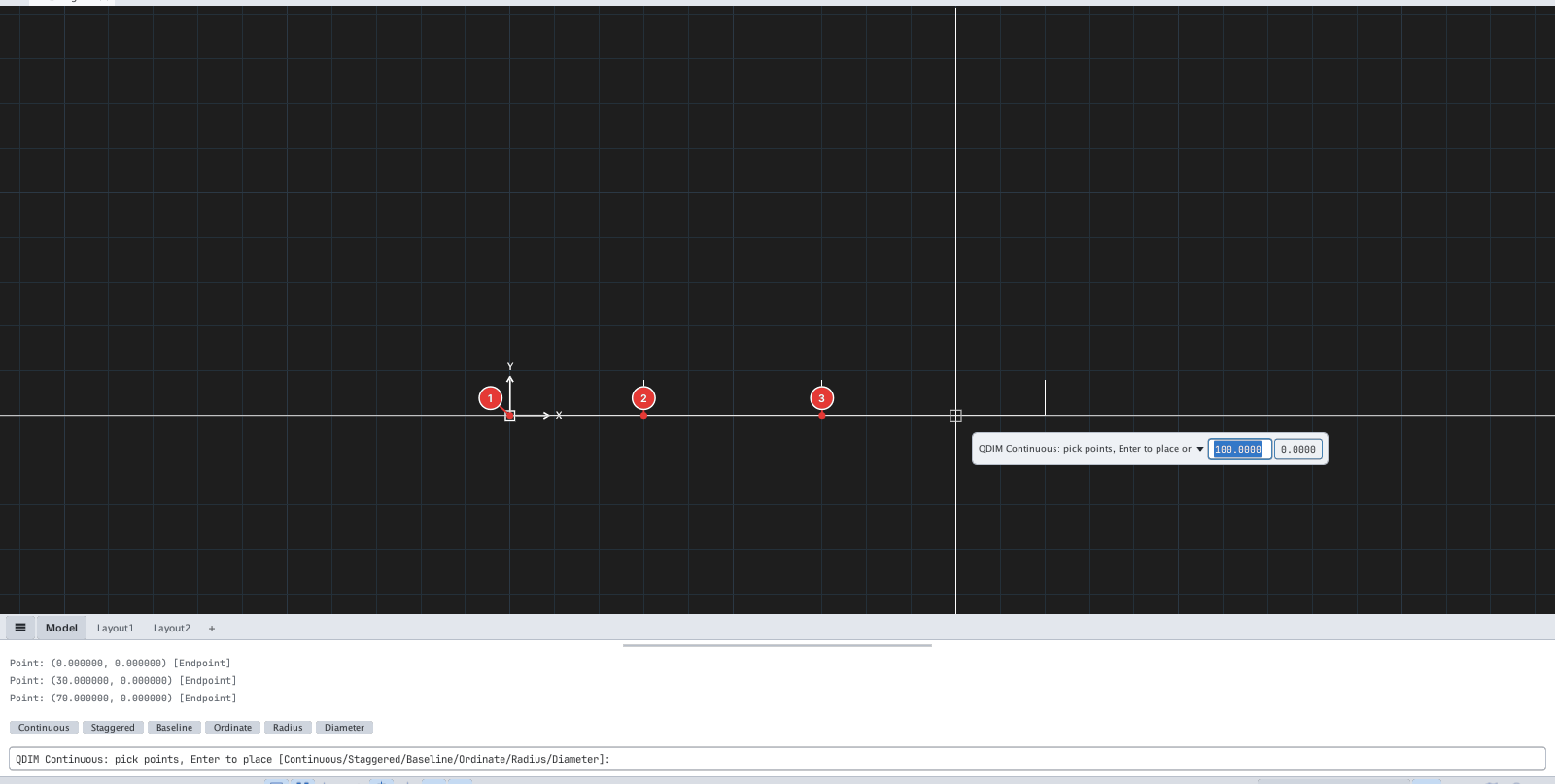
- Click Quick Dimension or type
QDIM, Enter. - Click the points in order (Endpoint snaps automatically).
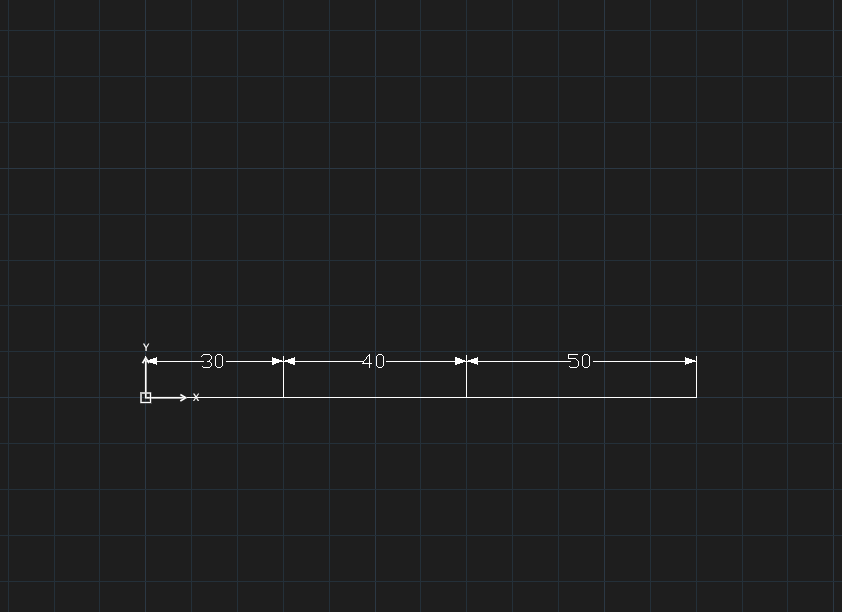
- Press Enter: the dimensions are created.
| Type | Mode | Result |
|---|---|---|
C | Continuous (default) | End-to-end chain |
S | Staggered | Two alternating rows |
B | Baseline | All from the first point |
O | Ordinate | X coordinate of each point |
R / D | Radius / Diameter | Then click a circle or arc to dimension it at once |
Type a mode letter and Enter while picking points to change the mode.