FIELD — Field
 Ribbon: Insert ▸ Data ▸ FieldCommand:
FIELD
A field is text that updates itself from the drawing: date and time, author, file name, an object property or a formula result.
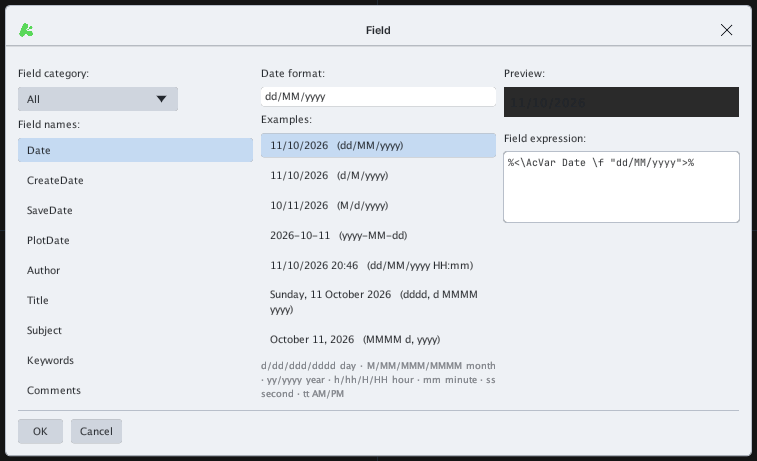
- Type
FIELD, Enter. - Choose the Field category (All…), pick a field name (Date, CreateDate, Author, Title…) and a format from the examples. Field expression shows the expression, for example
%<\AcVar Date \f "dd/MM/yyyy">%. - Click OK, then click where to place the text (
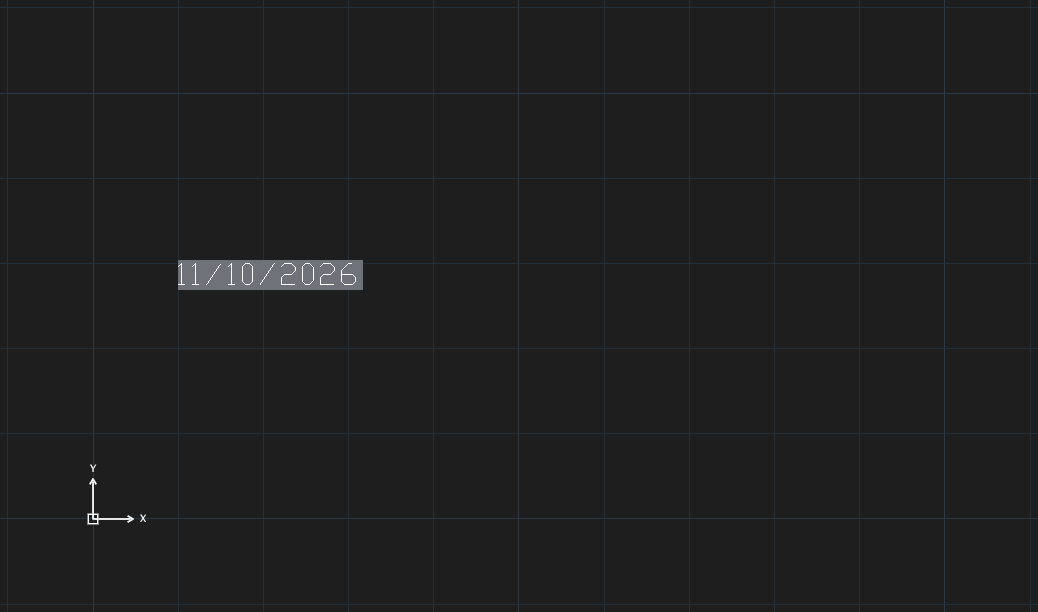
Specify location for the field text:).
Fields can also be inserted from the MTEXT editor (Field…) and by a table cell starting with =.