DIMANGULAR — Angular dimension
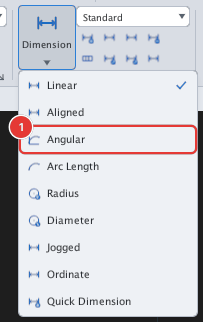
 Ribbon: Annotate ▸ Dimensions ▸ Dimension ▸ AngularCommand:
DIMANGULARAlias: DAN
DIMANGULAR measures the angle between two lines.
Before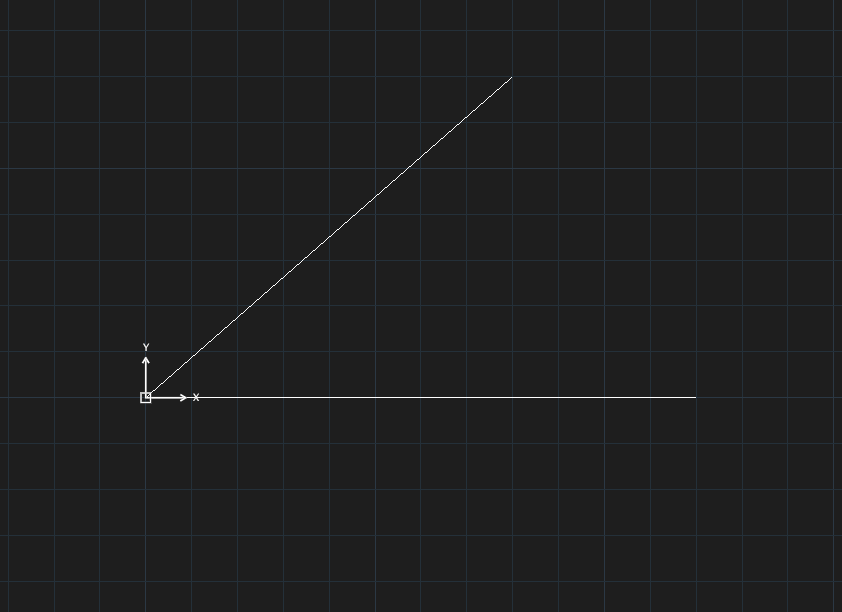
→
After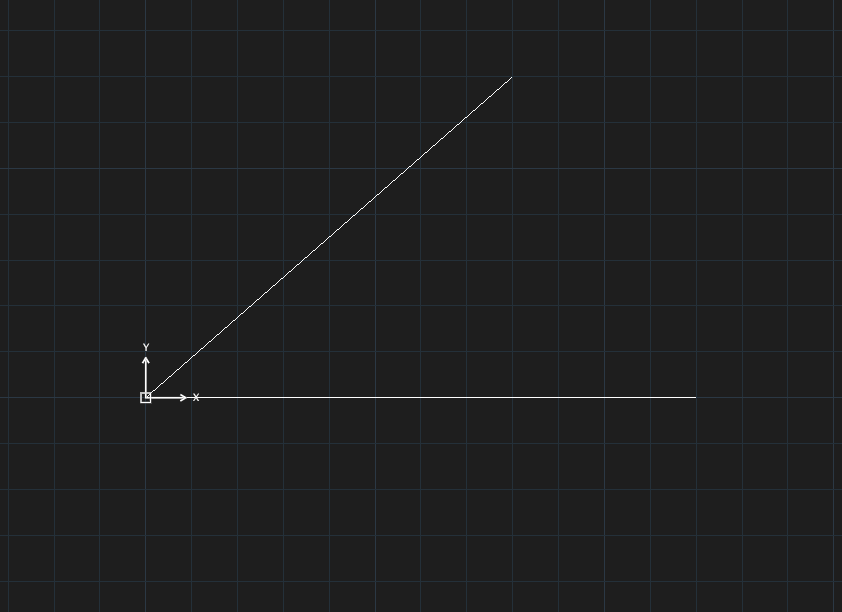
- Click Angular or type
DAN, Enter. Select first line:— click the first line.Select second line:— click the second line.Specify dimension arc location:— click where the dimension arc goes (this chooses the interior or the supplementary angle).
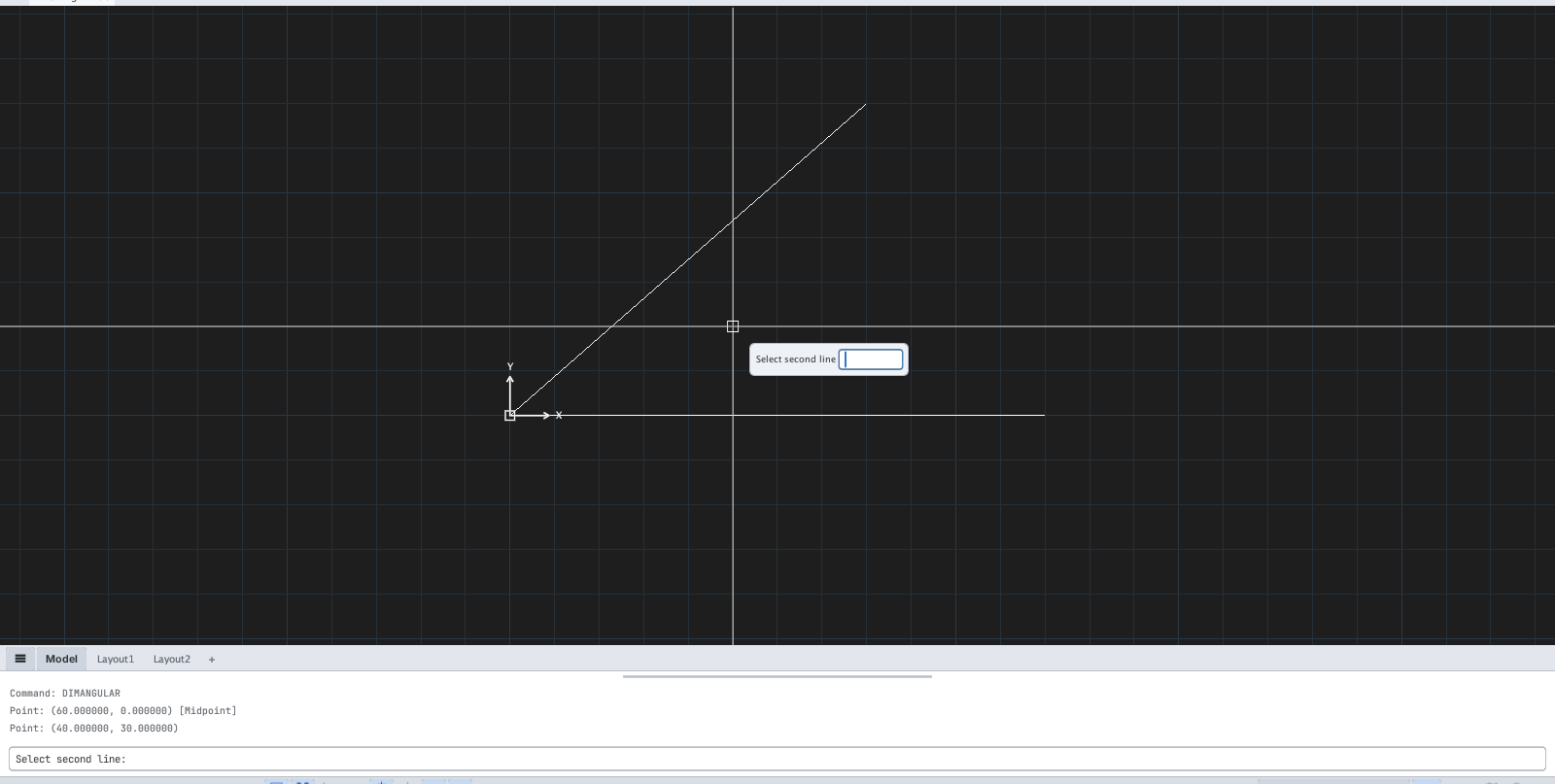
Only two straight lines can be picked; arc angles and the three-point form of AutoCAD are not available.