DIMCONTINUE — Continued dimension
 Ribbon: Annotate ▸ Dimensions ▸ ContinueCommand:
DIMCONTINUEAlias: DCO
DIMCONTINUE starts each new dimension at the end of the previous one, on the same dimension line.
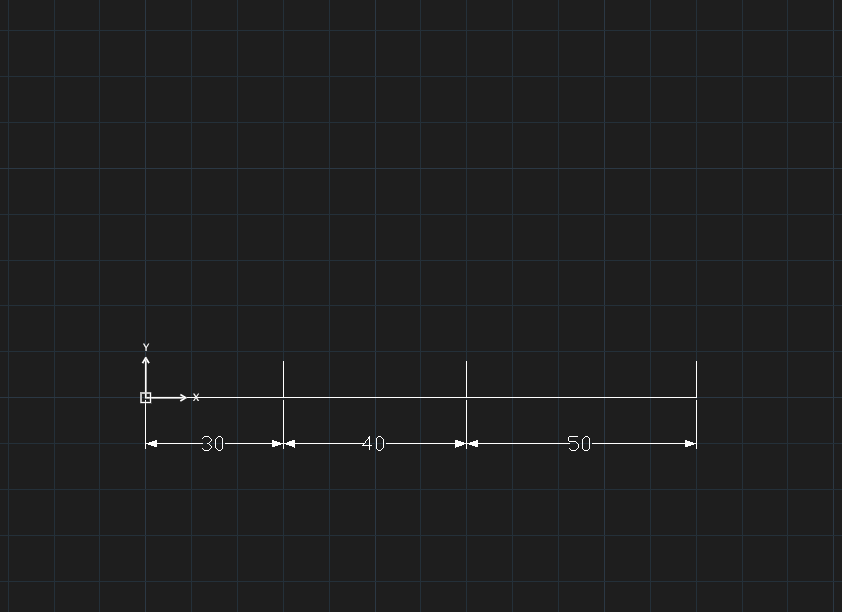
- Create the first linear dimension with DIMLINEAR.
- Click Continue or type
DCO, Enter. - Click the following points (
Specify next extension line origin [Esc to end]:). - Press Esc.