DIMRADIUS — Radius dimension
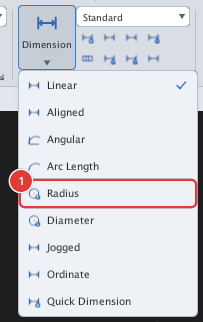
 Ribbon: Annotate ▸ Dimensions ▸ Dimension ▸ RadiusCommand:
DIMRADIUSAlias: DRA
DIMRADIUS gives the radius of a circle or arc (text starts with R).
Before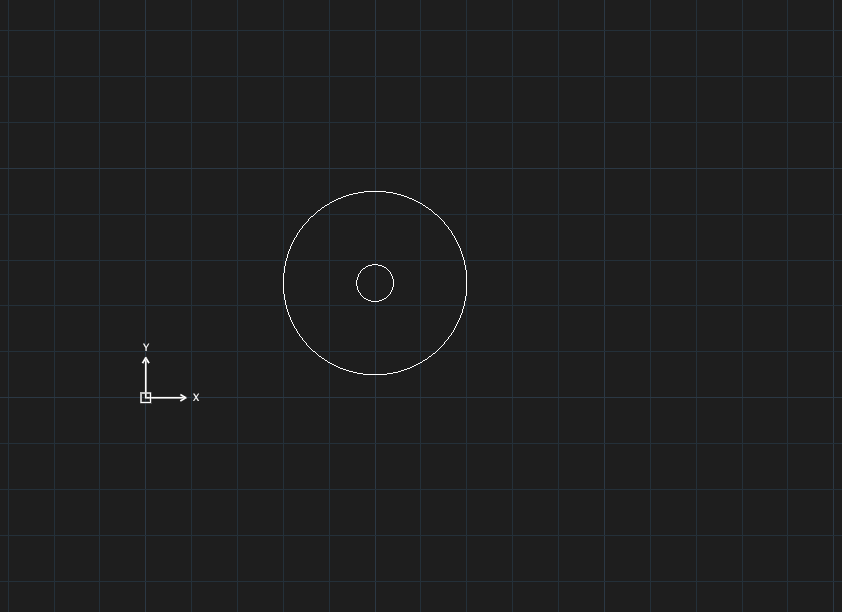
→
After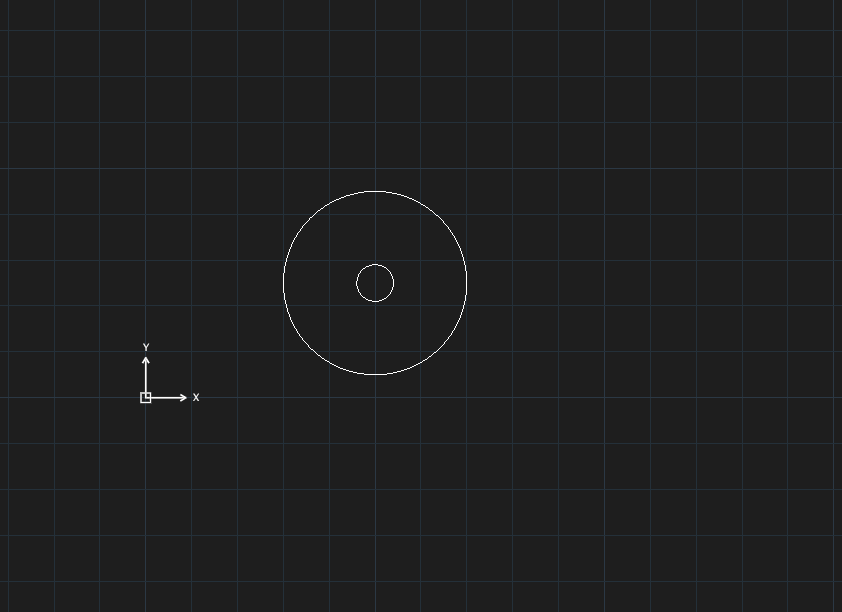
R20.- Click Radius or type
DRA, Enter. Select circle or arc for radius dimension:— click the circle or arc (click a Quadrant point so the pick is certain). The dimension is placed at once at the clicked spot.
The dimension is created after a single click; there is no separate text-position step as in AutoCAD.