TEXT — Single-line text
 Ribbon: Annotate ▸ Text ▸ Single Line TextCommand:
TEXTAlias: DT
TEXT creates a line of text. Each time you press Enter while typing you start another line (each line is a separate text object).
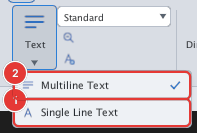
- Click Single Line Text or type
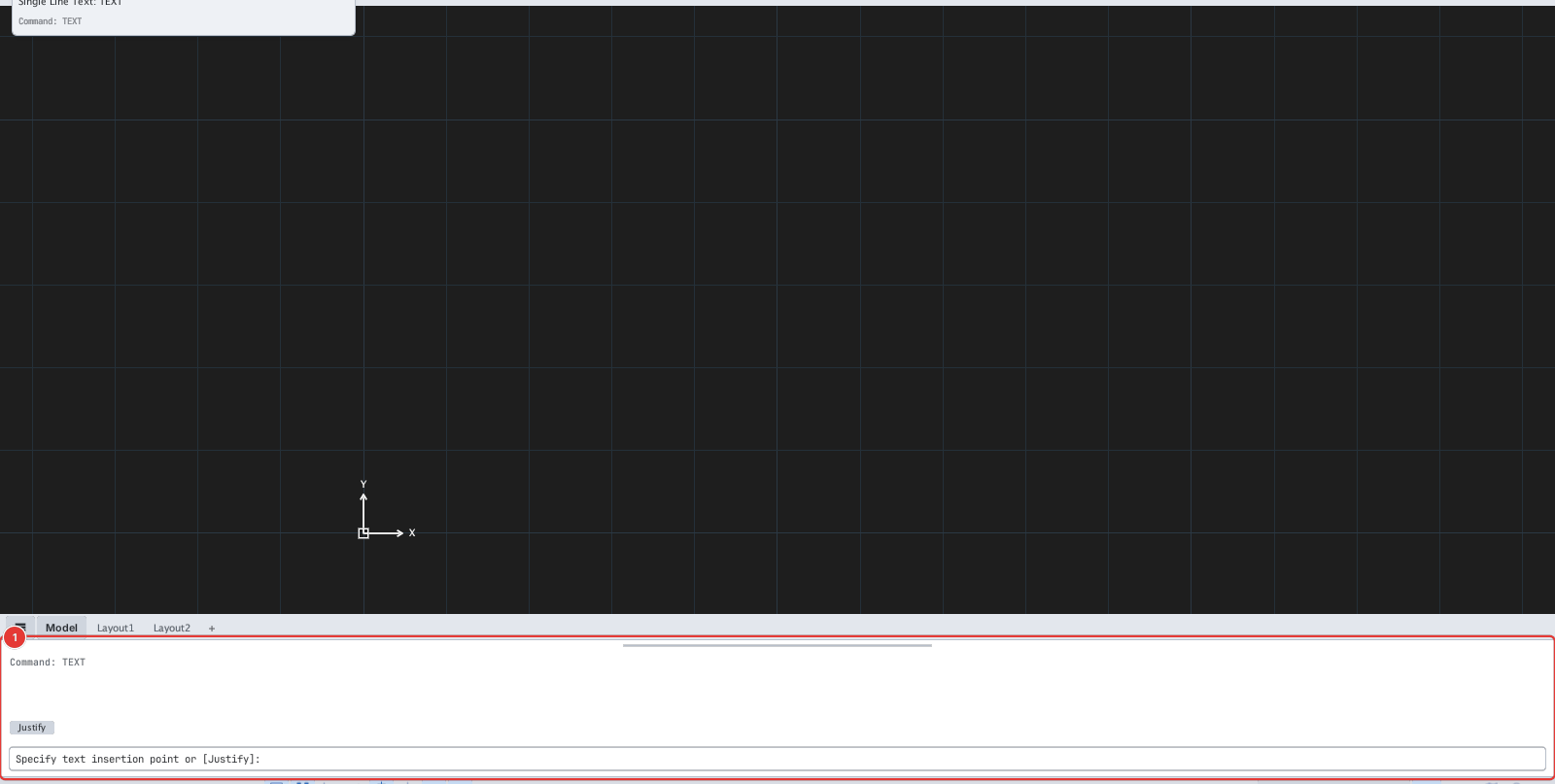
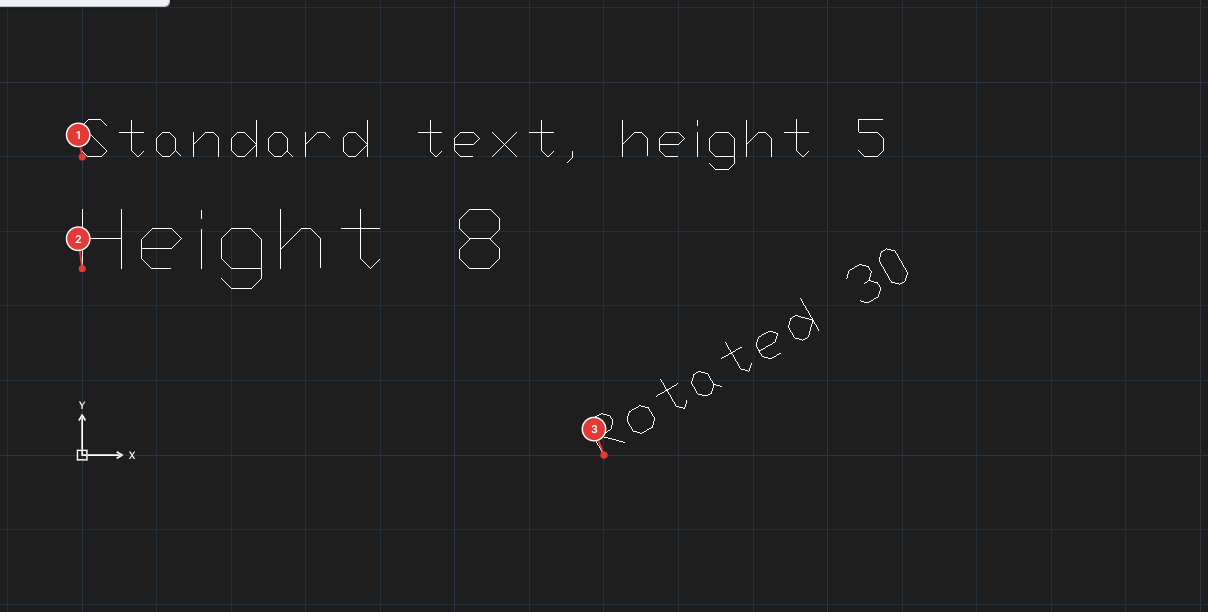
DT, Enter. Specify text insertion point or [Justify]:— click the insertion point, or typeJto choose the justification.Specify height <2.50>:— type the text height (or Enter to keep the old value).Specify rotation angle <0°>:— type the rotation angle.Type text on the drawing — Enter = new line, Esc = finish.— type the text directly at the insertion point; press Esc to finish.
Justification
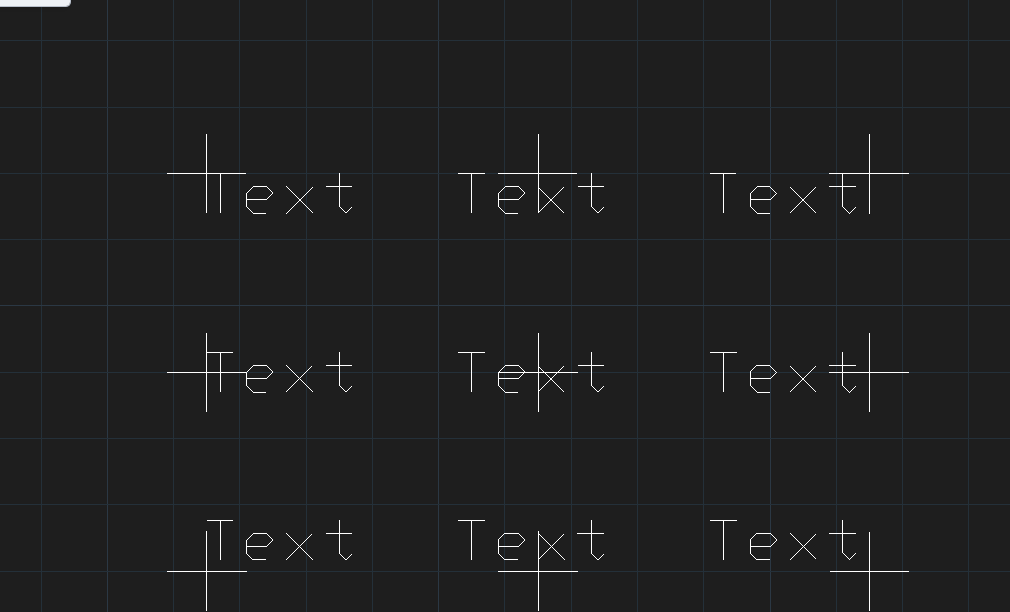
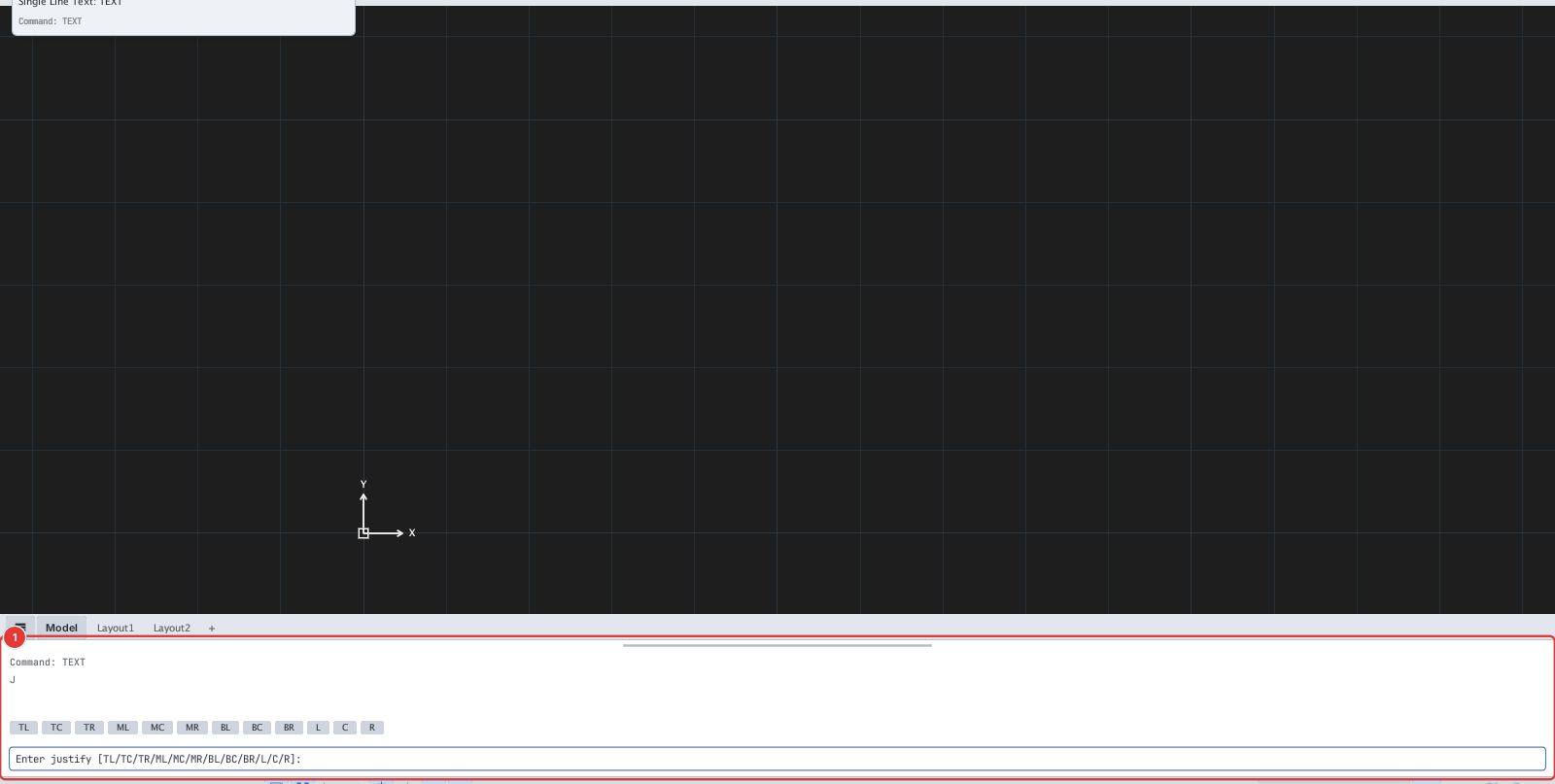
Type J at the first prompt to choose the text anchor. Prompt: Enter justify [TL/TC/TR/ML/MC/MR/BL/BC/BR/L/C/R]:.
The text is typed on the drawing itself, not in the command-line box; to change existing text use TEXTEDIT.