DIMTEDIT — Move dimension text
 Ribbon: Annotate ▸ Dimensions ▸ Edit Dimension TextCommand:
DIMTEDITAlias: DIMTED
DIMTEDIT moves the text of one dimension or aligns it left, right or centred.
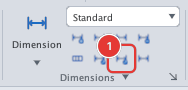
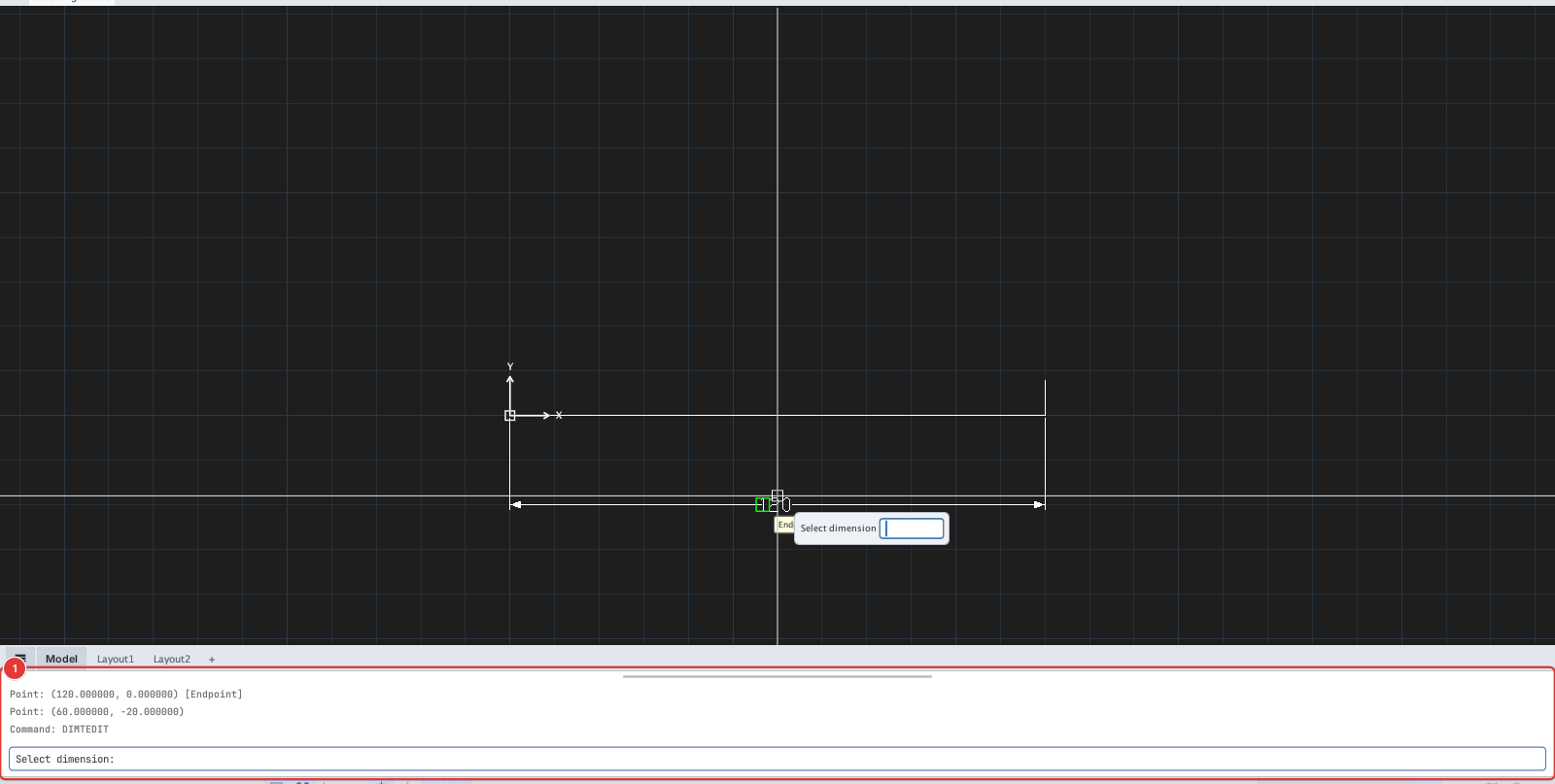
DIMTEDIT, the command line 1 asks Select dimension:.- Click Edit Dimension Text or type
DIMTED, Enter. Select dimension:— click the dimension.Specify new location for dimension text or [Left/Right/Center/Home/Angle]:— click a new position or type an option letter.