DIMEDIT — Edit dimension
 Ribbon: Annotate ▸ Dimensions ▸ Edit DimensionCommand:
DIMEDITAlias: DED
DIMEDIT changes the text of a dimension, rotates it or obliques the extension lines.
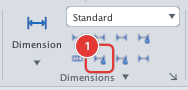
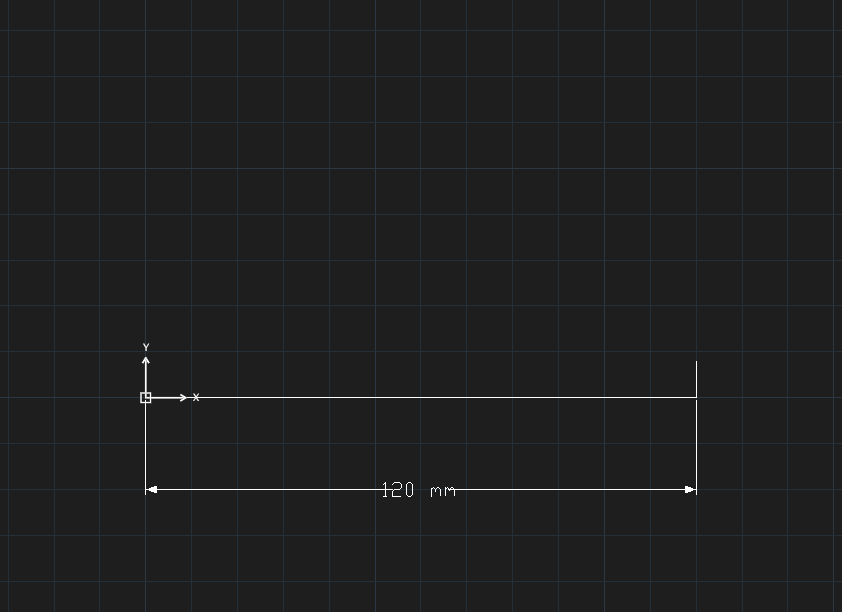
<> mm: <> keeps the measured value, giving 120 mm.- Click Edit Dimension or type
DED, Enter. - Choose an option:
Enter type of dimension editing [Home/New/Rotate/Oblique] <Home>:. - With
N: type the new text (<>= measured value). WithR: type the text rotation angle. WithO: type the oblique angle. - Select the dimensions at
Select objects(you can typeALL), press Enter.
| Option | Effect |
|---|---|
H Home | Return the text to its original position |
N New | Replace the text |
R Rotate | Rotate the text |
O Oblique | Oblique the extension lines |