DIMSPACE — Adjust dimension spacing
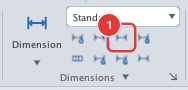
 Ribbon: Annotate ▸ Dimensions ▸ Adjust SpaceCommand:
DIMSPACEAlias: DIMSP
DIMSPACE sets the distance between stacked dimension lines.
Before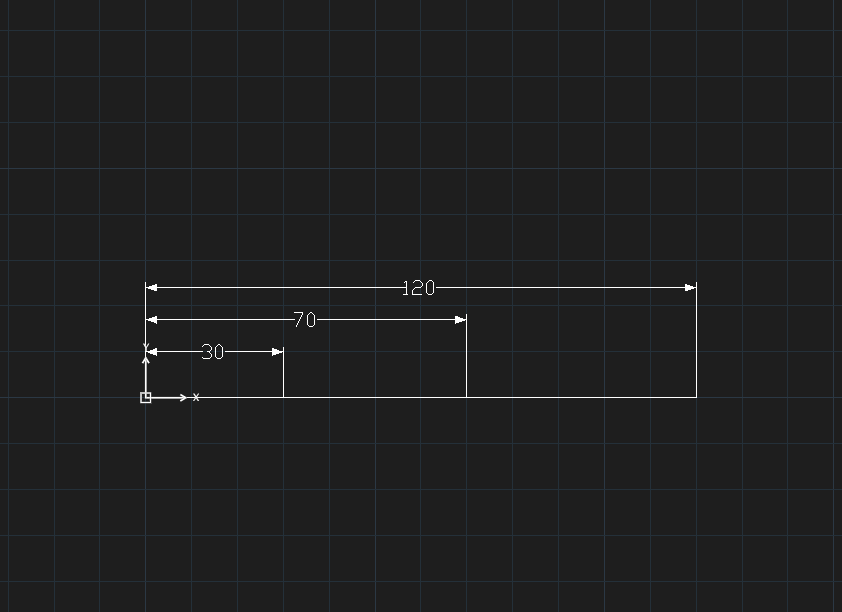
→
After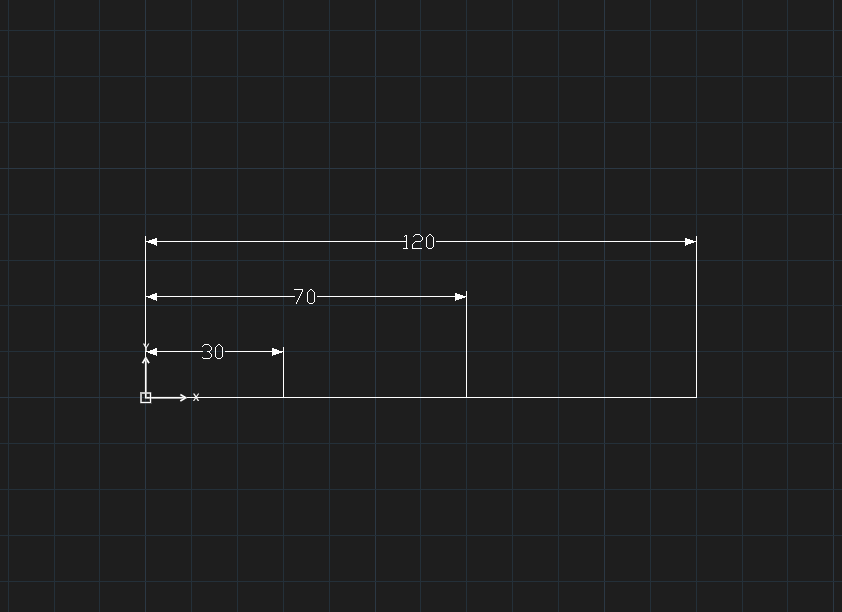
- Select first the dimensions to space (window or click each).
- Type
DIMSPACE, Enter. The command line asksDIMSPACE — enter spacing (0 or A = Auto):. - Type the spacing (for example
12), Enter.
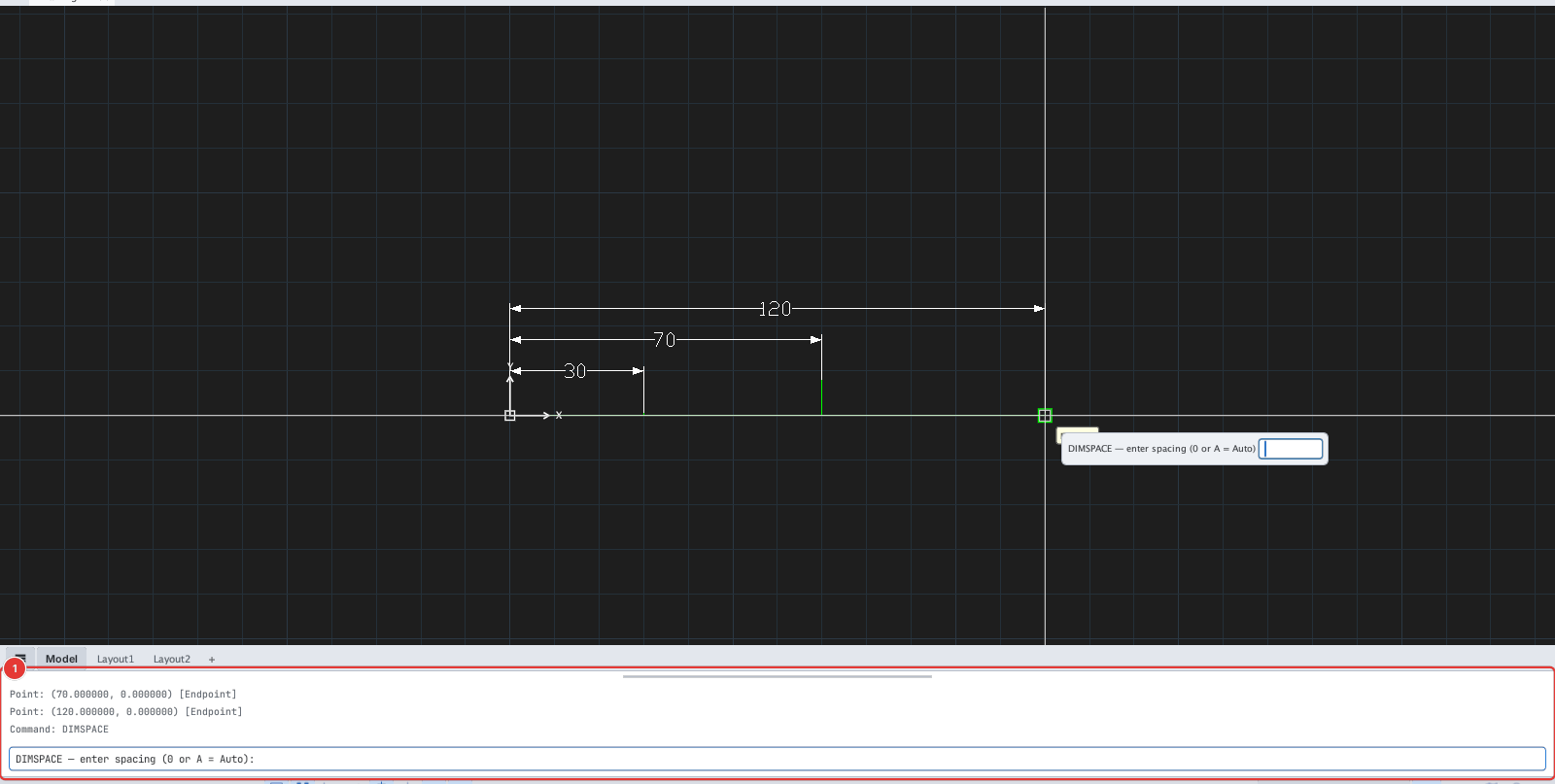
Unlike AutoCAD, the command works on a selection of dimensions instead of asking for a base dimension and then the ones to adjust. With nothing selected it asks Select objects: so you can pick them.