ANNOTATIVE and ANNOSCALE — Annotation scale
 Ribbon: Annotate ▸ Annotation ScalingCommand:
ANNOTATIVE, ANNOSCALE
An annotative object keeps a fixed plotted size: when the annotation scale changes, its size in the drawing changes with it.
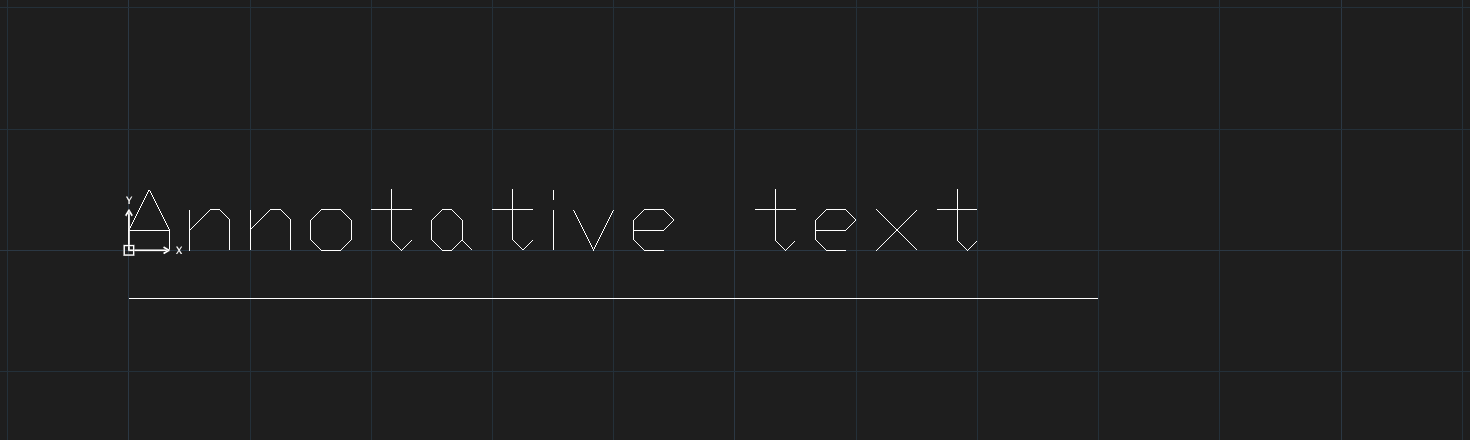
An annotative object resizes only for the scales assigned to it; with an annotation scale it does not have, it keeps its previous size (as in AutoCAD with ANNOALLVISIBLE = 1).
- Type
ANNOTATIVE, select objects, Enter to mark them annotative. - Type
ANNOSCALEand then the scale (Enter annotation scale (e.g. 1, 0.5, 2) — CANNOSCALE:), or use the scale list on the ribbon / status bar.