DIMALIGNED — Aligned dimension
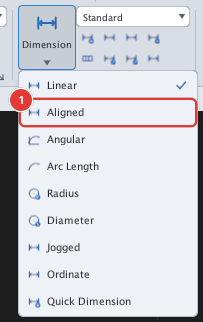
 Ribbon: Annotate ▸ Dimensions ▸ Dimension ▸ AlignedCommand:
DIMALIGNEDAlias: DAL
DIMALIGNED measures the true distance between two points and places the dimension line parallel to the segment joining them — use it for sloped edges.
Before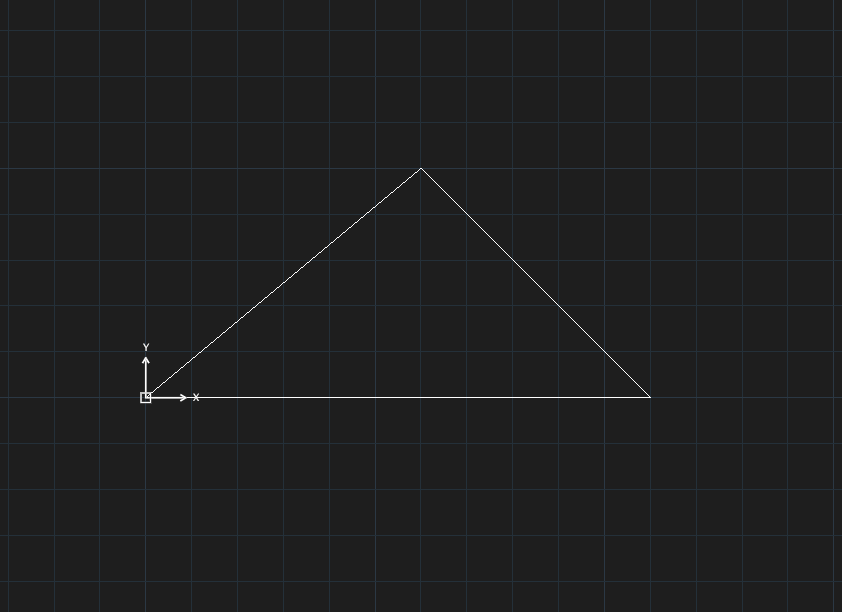
→
After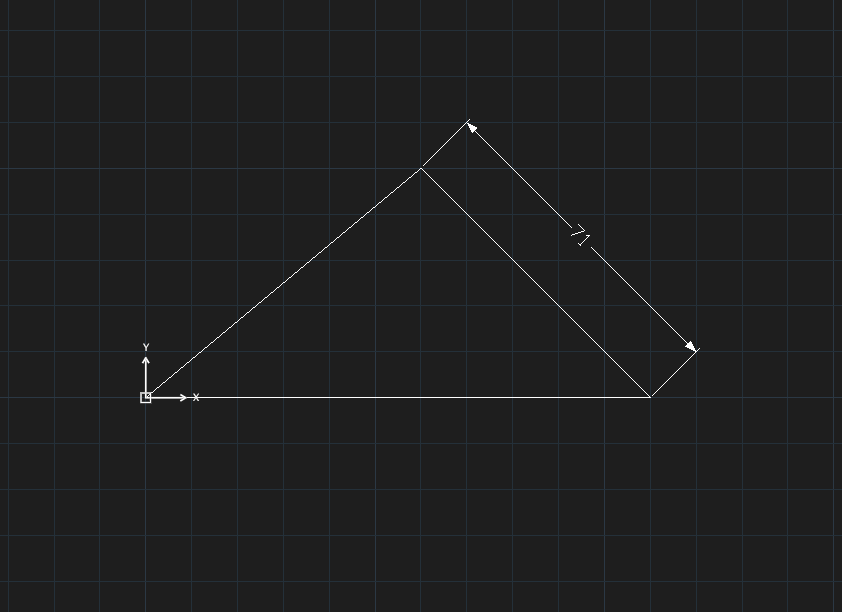
- Click Aligned or type
DAL, Enter. - Click the two ends of the sloped side (prompts
Specify first extension line origin or <select object>:thenSpecify second extension line origin:). - Click a point outside the side to place the dimension line (
Specify dimension line location or [Mtext/Text/Angle]:). Enter at the first prompt lets you select a line / arc / polyline segment; Mtext / Text / Angle work as in DIMLINEAR.
For a horizontal or vertical edge DIMALIGNED gives the same result as DIMLINEAR.