HATCHEDIT — Edit hatch
Ribbon: Modify ▸ Edit HatchCommand: HATCHEDITAlias: HE
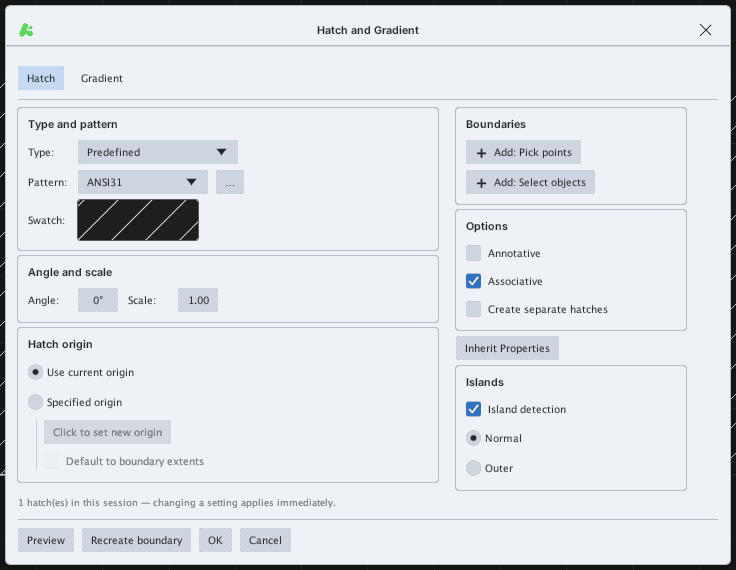
HATCHEDIT reopens the Hatch and Gradient dialog for the selected hatch so you can change its pattern, scale, angle, origin or switch it to a gradient. Double-clicking a hatch also works.
- Type
HE, Enter, then select the hatch (or select it first). - Change the settings in the dialog: changes apply at once.
- Click OK.