0. Installation and activation
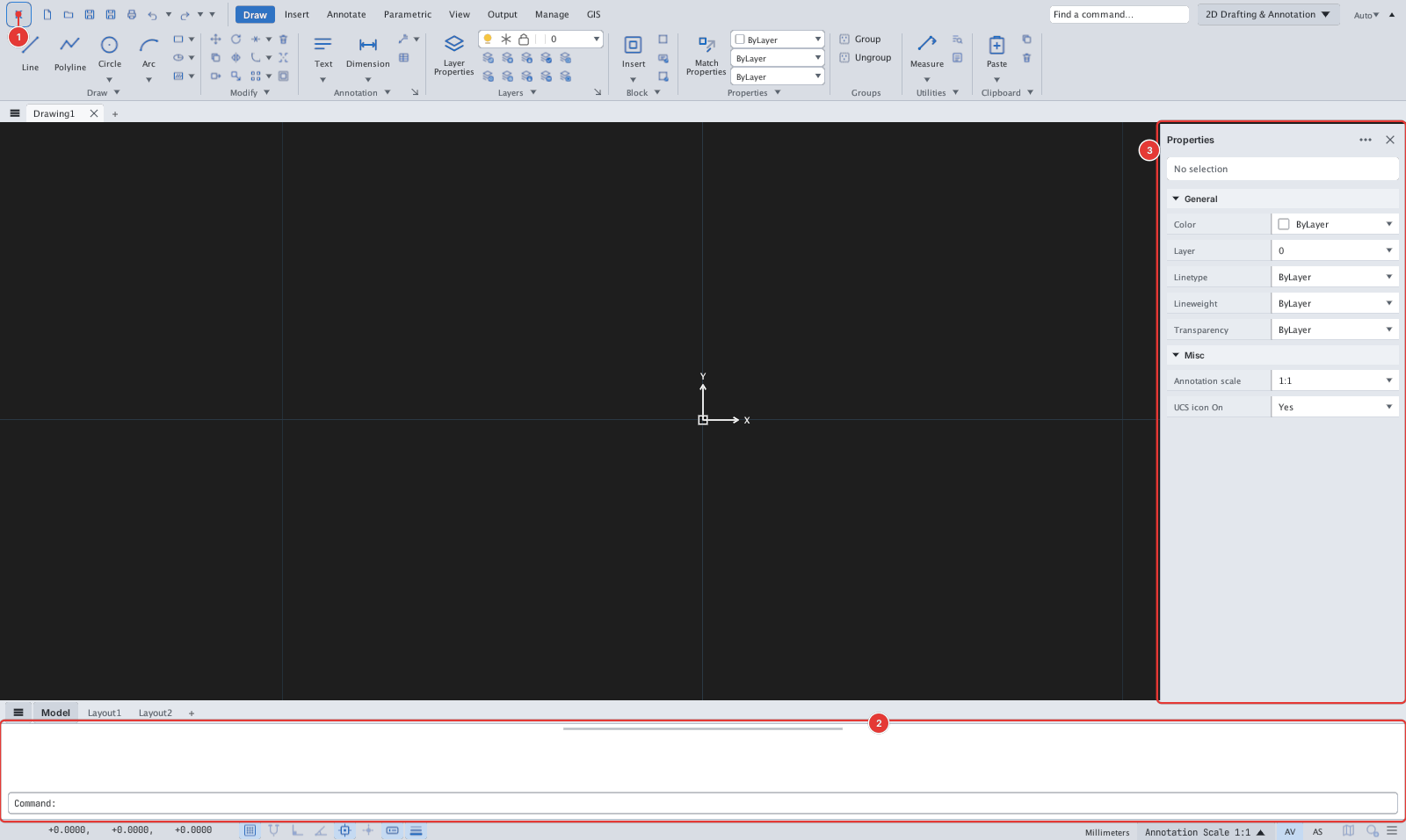
This chapter covers installing KufCad, the first launch and license activation.
| Page | Contents |
|---|---|
| System requirements | Operating system, graphics, disk |
| Installation | Windows and macOS packages, running it the first time |
| First launch | What you see, which configuration folder is created |
| License activation | Machine ID, pasting the key, the License window |
| Configuration folder | Files KufCad stores on your computer |