TEXTEDIT and text editing tools
 Ribbon: Annotate ▸ Text (hàng trượt)Command:
TEXTEDIT, JUSTIFYTEXT, SCALETEXT, FIND, SPELLAlias: ED
These commands modify existing text.
TEXTEDIT (ED)
Type ED and click the text; the command line shows the current content (Current: "…" — type new text:) and takes the new content. For MTEXT the editor dialog opens, for a table the Table Editor. Double-clicking text also opens the editor.
JUSTIFYTEXT
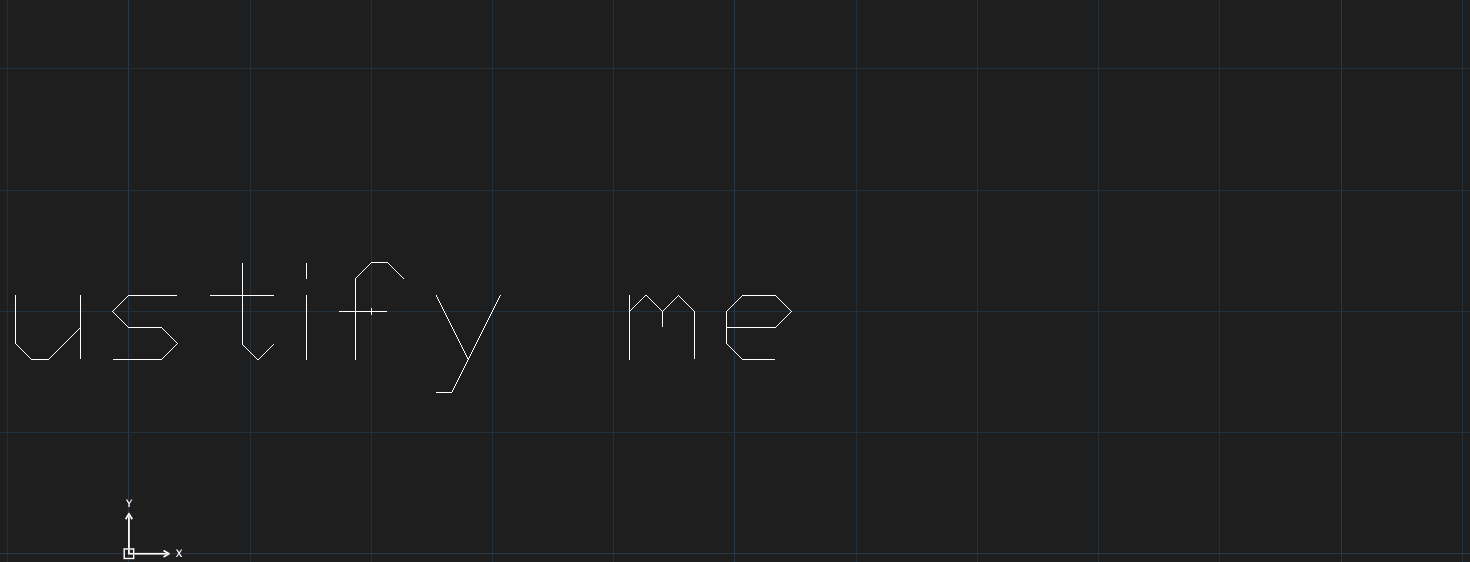
- Select the text and type
JUSTIFYTEXT, Enter (or type the command and then select). JUSTIFYTEXT — enter [L/C/R or TL/TC/TR/ML/MC/MR/BL/BC/BR]:— type the justification.
SCALETEXT
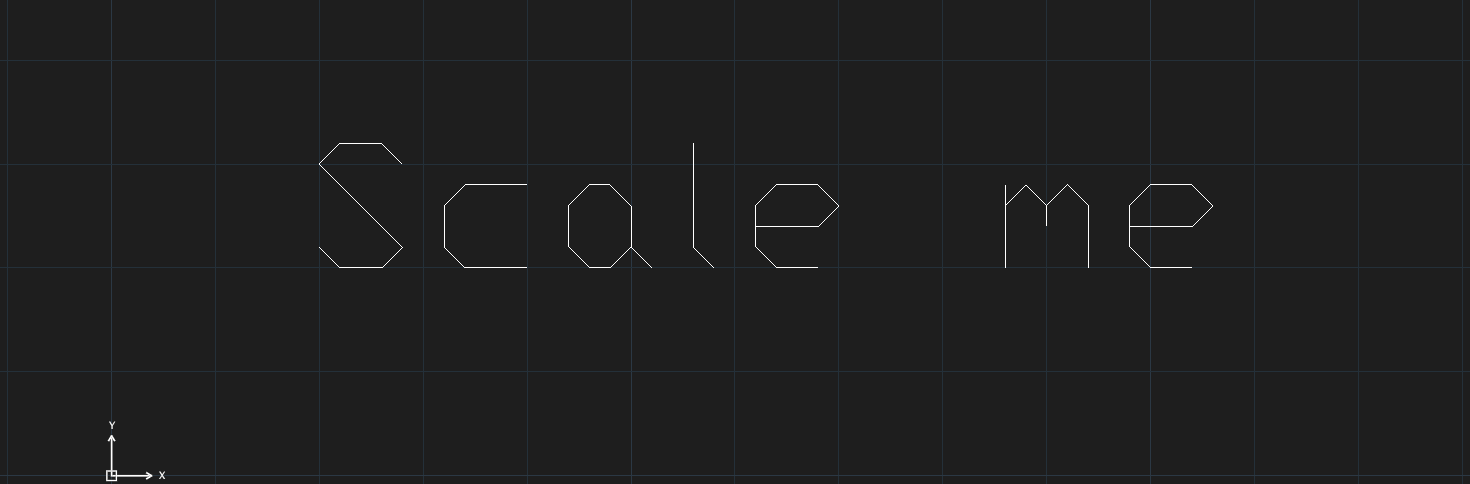
Scale me doubled in height with its insertion point unchanged.- Type
SCALETEXT, select the text, Enter. SCALETEXT — enter scale factor (e.g. 2, 0.5):— type the factor.
FIND and SPELL
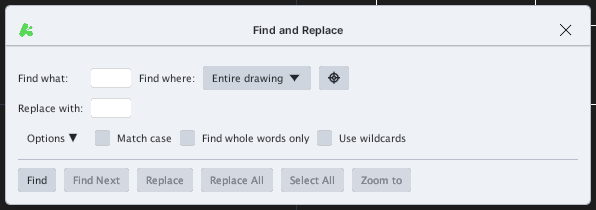
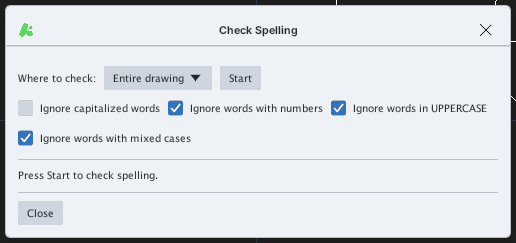
SPELL, select the text objects, then Enter).