DIMBREAK — Break dimension
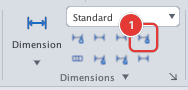
 Ribbon: Annotate ▸ Dimensions ▸ BreakCommand:
DIMBREAKAlias: DIMBRK
DIMBREAK cuts a gap in a dimension or extension line where it crosses another object, for legibility.
Before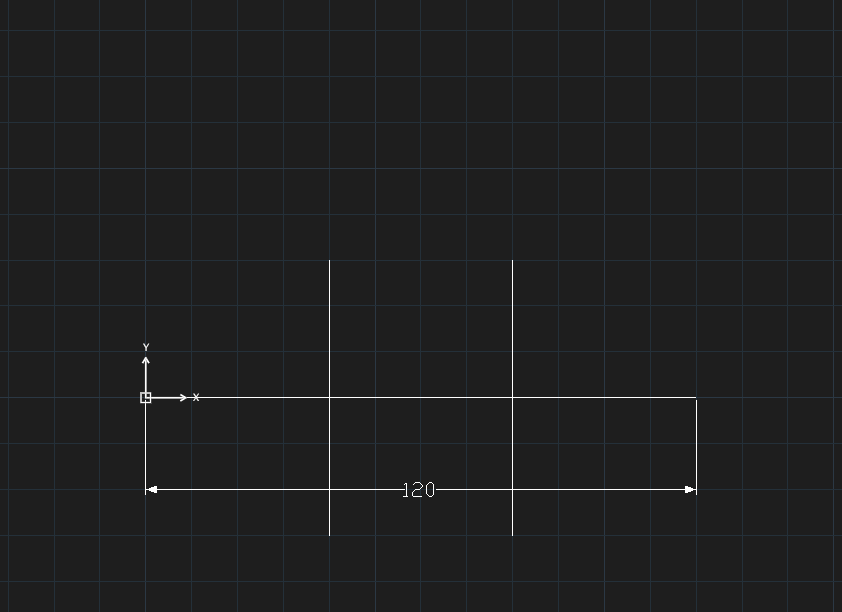
→
After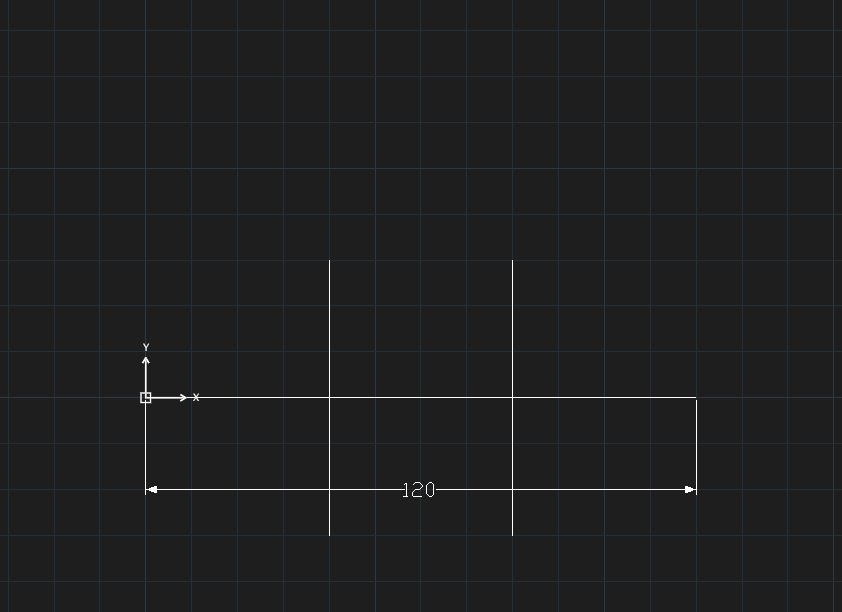
- Click Break or type
DIMBREAK, Enter. DIMBREAK: select the dimension to break:— click the dimension.DIMBREAK: pick crossing objects to break at (Esc to end):— click each crossing object, then press Esc.