DIMBASELINE — Baseline dimension
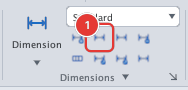
 Ribbon: Annotate ▸ Dimensions ▸ BaselineCommand:
DIMBASELINEAlias: DBA
DIMBASELINE continues from the linear dimension you just made: every new dimension shares its first origin and stacks above the previous one.
Before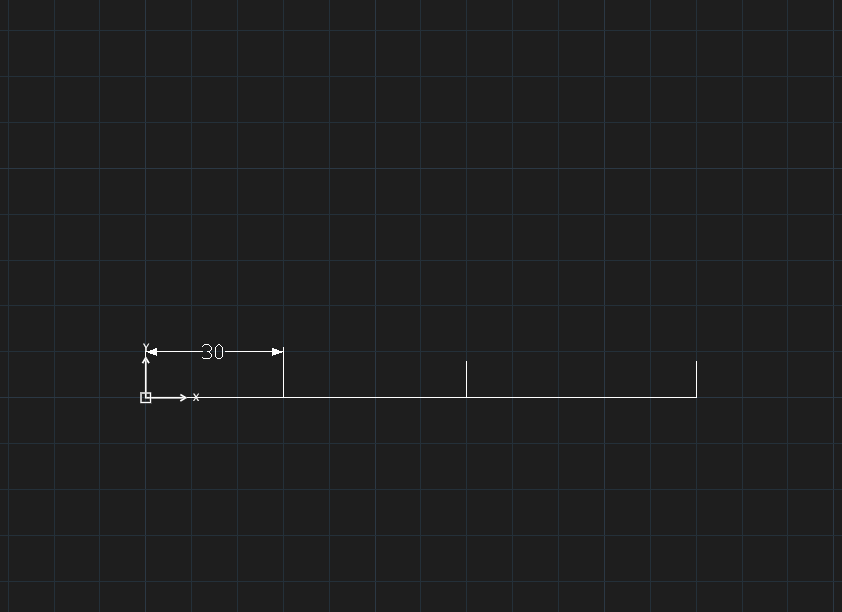
→
After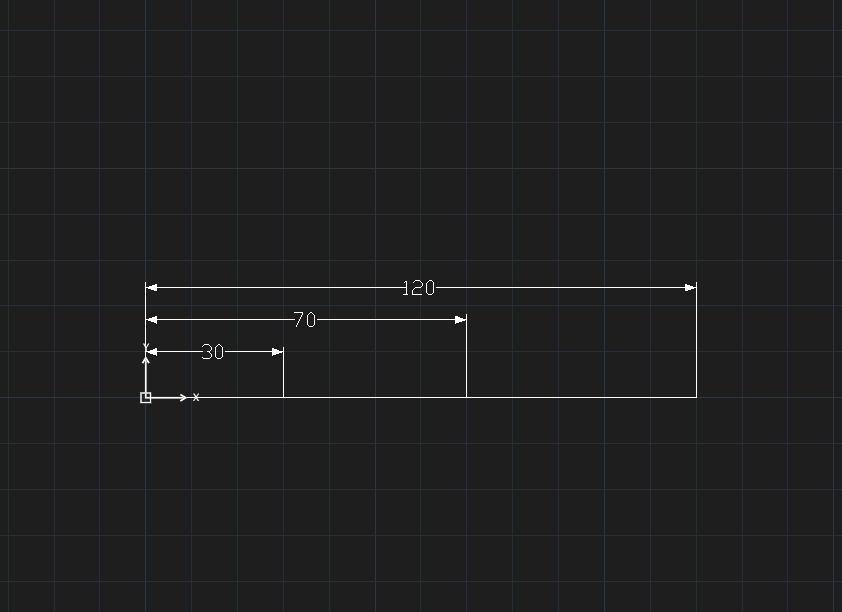
- Create a linear dimension with DIMLINEAR, placing the dimension line above the points.
- Click Baseline or type
DBA, Enter. Specify next extension line origin [Esc to end]:— click each following point.- Press Esc to finish.
New dimensions stack away from the object, on the side where the first dimension sits (above or below the measured points).