DIMORDINATE — Ordinate dimension
 Ribbon: Annotate ▸ Dimensions ▸ Dimension ▸ OrdinateCommand:
DIMORDINATEAlias: DOR
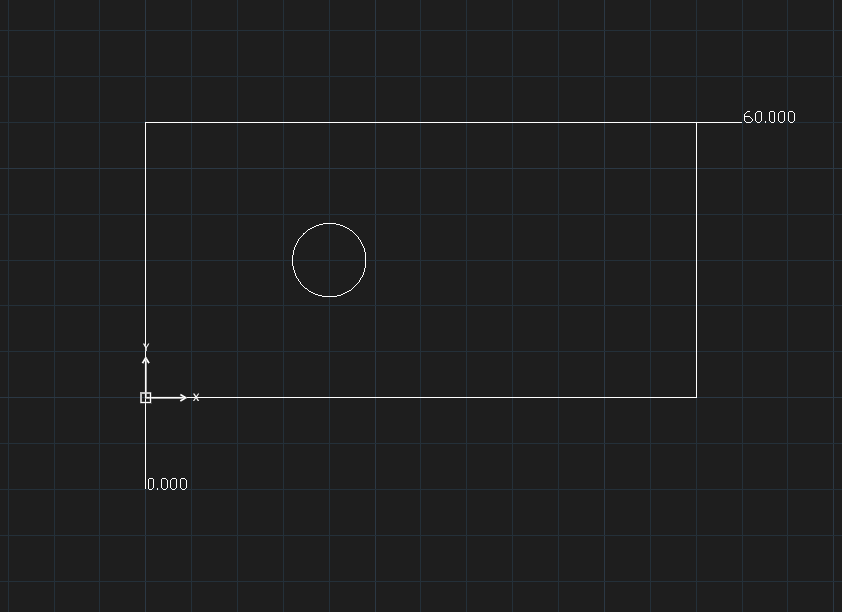
DIMORDINATE labels the X or Y coordinate of a point relative to the origin with a short leader and a number.
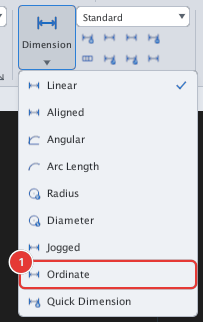
- Click Ordinate or type
DOR, Enter. - Click the point to label.
Specify leader endpoint (drag ⊥ for X, ∥ for Y):— drag vertically for an X coordinate, horizontally for a Y coordinate, then click.
The coordinate always shows three decimals and ignores the Precision of the dimension style.