Other dimension tools
 Ribbon: Annotate ▸ Dimensions / CenterlinesCommand:
TOLERANCE, CENTERMARK, CENTERLINE, DIMJOGLINE, DIMOVERRIDE
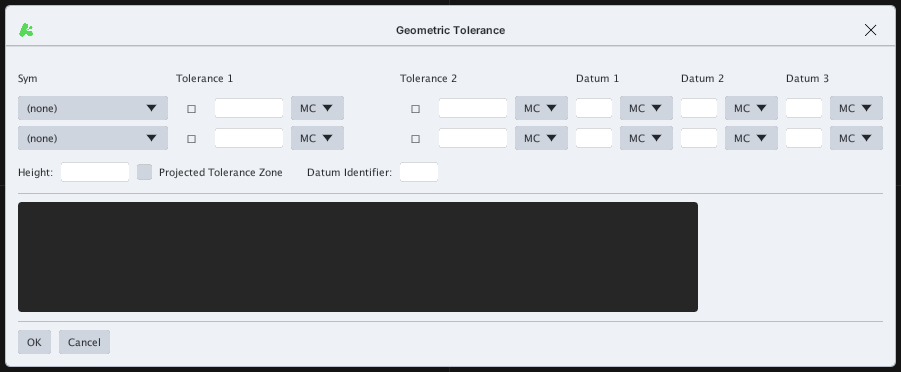
TOLERANCE
Inserts a geometric tolerance (GD&T) feature control frame.
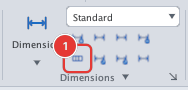
CENTERMARK and CENTERLINE
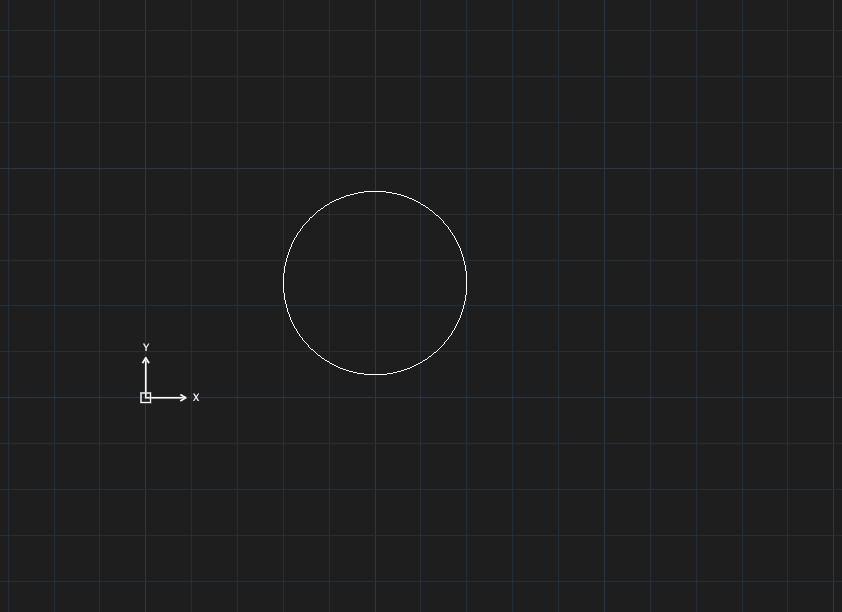
CENTERMARK: a plus mark at the centre of a circle.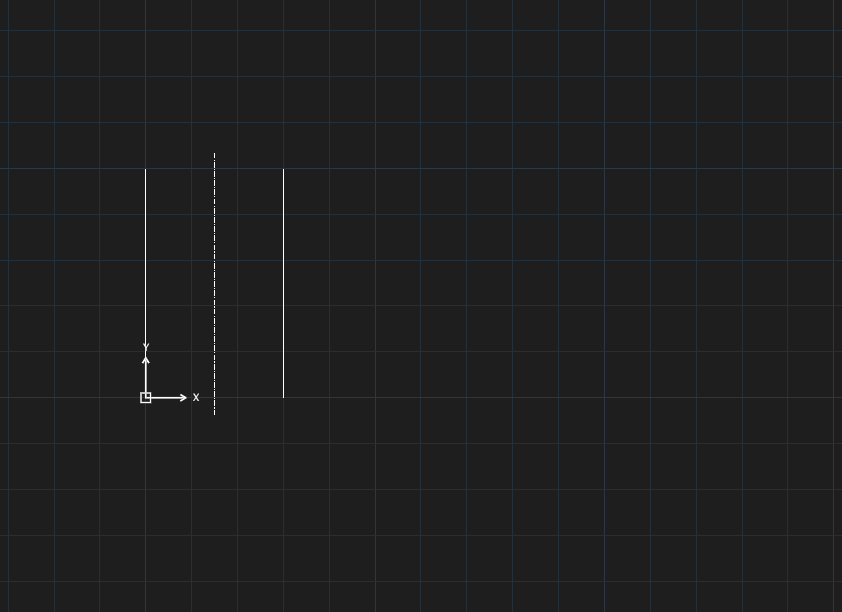
CENTERLINE: a dash-dot centre line between two parallel lines.CENTERMARK, click a circle or arc, then Esc.CENTERLINE, click two parallel lines, then Esc.
DIMJOGLINE and DIMOVERRIDE
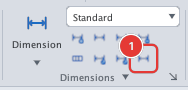
DIMJOGLINE adds a jog to a linear dimension line (Select dimension to add jog or [Remove]:). DIMOVERRIDE overrides a dimension variable for chosen dimensions (Enter dimension variable name to override or [Clear overrides]:, enter the variable name and value, then select the dimensions).