GRADIENT — Gradient fill
 Ribbon: Draw ▸ Draw ▸ GradientCommand:
GRADIENTAlias: GD
GRADIENT fills a closed area with a colour blend. It uses the Gradient tab of the same Hatch and Gradient dialog.
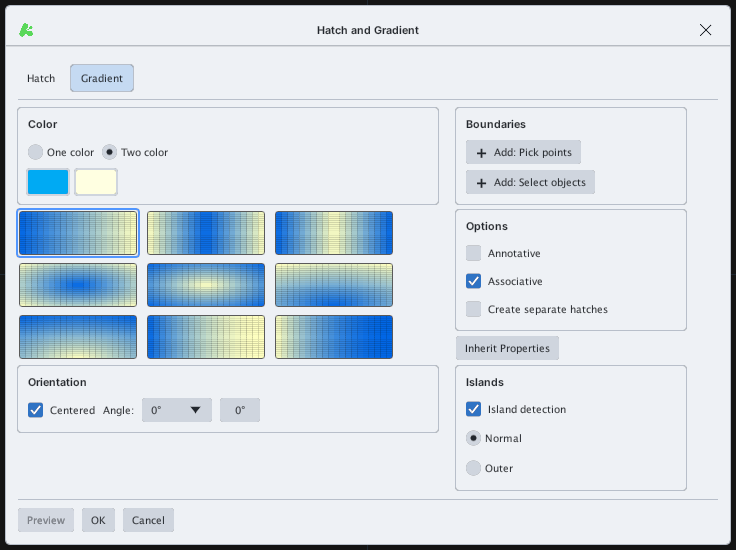
- Type
GD, Enter. - Choose the colours and shape; pick the area as with HATCH (Add: Pick points / Select objects). Prompt
GRADIENT: pick internal point (Esc to finish):.