FILLET — Round a corner
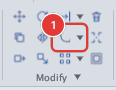
 Ribbon: Draw ▸ Modify ▸ FilletCommand:
FILLETAlias: F
FILLET joins two objects with an arc of a given radius and trims the excess at both ends. Use it to round part corners and wall corners. A radius of 0 gives a clean sharp corner between two lines.
Before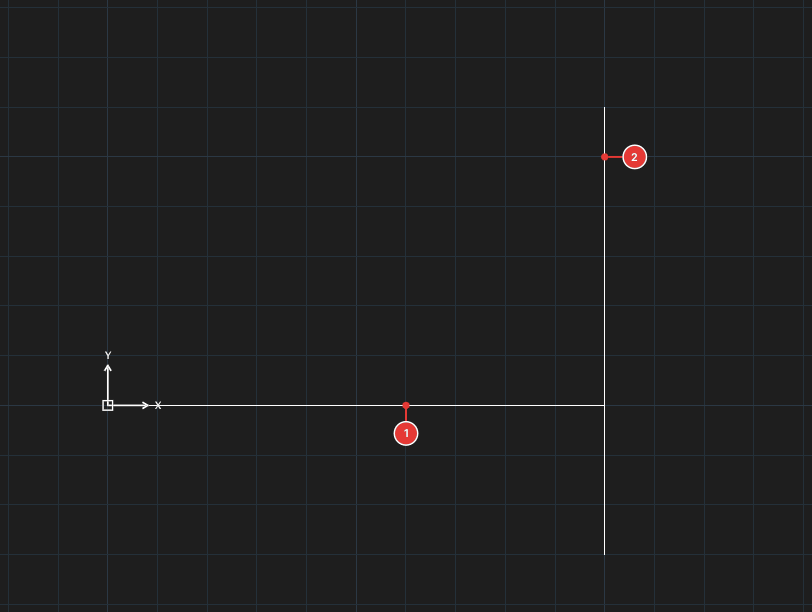
→
After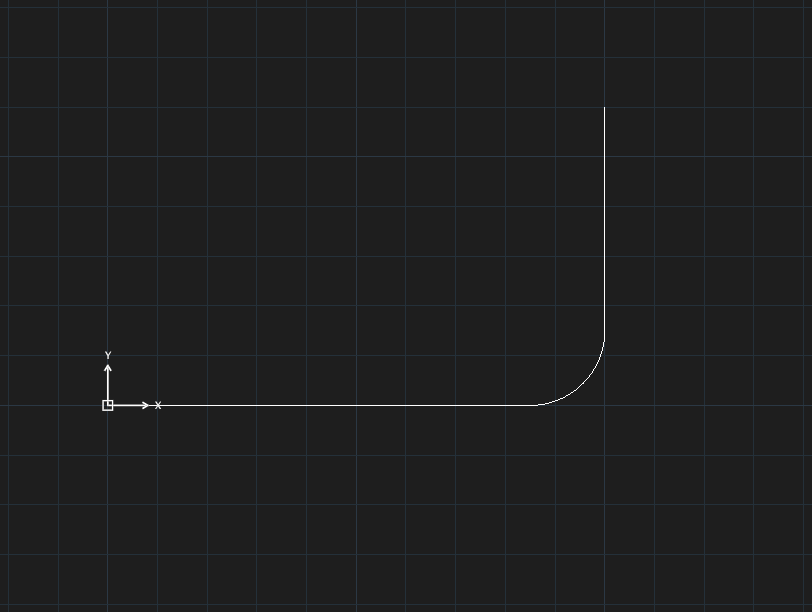
Rounding two lines
- Click Fillet, or type
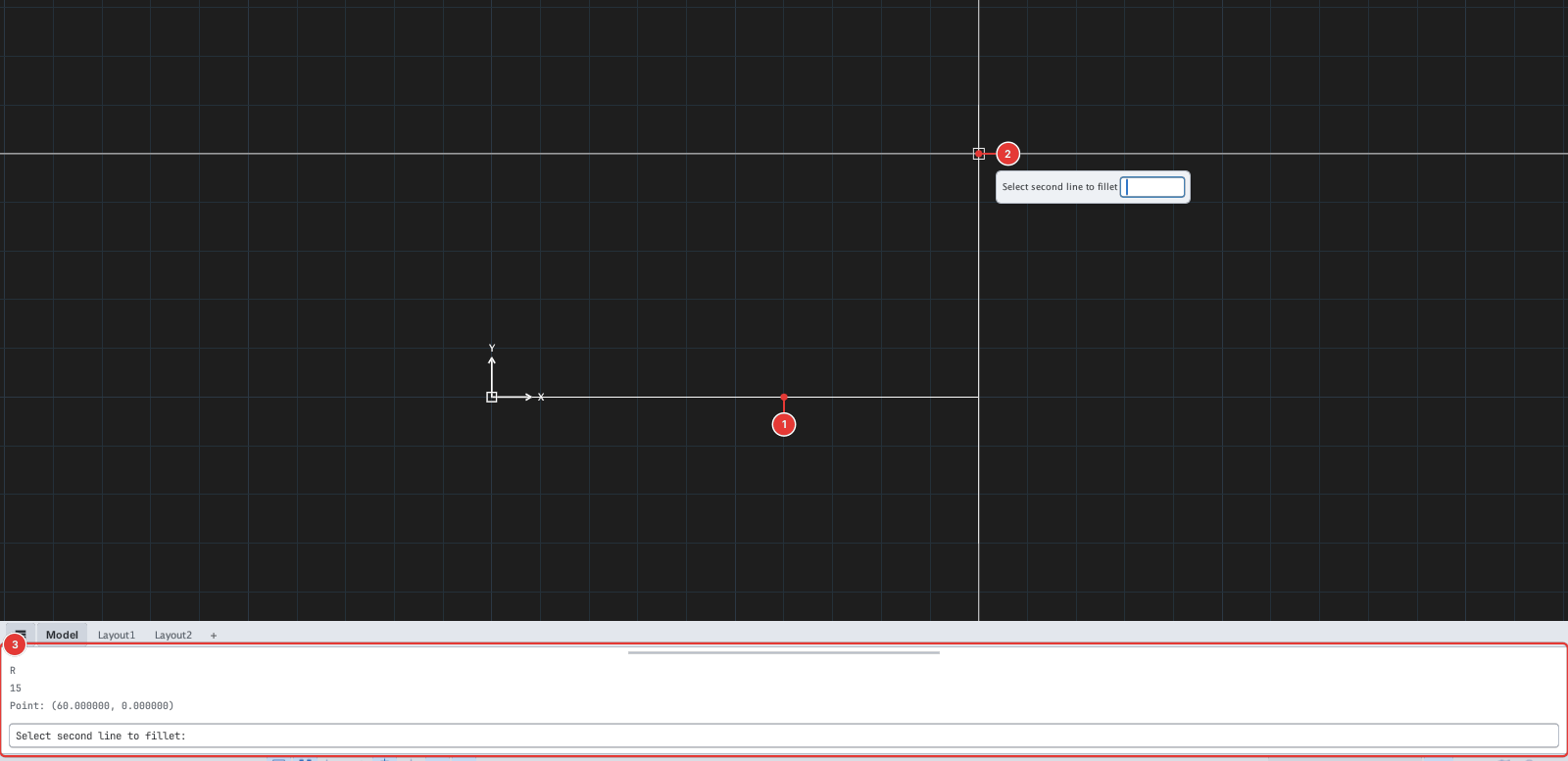
Fand press Enter. The command line showsSelect first line or [Radius/Polyline/Multiple/Trim] (R=1.000)— the number in brackets is the current radius. - Type
R, Enter, then the radius, for example15, Enter. The radius is remembered for next time. - Click the first line 1, then the second line 2. Where you click decides which pieces are kept.
- The command ends after each pair (unless Multiple is on).
Round every corner of a polyline
- Run
Fand set the radius withR. - Type
P(Polyline), Enter. The prompt readsSelect polyline to fillet all corners. - Click the polyline (or rectangle): all its corners are rounded in one go.
Before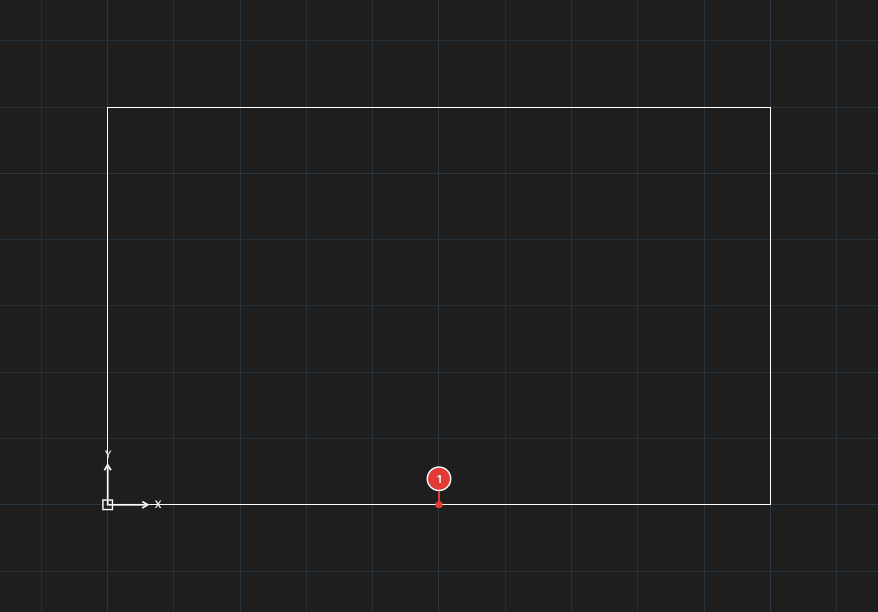
→
After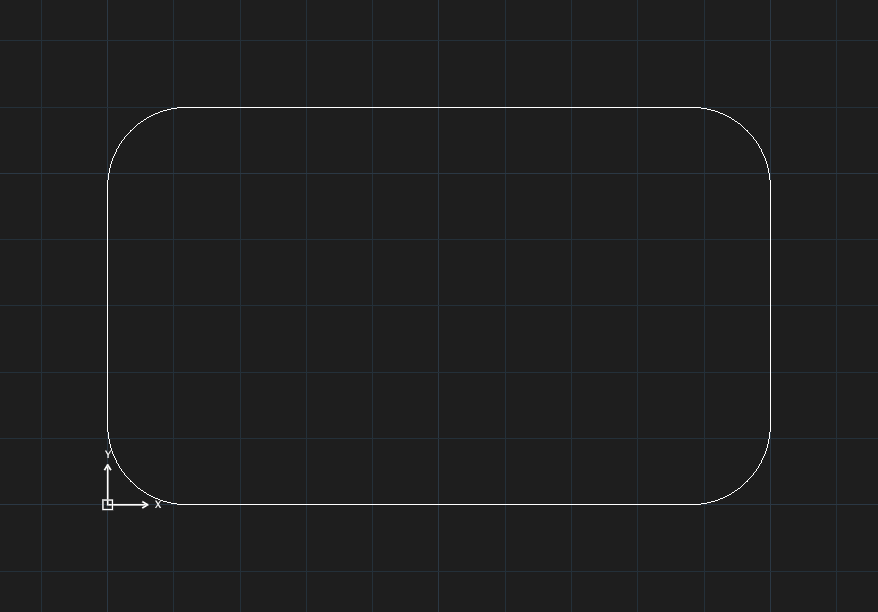
Options
| Type | Option | Effect |
|---|---|---|
R | Radius | Sets the fillet radius. 0 joins two lines in a sharp corner. |
P | Polyline | Rounds every corner of a polyline / rectangle. |
M | Multiple | Turns on rounding several pairs in a row without retyping the command. |
T | Trim | Switch between Trim (cut off the excess, default) and NoTrim (keep both lines, only draw the arc). The prompt shows ·NoTrim when trimming is off. |
The current values (R=…, ·NoTrim, ·M) are shown right in the prompt.
Notes
- Two parallel lines cannot be filleted.
- The fillet arc takes the layer, colour (including ByLayer) and linetype of the filleted objects; a polyline filleted with
Pkeeps its own properties. - Each run of FILLET is one undo step.