LENGTHEN — Change length
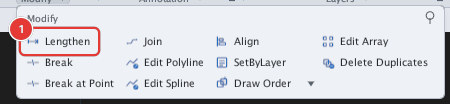
 Ribbon: Draw ▸ Modify ▸ slide-out ▸ LengthenCommand:
LENGTHENAlias: LEN
LENGTHEN lengthens or shortens a line or arc without any boundary. You give the added length (Delta), a percentage (Percent), the total length (Total) or drag it directly (DYnamic).
Before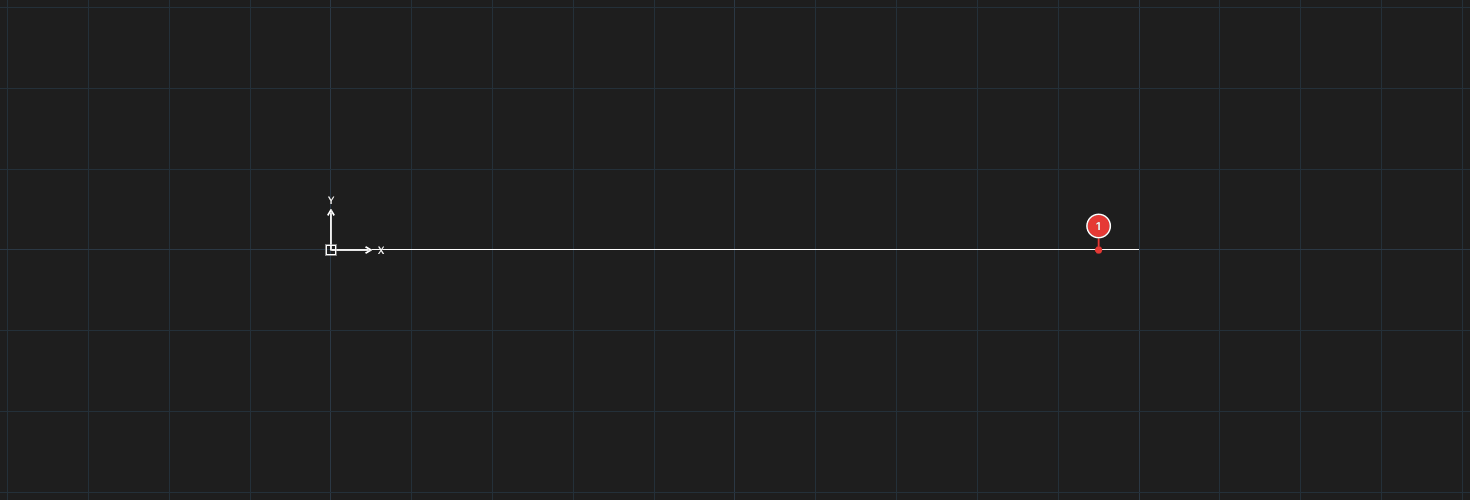
→
After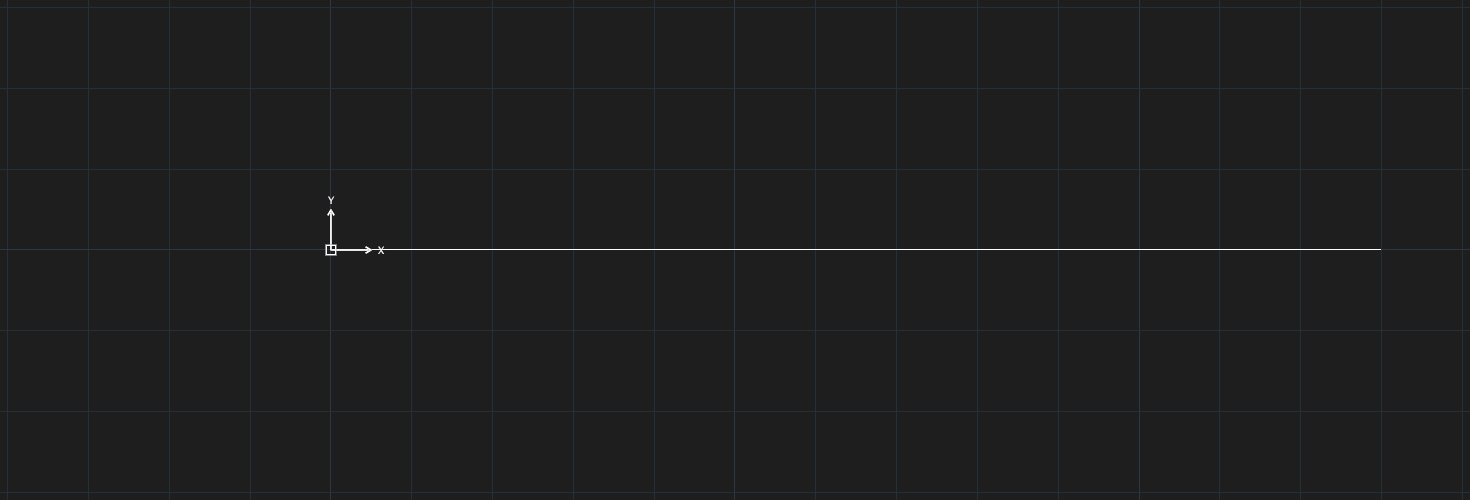
Changing the length
- Click Lengthen, or type
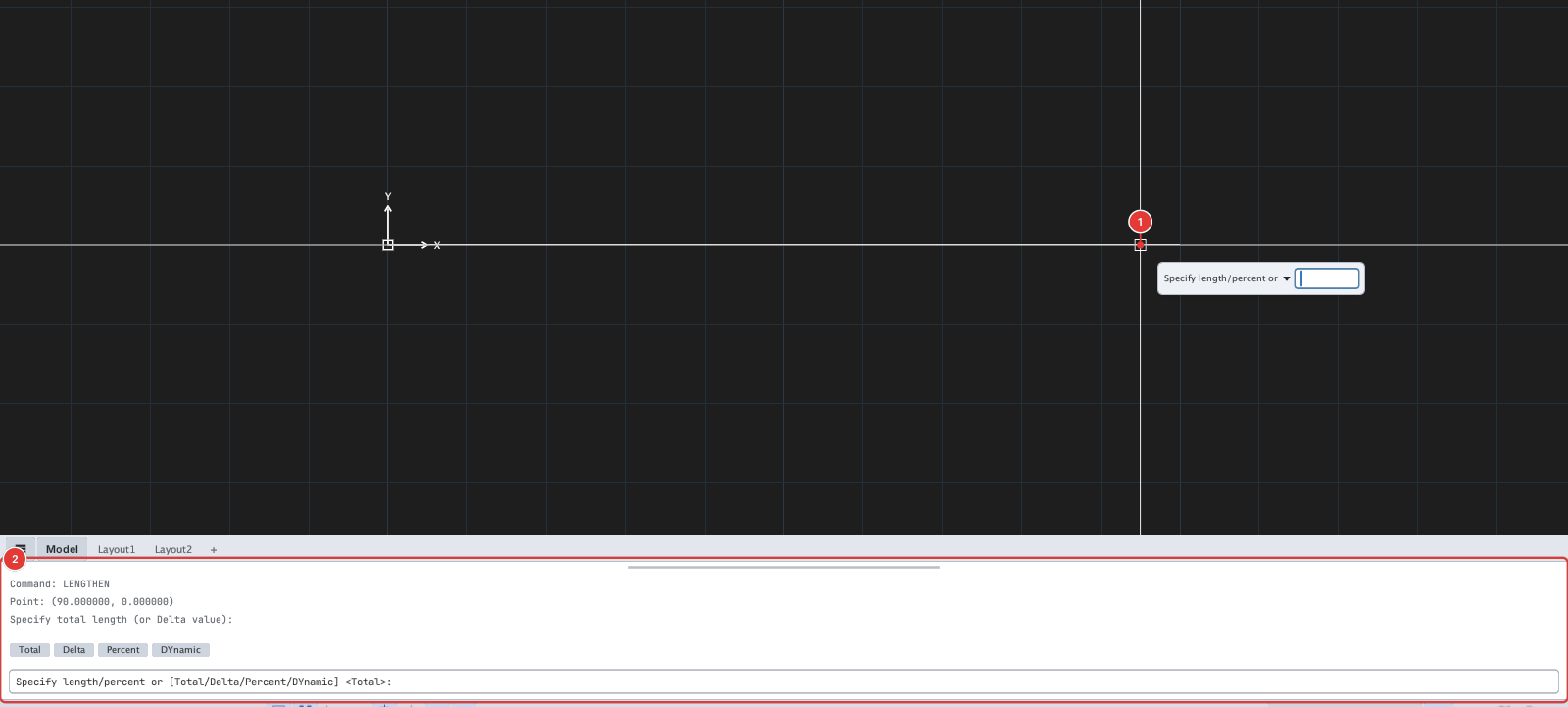
LEN, Enter. The prompt readsSelect a line or arc to lengthen. - Click the line or arc 1.
- The prompt reads
Specify length/percent or [Total/Delta/Percent/DYnamic] <Total>. Type the letters of the input mode and press Enter:
| Type | Mode | Value you enter next |
|---|---|---|
T | Total | The new total length of the line. |
DE | Delta | The length to add (a negative number shortens). |
P | Percent | The new length as a percentage of the old one (50 = half). |
DY | DYnamic | Click a point: the endpoint runs to it. |
- Type the value, Enter. The command ends.
The default mode (in < >) is the one you used last; if you type a bare number without choosing a mode it is read in the current default mode.
Notes
- LENGTHEN changes the end nearest your click: to lengthen the right-hand end, click the line near its right-hand end.
- The prompt accepts lines and arcs only.
- Each run of LENGTHEN is one undo step.