EXPLODE — Explode objects
 Ribbon: Draw ▸ Modify ▸ ExplodeCommand:
EXPLODEAlias: X
EXPLODE breaks a compound object (polyline, rectangle, block…) into simple parts: polylines and rectangles become separate lines / arcs.
Before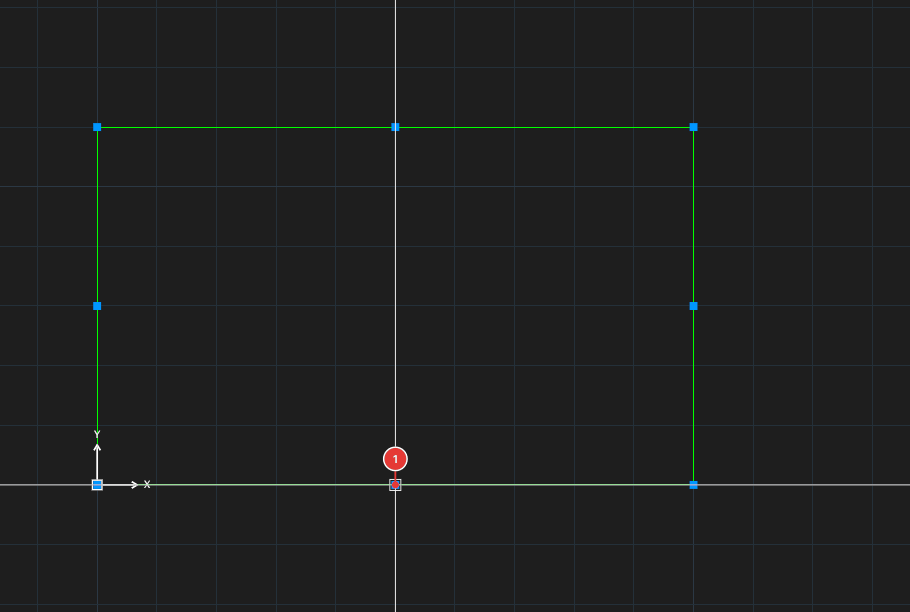
→
After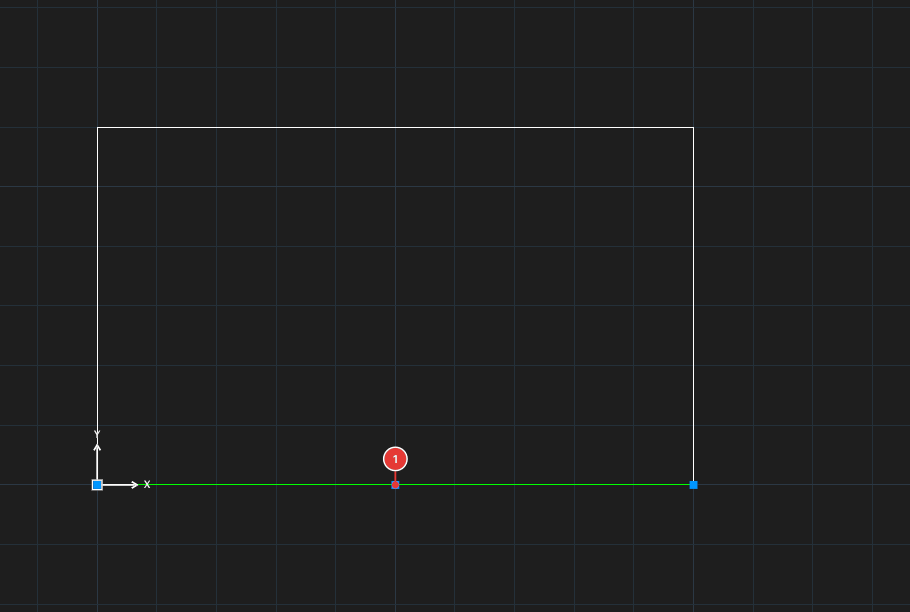
Exploding
- Select the objects to explode. For all the ways to select objects (window, crossing, lasso, fence, ALL…) see chapter 2.
- Click Explode, or type
X, Enter. The objects are split at once; the command asks nothing more.
The resulting segments stay on the same layer as the original.