STRETCH — Stretch objects
 Ribbon: Draw ▸ Modify ▸ StretchCommand:
STRETCHAlias: S
STRETCH pulls part of a shape: vertices inside the selection frame move while vertices outside stay, so the edges lengthen or shorten. Objects wholly inside the frame are simply moved.
Before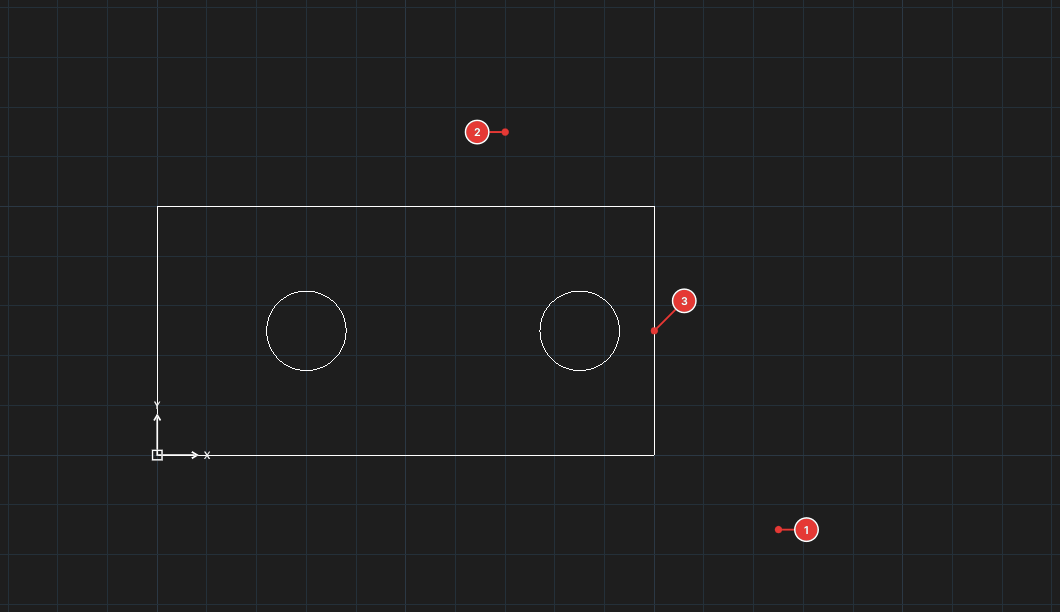
→
After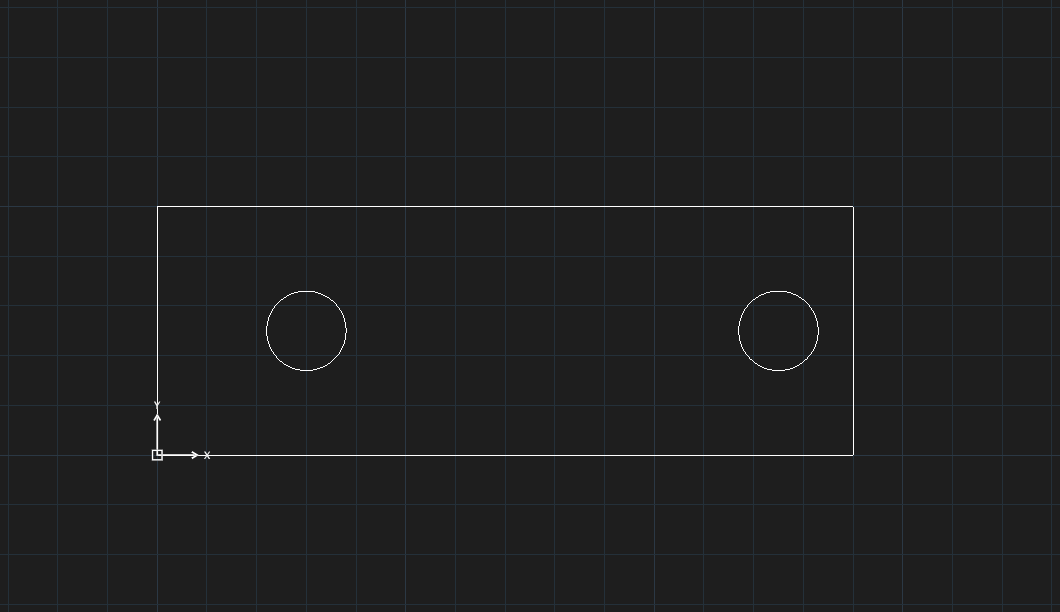
Stretching part of a shape
- Click Stretch (or type
S, Enter). The command line asksSTRETCH — Select objects. - Select with a crossing frame: type
C, Enter, then click two opposite corners 1, 2 so that the frame encloses the part to pull. Objects that cross the frame get stretched. - Press Enter to finish selecting. The prompt reads
Specify base point. - Click the base point 3, then the destination point. The part inside the frame moves by the vector from base to destination.
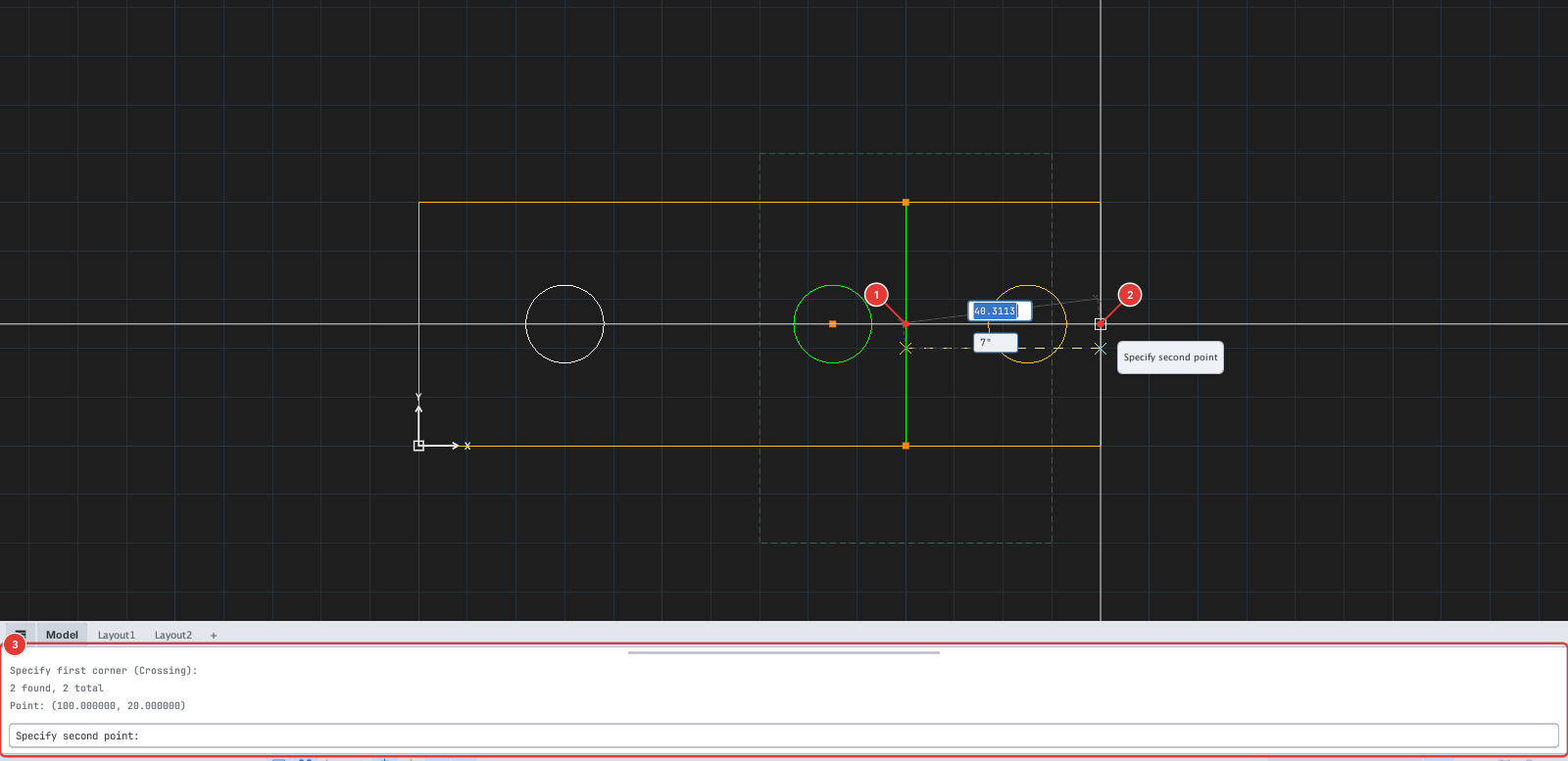
Notes
- Select with a crossing frame (
C) or crossing polygon (CP) to stretch part of a shape. Selecting everything withALLor a Window (W) simply moves the whole shape without stretching. - For polylines, lines and arcs only the vertices / endpoints inside the frame move. A circle wholly inside the frame is moved whole.
- You can click the base and destination points or type their coordinates on the command line.
- Each run of STRETCH is one undo step.