ROTATE — Rotate objects
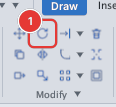
 Ribbon: Draw ▸ Modify ▸ RotateCommand:
ROTATEAlias: RO
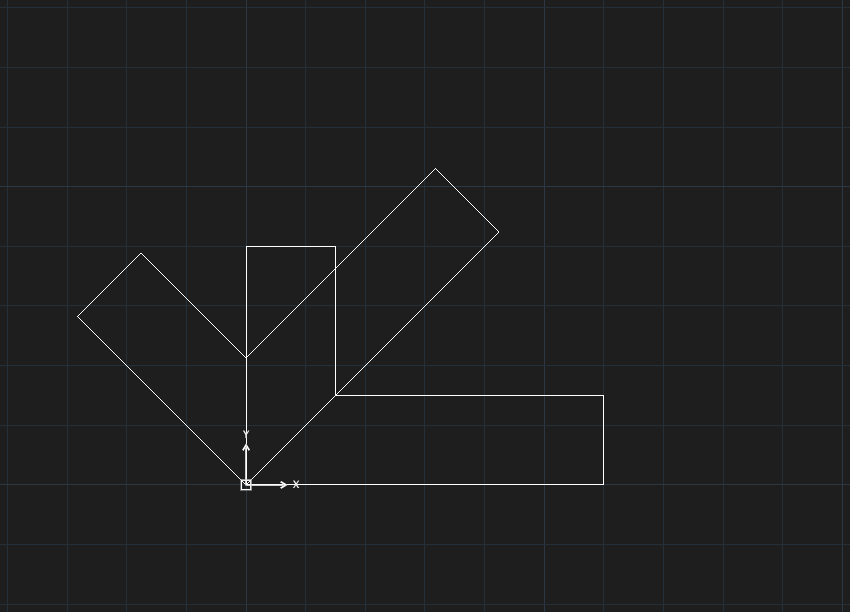
ROTATE turns objects around a base point by an angle. A positive angle turns counter-clockwise. You can keep the original (Copy) or rotate using a reference angle (Reference).
Before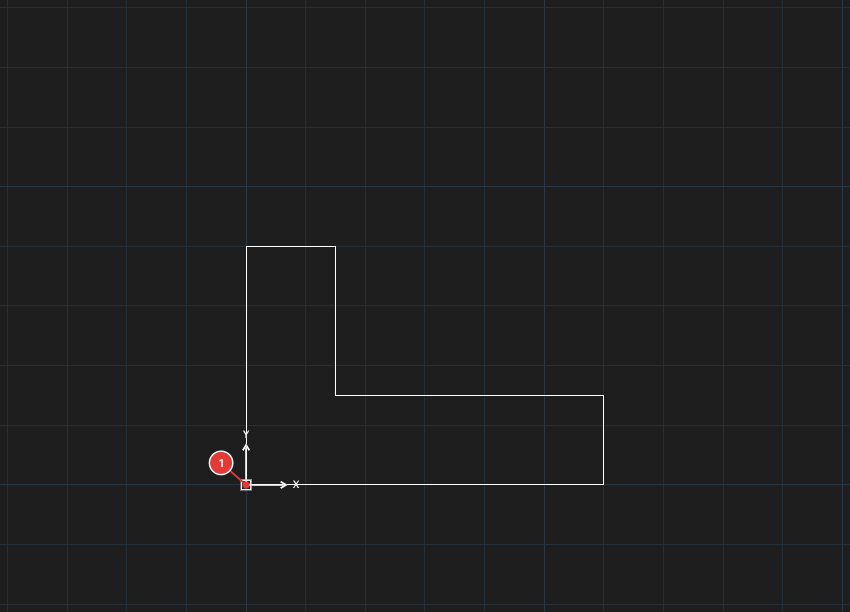
→
After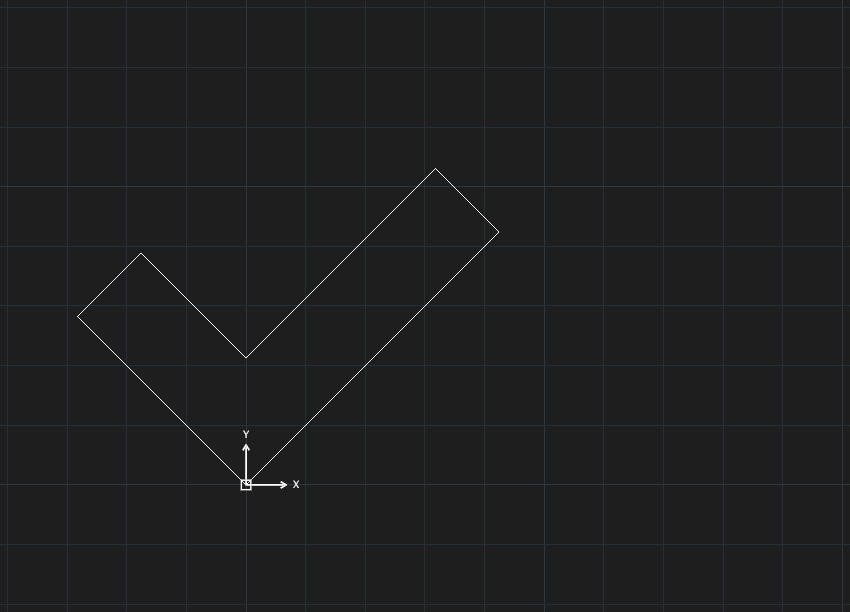
Rotating by an angle
- Select the objects and click Rotate (or type
RO, Enter). For all the ways to select objects (window, crossing, lasso, fence, ALL…) see chapter 2. - Click the base point 1 — the point that stays put.
- The command line asks
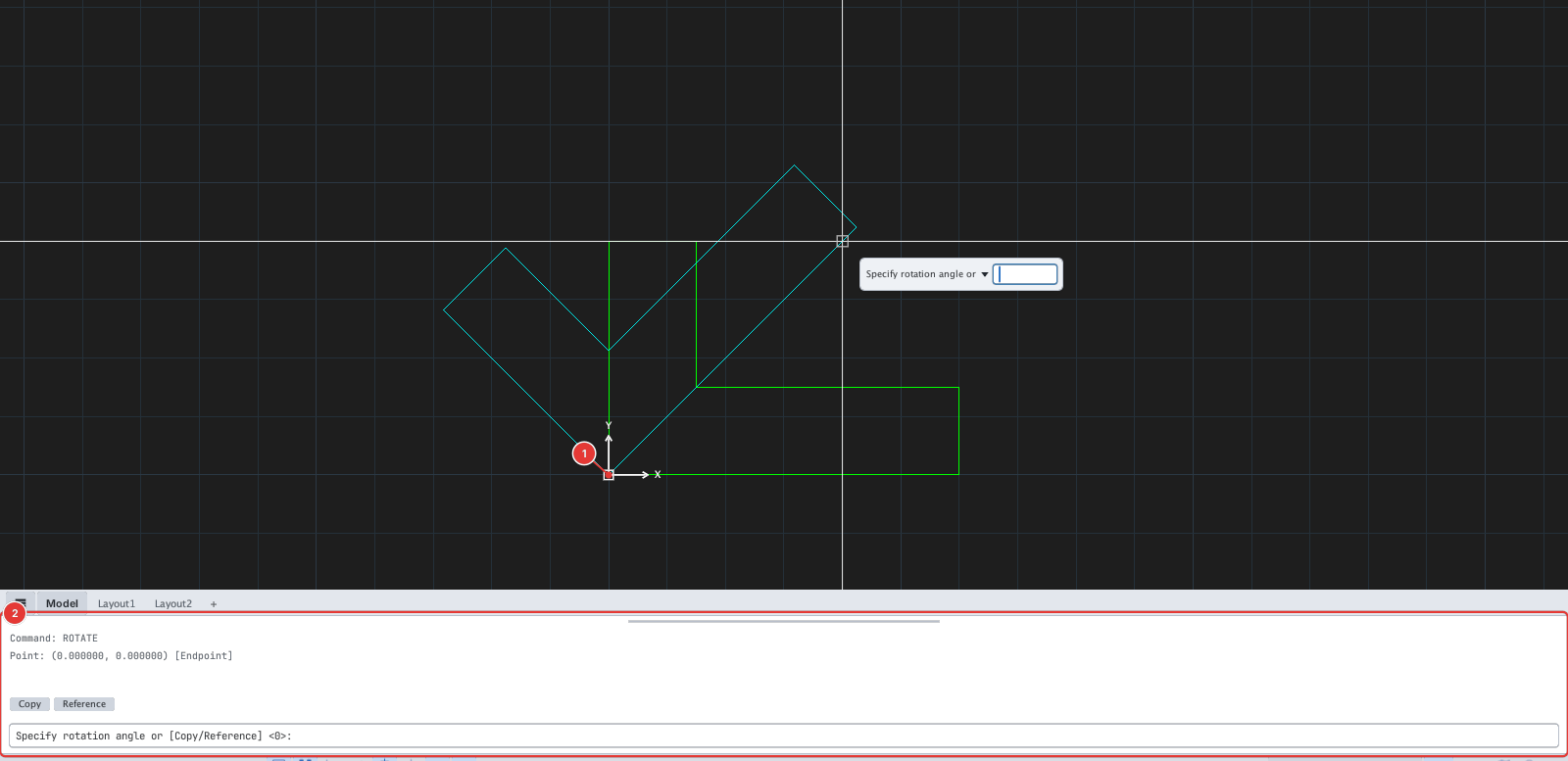
Specify rotation angle or [Copy/Reference] <0>. Type an angle, for example45, and press Enter. Or move the mouse to see a preview and click a point.
Rotate and keep the original (Copy)
At the angle prompt type C and press Enter: the prompt gains (Copy). Type the angle as usual — the original stays and the rotated object is a copy.
Rotate by a reference angle (Reference)
Use it when you know the current angle of an edge and want it to line up with another direction (for example turn a slanted edge level).
- At the angle prompt type
Rand press Enter. The prompt readsSpecify the reference angle <0>. - Give the reference angle by typing a number, or click the two points of the edge you want to turn (
Specify second point). - At
Specify the new angletype the new angle or click a point. The objects turn by new angle − reference angle.
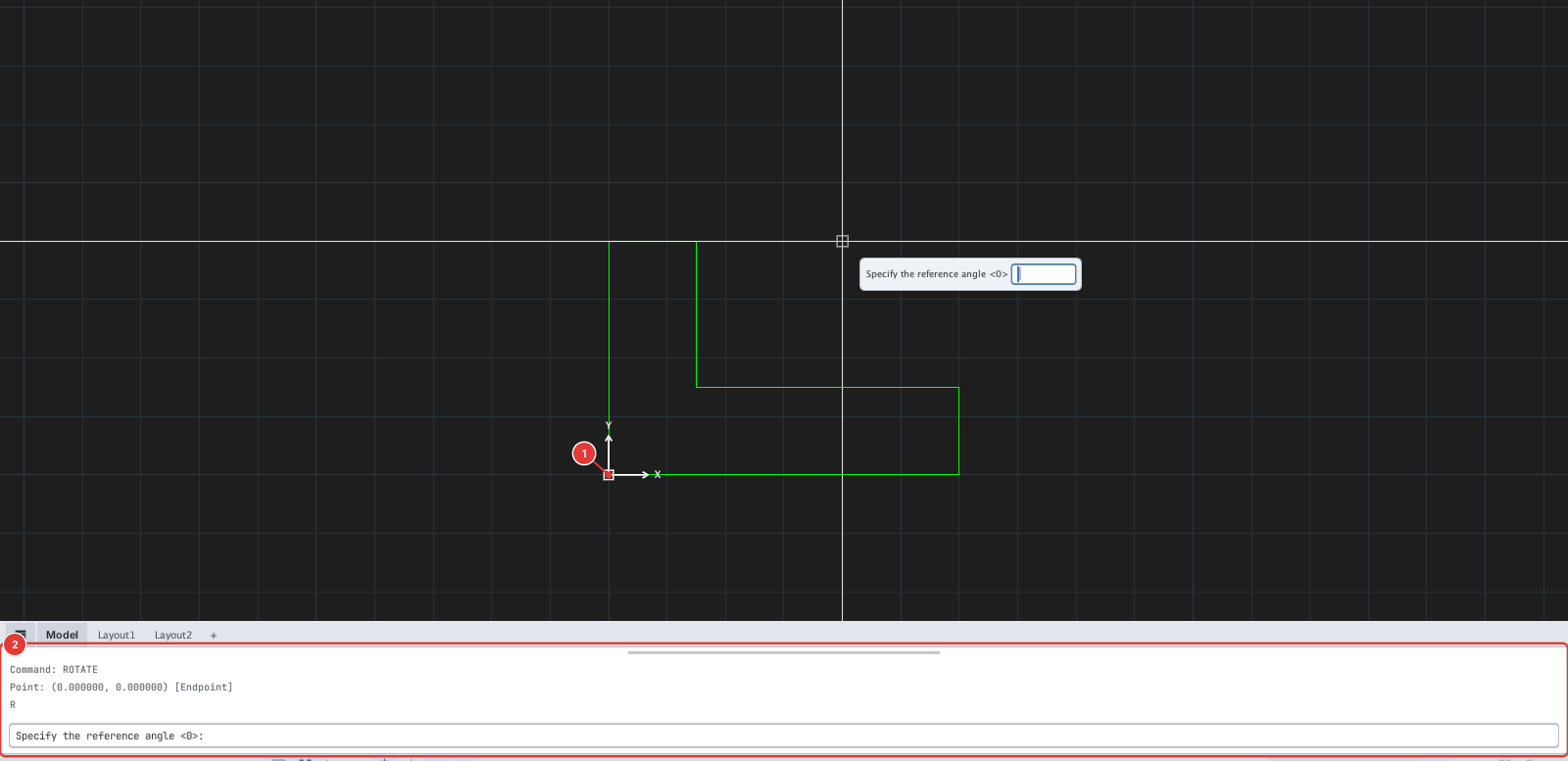
R: the command line 2 asks for the reference angle. The base point is at 1.Notes
- Each run of ROTATE is one undo step.
- Enter angles in the drawing's angle unit (degrees, counter-clockwise by default).