OVERKILL — Delete duplicates, FLATTEN
 Ribbon: Draw ▸ Modify ▸ slide-out ▸ Delete DuplicatesCommand:
OVERKILL DELDUPLICATES FLATTENAlias: OV
OVERKILL deletes objects that duplicate each other and merges overlapping or end-to-end collinear lines and arcs. Use it to clean a drawing imported from elsewhere, where the same stroke is often drawn two or three times.
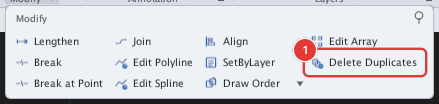
OVERKILL or DELDUPLICATES opens the same dialog.Removing duplicates
- Select the objects to clean (usually the whole drawing: Ctrl+A). For all the ways to select objects (window, crossing, lasso, fence, ALL…) see chapter 2.
- Click Delete Duplicates (or type
OV, Enter). The Delete Duplicate Objects (OVERKILL) dialog opens 1. - Adjust the settings (see below) and click OK. The command line reports how many objects were removed or merged, for example
OVERKILL: removed 3 duplicate/merged object(s).
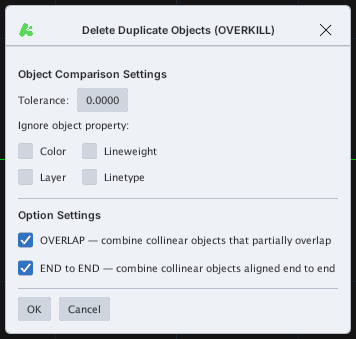
| Setting | Meaning |
|---|---|
| Tolerance | Allowed error when comparing coordinates; 0 means they must coincide exactly. |
| Ignore object property | Tick Color, Layer, Lineweight, Linetype to ignore that property when comparing two objects. |
| OVERLAP | Merge collinear lines and arcs that partly overlap into one. |
| END to END | Merge collinear objects that meet end to end into one. |
Before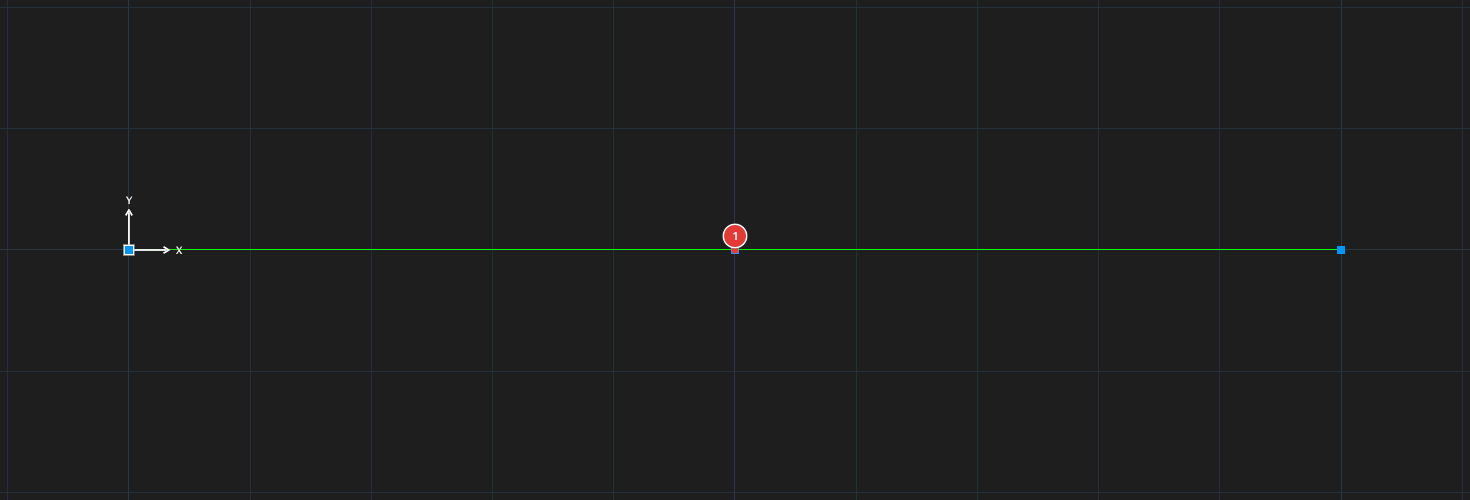
→
After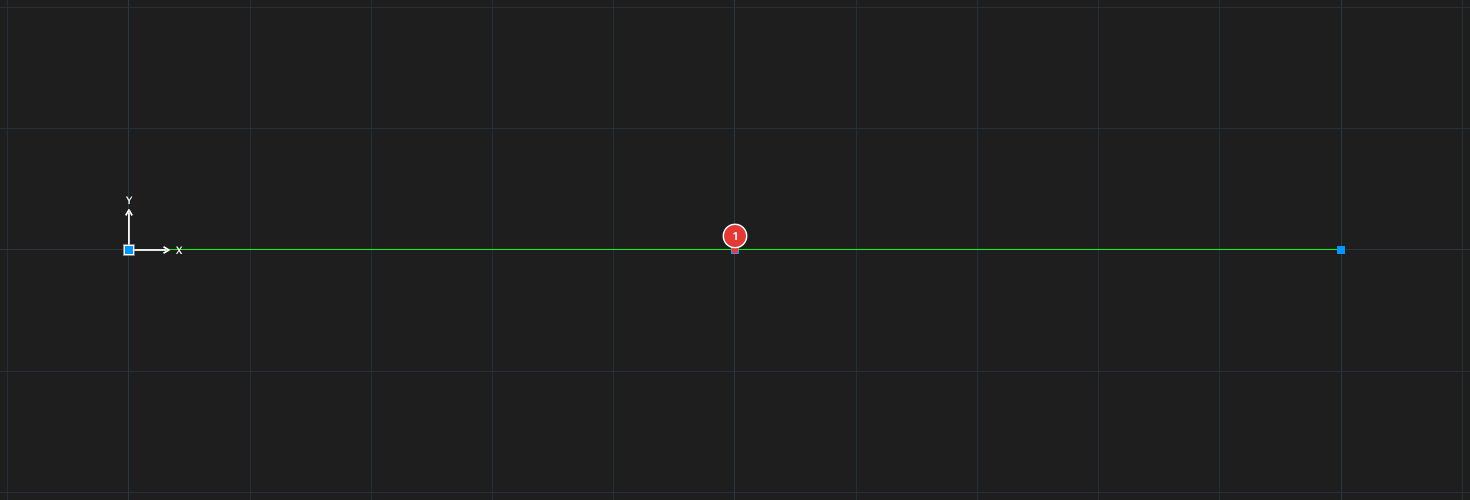
FLATTEN — squash onto the plane Z = 0
Select objects, then type FLATTEN, Enter: every Z coordinate of the selected objects is set to 0. The command line reports FLATTEN: n object(s) flattened to Z = 0. Useful for 2D drawings imported from sources with stray elevations.
Notes
- Each run of OVERKILL or FLATTEN is one undo step.