ByLayer, ByBlock and SETBYLAYER
 Ribbon: Draw ▸ Modify ▸ slide-out ▸ SetByLayerCommand:
SETBYLAYER
Every object has a colour, linetype and lineweight. Each can be fixed (set on the object itself), ByLayer (taken from the layer) or ByBlock (taken from the block that contains it). Use ByLayer for most objects: change the layer once and the whole group follows.
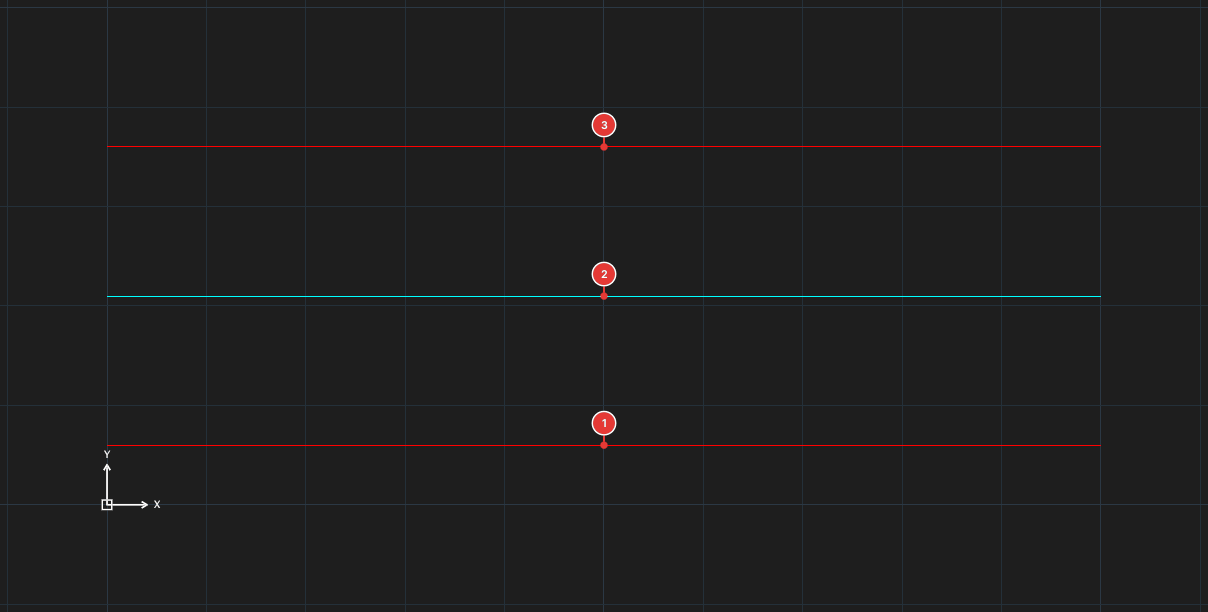
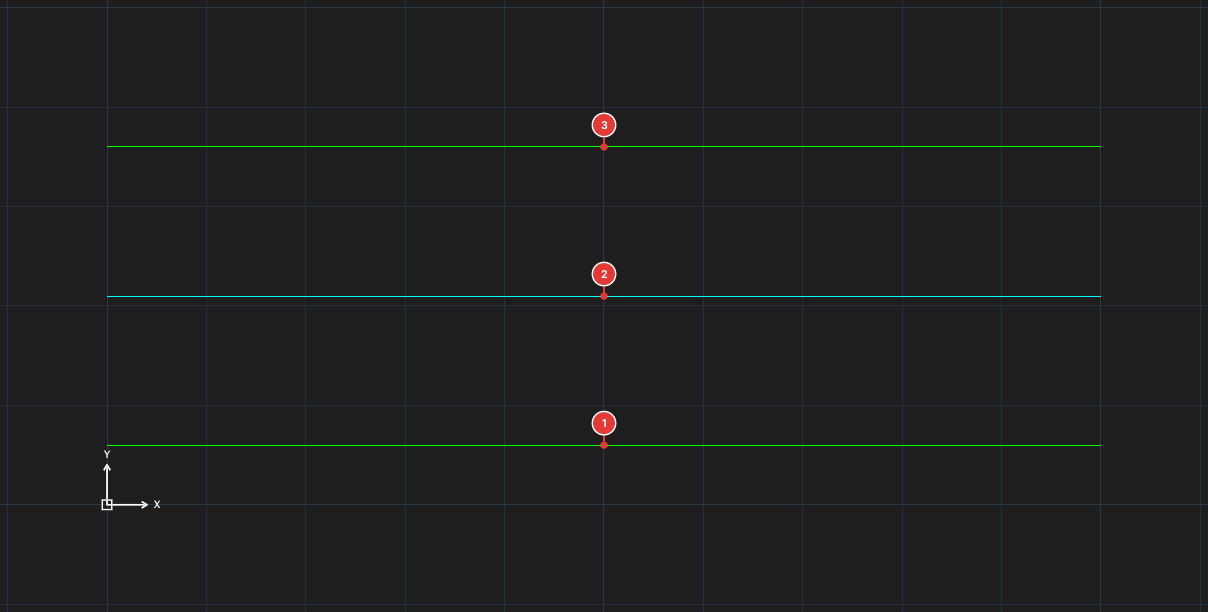
WALL. Lines 1 and 3 are ByLayer; line 2 was given a fixed cyan colour. When the layer colour changes from red to green, 1 and 3 follow it while 2 stays cyan.ByLayer
A ByLayer colour, linetype or lineweight is taken from the matching column of the layer manager. It is the default for new objects. The Color / Linetype / Lineweight boxes on the Properties panel read ByLayer when nothing is set on the object.
Set a colour on the object only when it really must differ from its layer; every fixed colour is an exception to remember when you later change the layer.
ByBlock
Objects inside a block (see chapter 9) may have colour or linetype ByBlock: when the block is inserted they take the colour or linetype given to the insert. One block drawn once can then appear in several colours. The insert takes the current colour (the Color box on the ribbon) as its own colour.
SETBYLAYER — back to ByLayer
SETBYLAYER resets the colour, linetype and lineweight of the selected objects to ByLayer. Use it when you receive a drawing in which many objects were given stray fixed colours and you want to manage it by layer.
- Select the objects. For how to select objects see chapter 2.
- Click SetByLayer in the slide-out part of the Modify panel, or type
SETBYLAYER, Enter. It runs at once and asks nothing more.
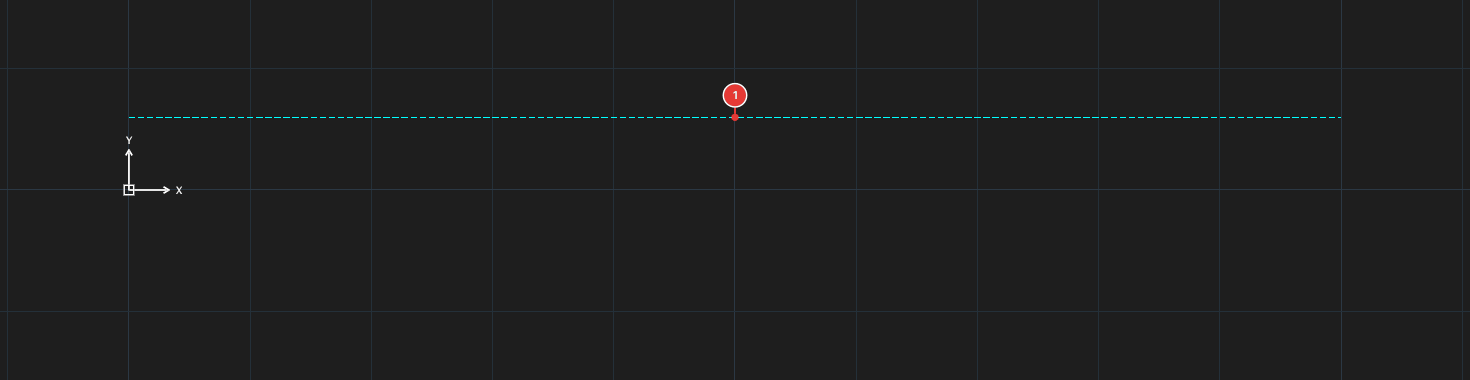
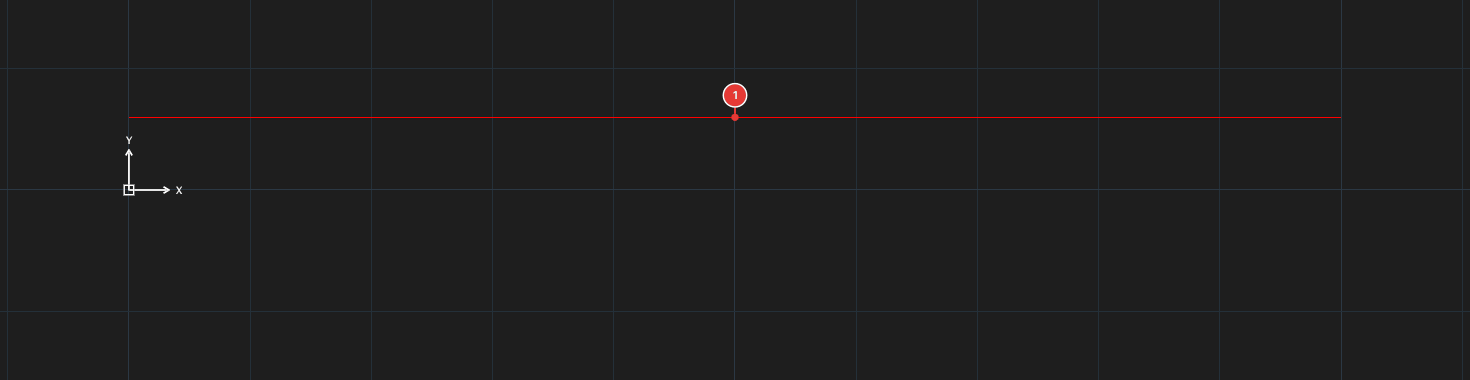
WALL (red, continuous) was given its own cyan colour, dashed linetype and 0.5 lineweight. After SETBYLAYER it takes the layer's red, continuous and lineweight again.