CHPROP — Change properties from the command line
 Command:
CHPROP
CHPROP quickly changes the colour, layer, lineweight or transparency of the selected objects with one typed line. Handy in scripts or when you know exactly the value to set.
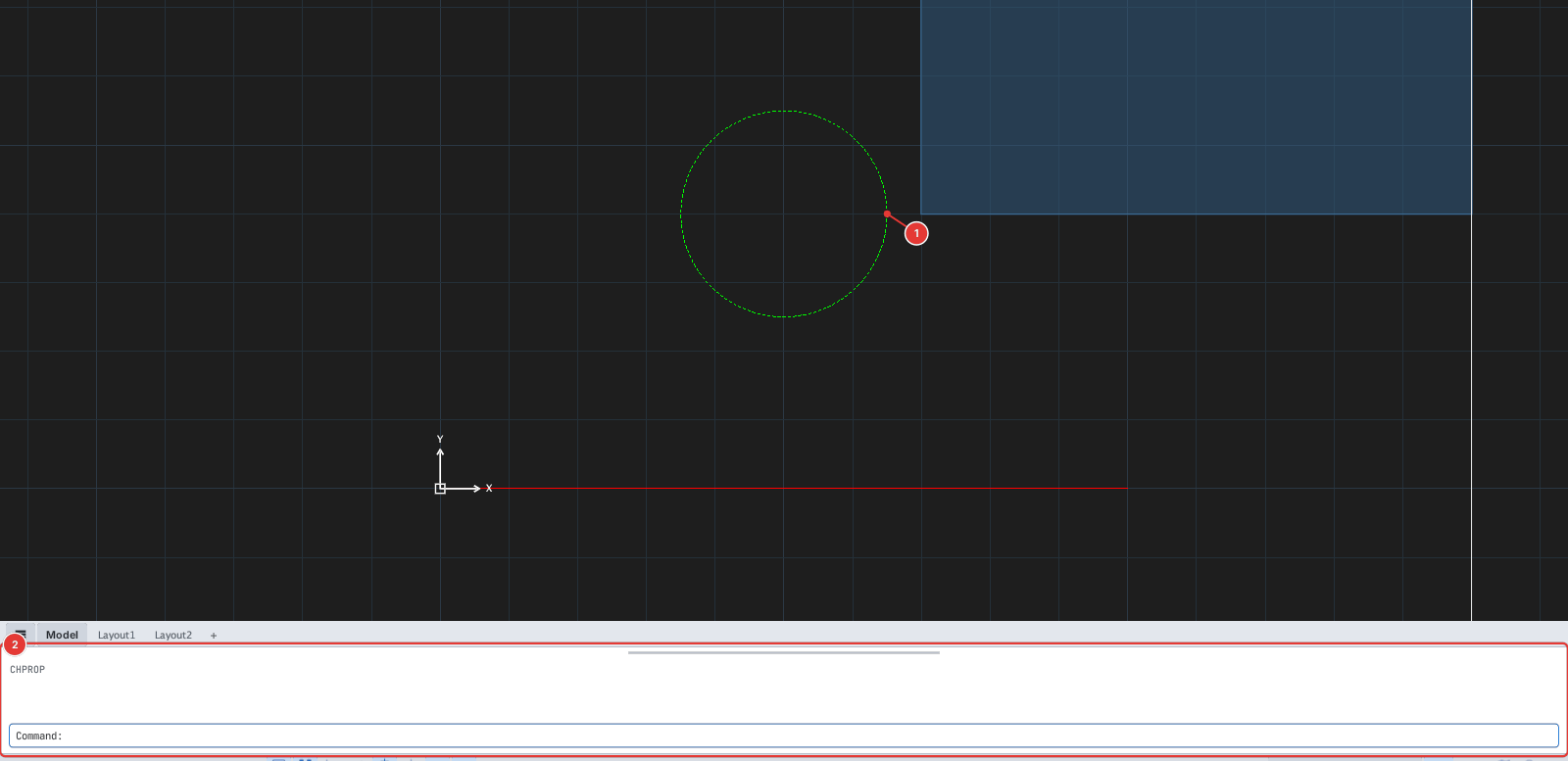
CHPROP typed: the command line 2 lists C colour | LA layer | LW mm | T 0-90.How to use it
- Select the objects. For how to select objects see chapter 2.
- Type
CHPROP, Enter. (If nothing is selected the command first asks you to select objects, finishing with Enter.) - The prompt reads
CHPROP — [C colour | LA layer | LW mm | T 0-90]. Type one line made of the option letters, a space and the value, then Enter:
| Type | Sets | Example |
|---|---|---|
C value | A fixed colour: a name (red, yellow, green, cyan, blue, magenta, white), a number 1–7, or r,g,b (0–255). | C 1 or C 255,128,0 |
LA name | Moves to an existing layer. | LA DIM |
LW mm | The lineweight in mm, or bylayer. | LW 0.5 |
T number | The transparency 0–90, or bylayer. | T 50 |
Each run changes one property; run CHPROP again to change another. The command line reports CHPROP: changed n object(s).
Before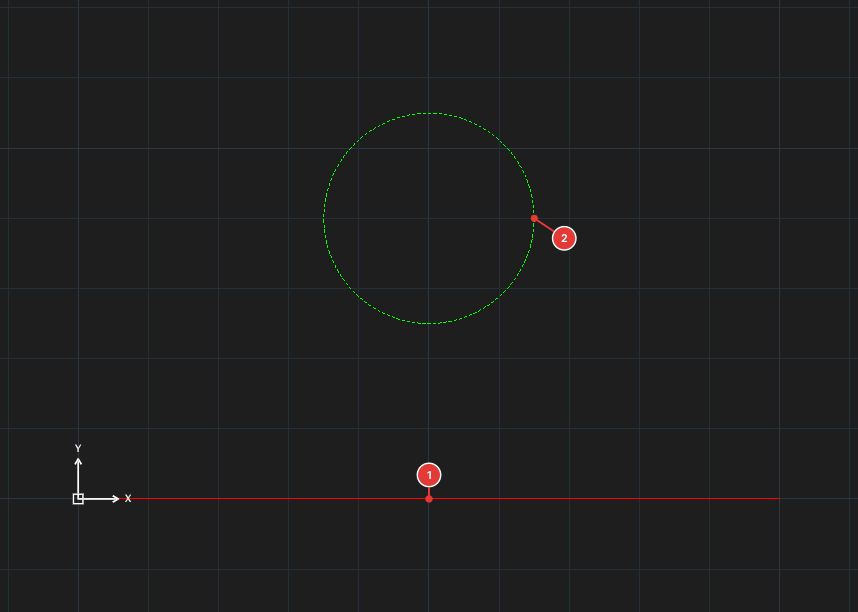
→
After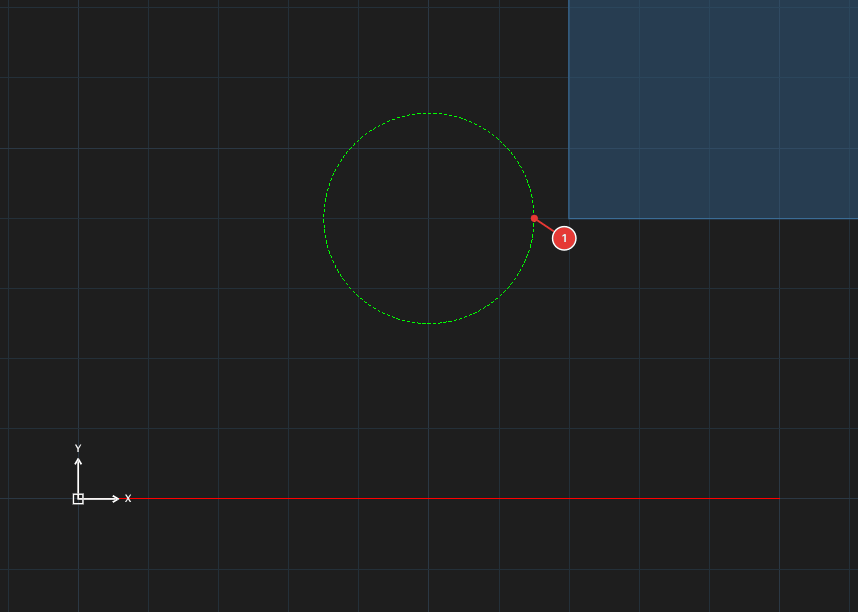
CHPROP ▸ C 1: the circle becomes a fixed red (still on layer DIM, still dashed).Notes
- To change several properties at once use the Properties palette.
- An invalid value (a layer name that does not exist, an unknown colour name) ends the command without changing anything (
changed 0 object(s)). - Each run is one undo step.