MATCHPROP — Match properties
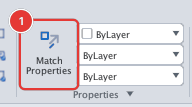
 Ribbon: Draw ▸ Properties ▸ Match PropertiesCommand:
MATCHPROPAlias: MA PAINTER
MATCHPROP takes the properties of a source object and "paints" them onto one or more target objects, like a format-painter brush. Use it to put several objects on the same layer and colour as a model object.
Before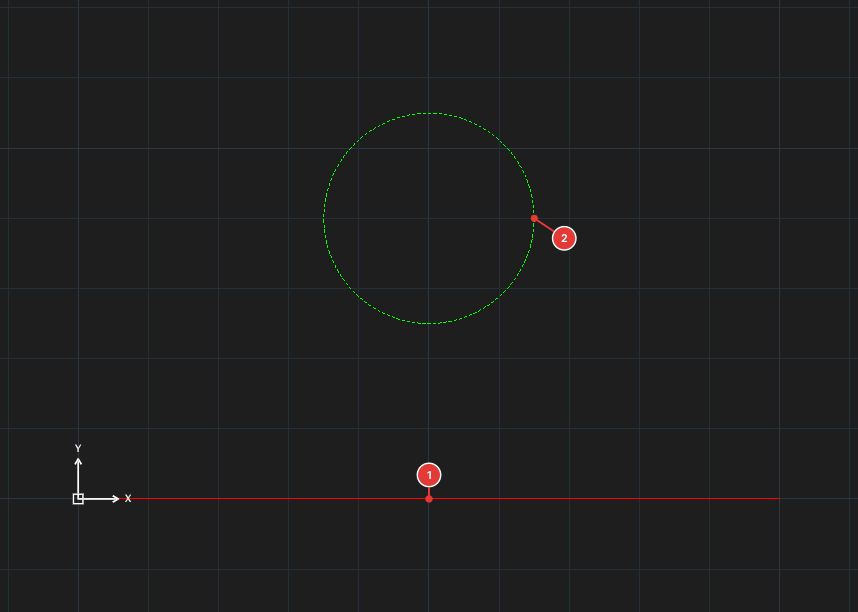
→
After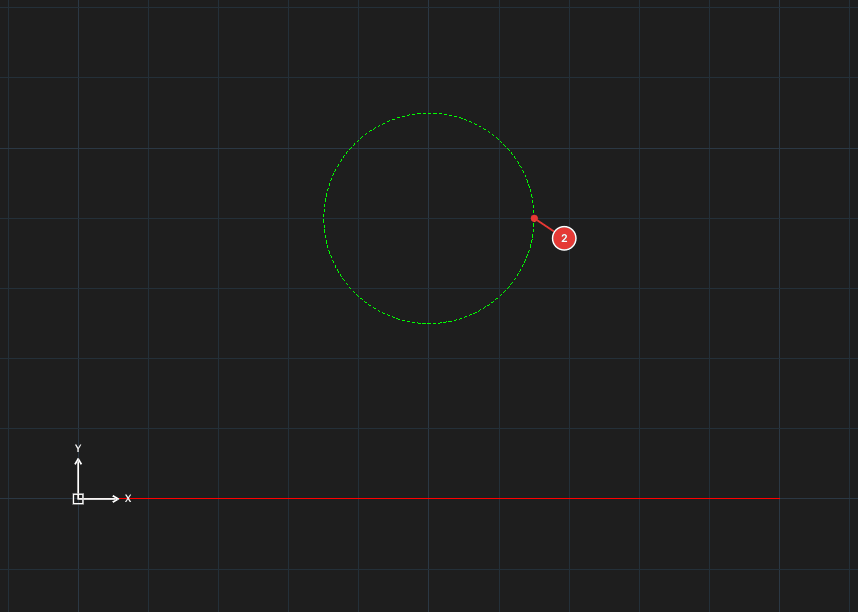
WALL (red); the target is the circle 2 on layer DIM. After MATCHPROP the circle is on WALL, solid and red.Matching properties
- Click Match Properties, or type
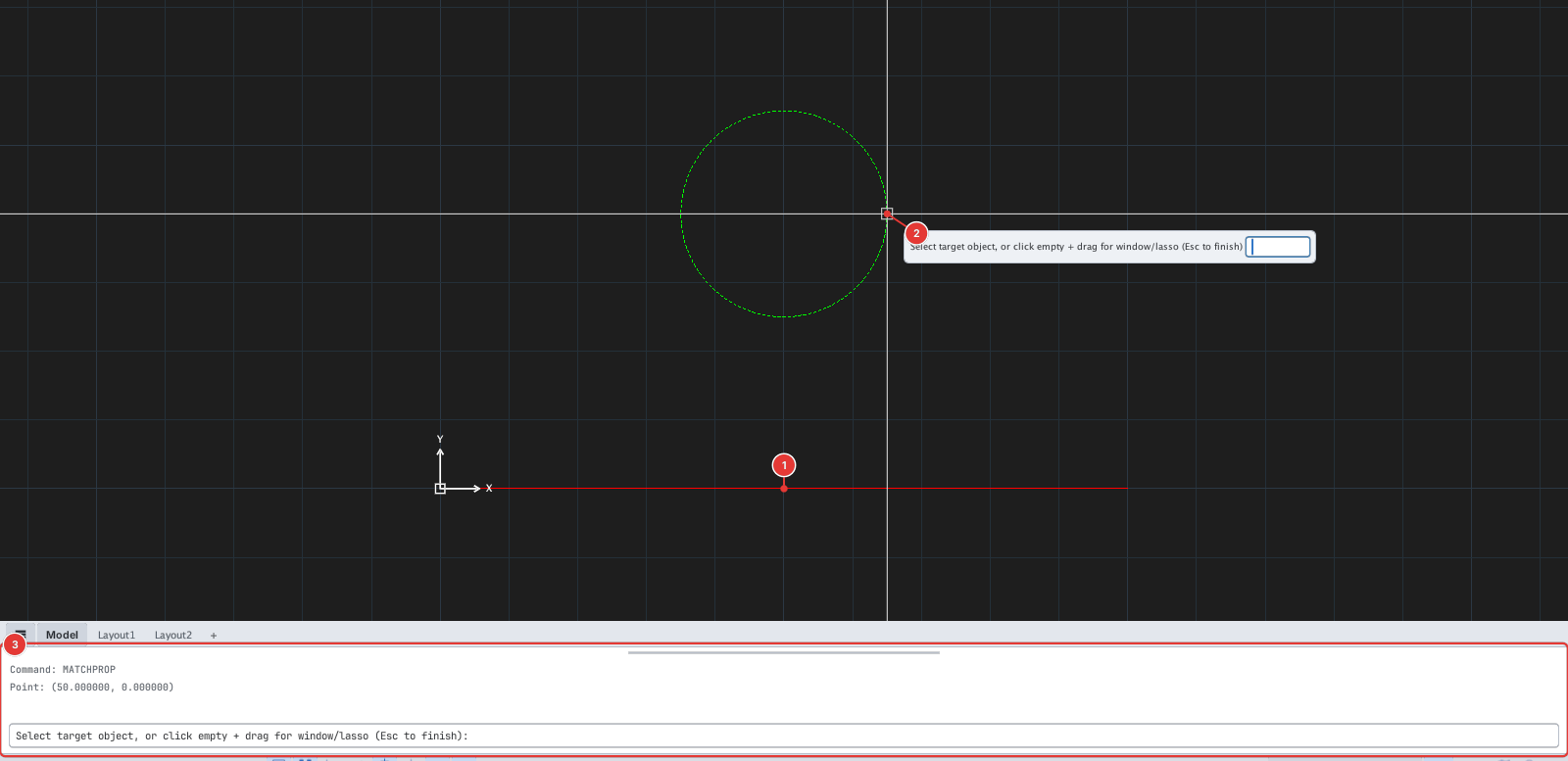
MA, Enter. The prompt readsSelect source object or settings [Color:on Layer:on]. - Click the source object 1.
- The prompt reads
Select target object, or click empty + drag for window/lasso (Esc to finish). Click the target objects one after another 2, or click an empty spot and drag a window / lasso to pick many targets at once. Each target is updated at once. - Press Esc to finish.
The Settings option
At the first prompt type C to toggle Color and L to toggle Layer — the prompt shows the state (Color:off Layer:on…). Only the items that are on are copied.
Notes
- Besides layer and colour, MATCHPROP also copies the source's linetype, lineweight, linetype scale and transparency to the target.
- A ByLayer source colour stays ByLayer on the target (it does not become a fixed colour).
- Each run is one undo step.