Quick Properties
Command: QPMODE
Quick Properties is a small panel floating in the corner of the drawing area that appears as soon as you select an object, so you can view and edit properties quickly without opening the Properties palette.
Turning it on and off
Type QPMODE, Enter to toggle the mode (the command line reports QPMODE = 1 when turned on). When on, selecting an object makes the small panel appear at the top left of the drawing area.
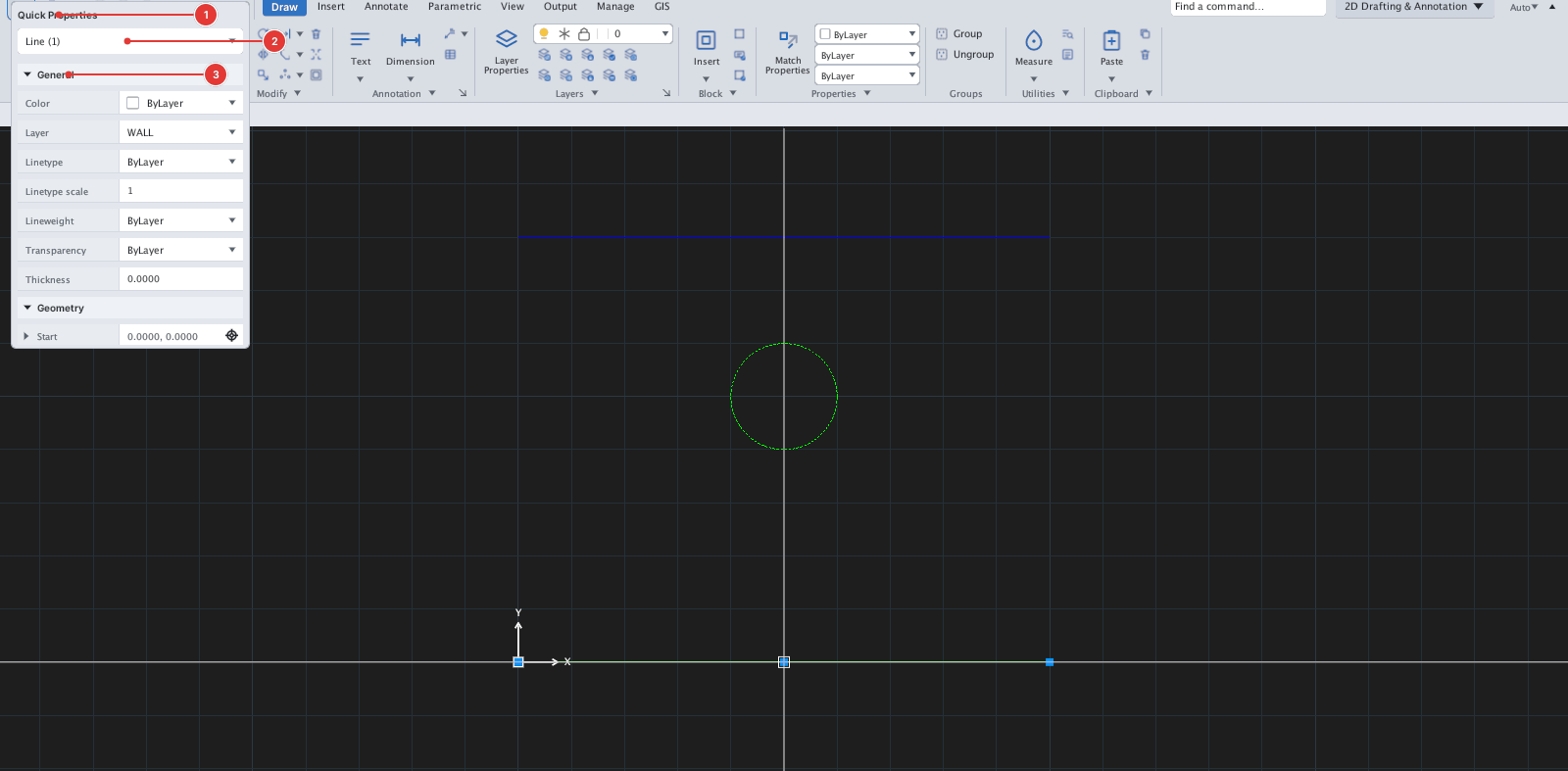
The contents and editing are the same as the Properties palette: click a row to edit, and with several objects selected rows that differ read *VARIES*. The panel scrolls when it has many rows. Deselect the object and the panel disappears.
Turning Quick Properties off
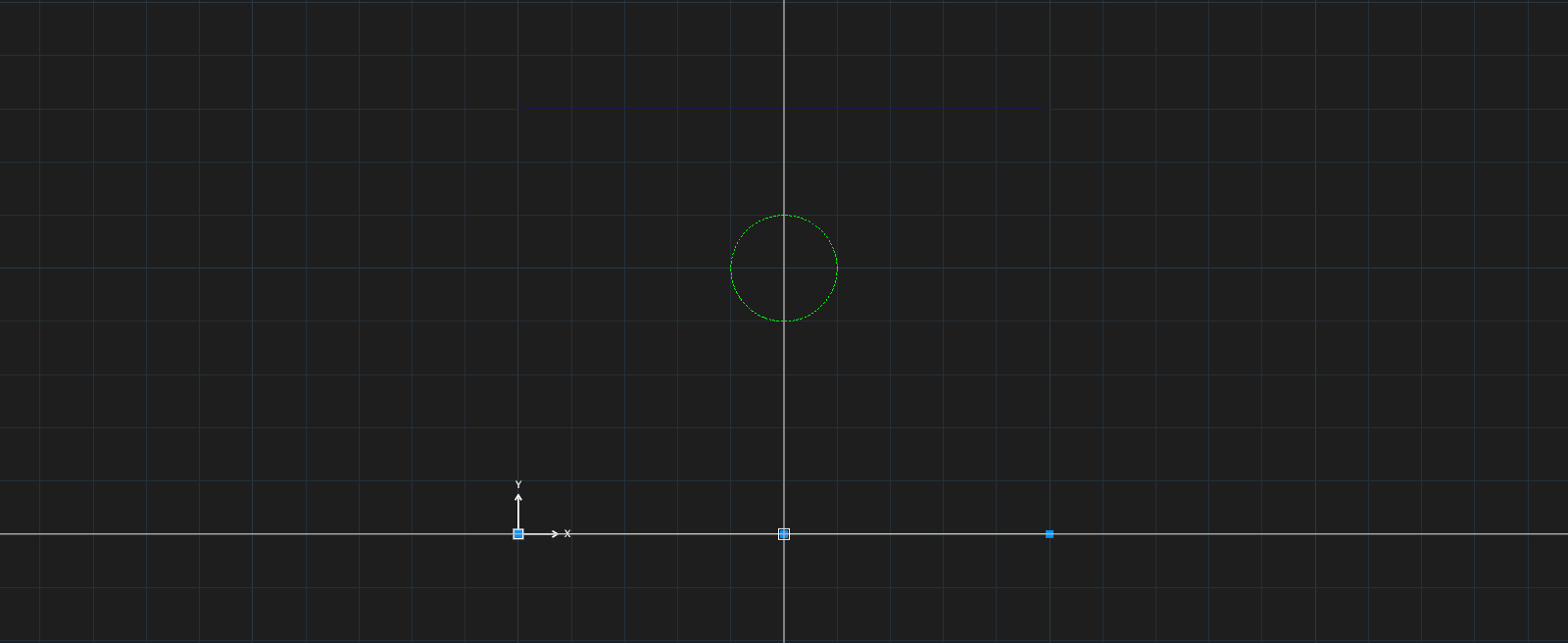
Type QPMODE, Enter again. The picture below shows the same selected object with the mode off.