CIRCLE — Circle
 Ribbon: Draw ▸ Draw ▸ Circle (nút có mũi tên ▾ để chọn kiểu)Command:
CIRCLEAlias: C
CIRCLE has six ways to draw. The Circle ribbon button draws by centre and radius; the ▾ arrow below it opens the list of all six.
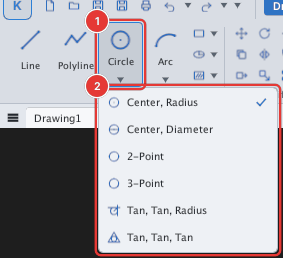
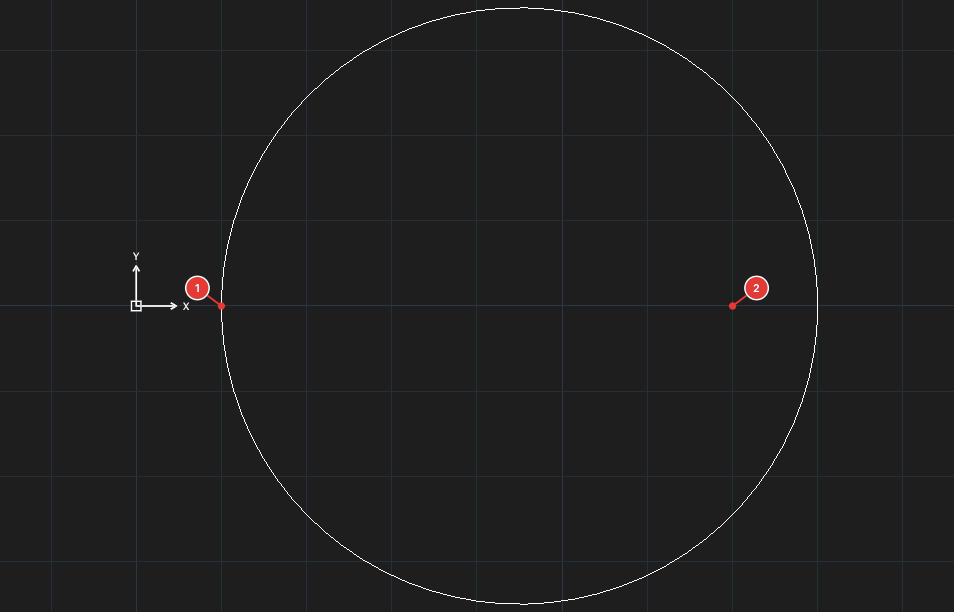
Centre, Radius
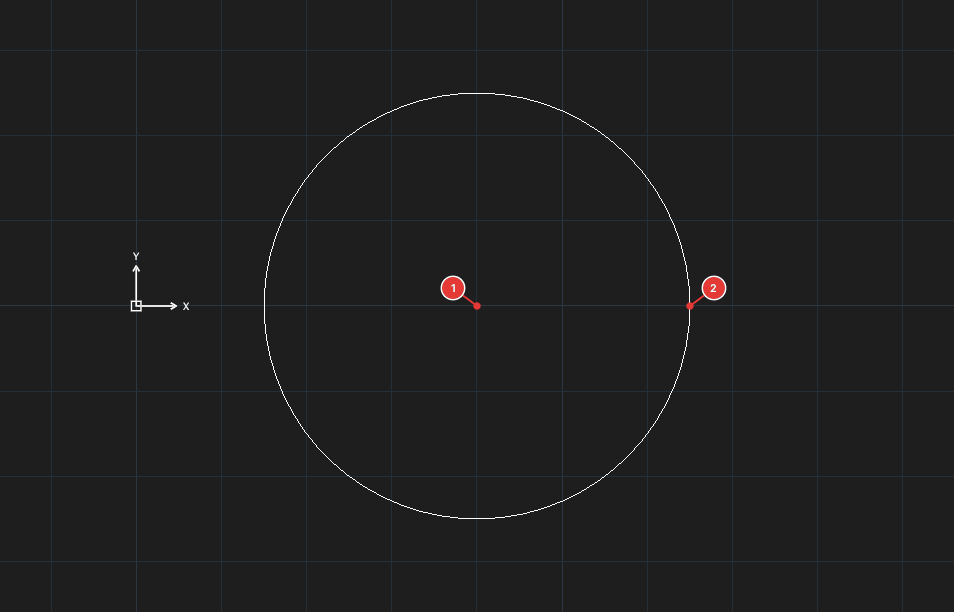
- Click Circle (or type
C, Enter). Prompt:Specify center point for circle or [3P/2P/Ttr/Ttt]:. - Click the centre 1 or type coordinates.
- Prompt
Specify radius of circle or [Diameter]:. Click a point on the circle 2 or type the radius.
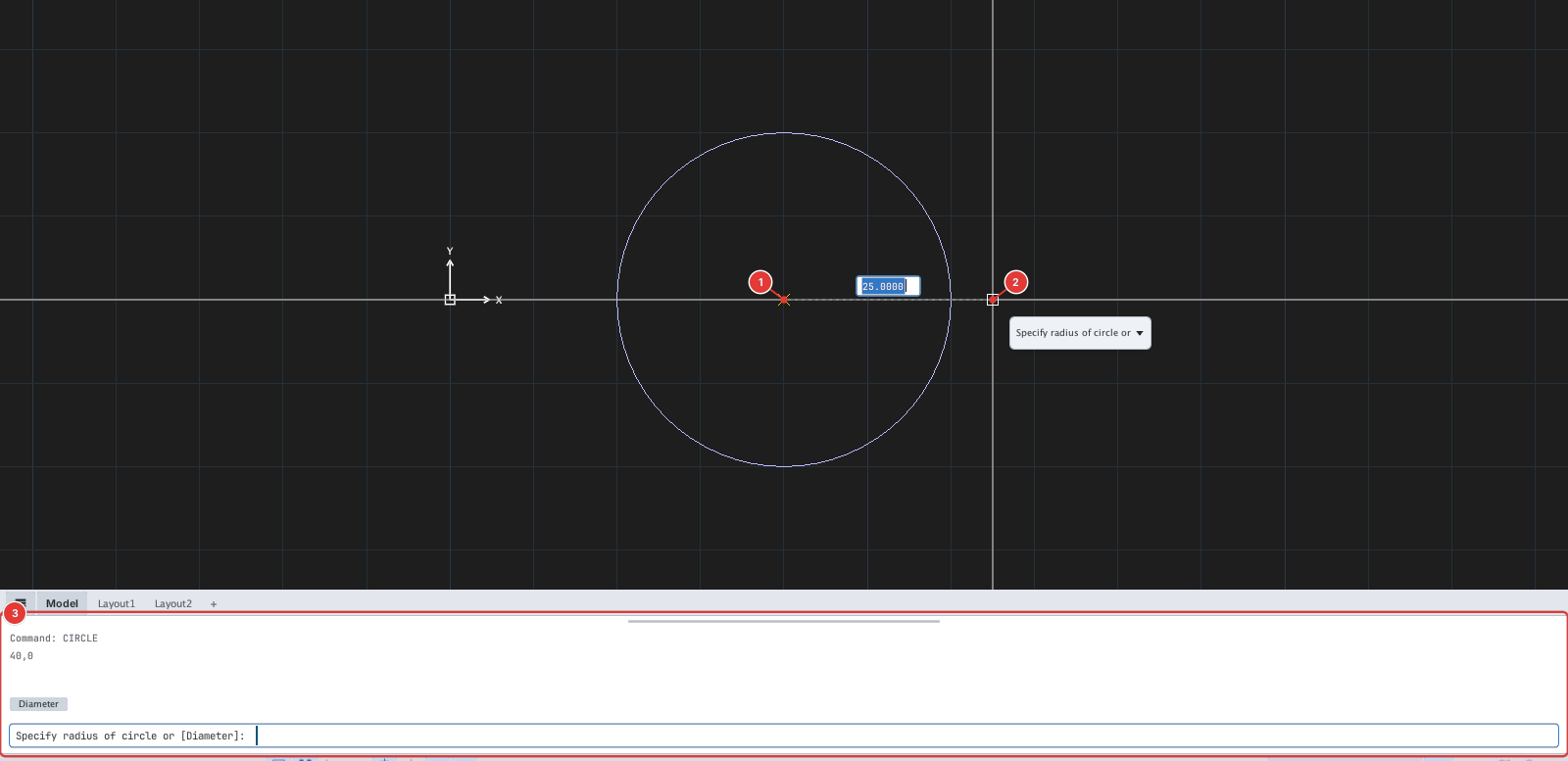
Centre, Diameter
After the centre, type D and enter the diameter (Specify diameter of circle:). Example: C, 40,0, D, 40.
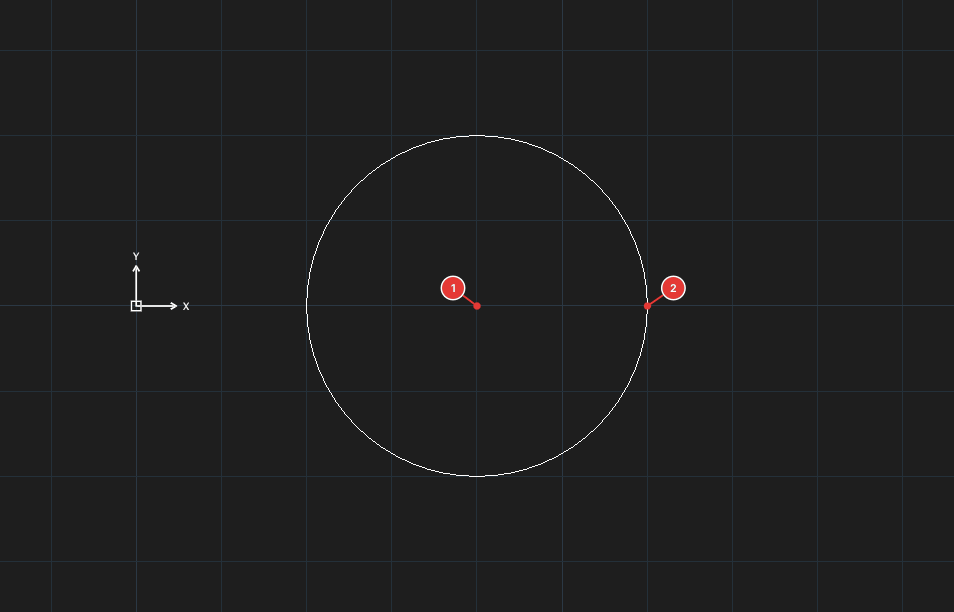
2-Point
Type 2P at the first prompt. Pick the two ends of the diameter (Specify first end point of circle's diameter, Specify second end point of diameter).
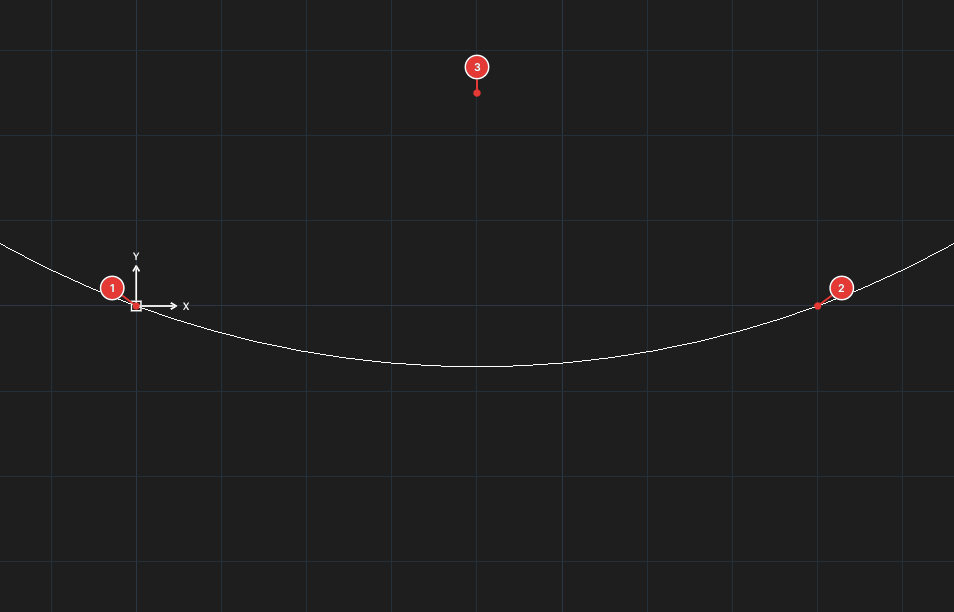
3-Point
Type 3P. Pick three points on the circle (Specify first point on circle, second, third).
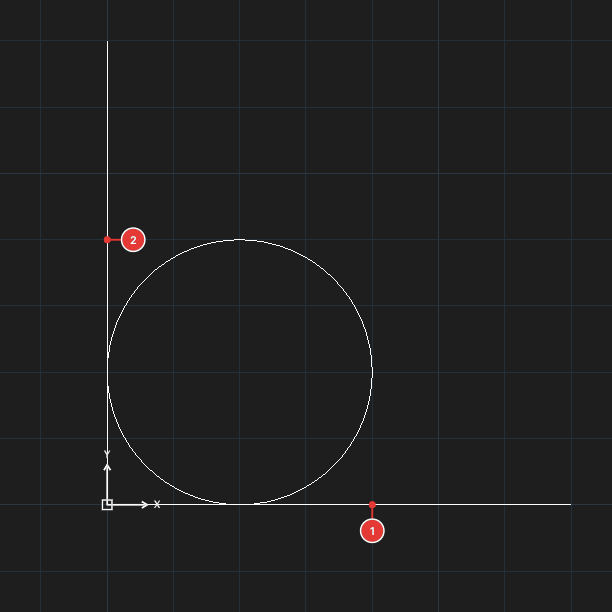
Tan, Tan, Radius
- Choose Tan, Tan, Radius in the list (or type
Tat the first prompt). - Click the first object 1, then the second object 2 (line, circle or arc).
- Type the radius (
Specify radius of circle:). A circle tangent to both objects is created.
Tan, Tan, Tan
Choose Tan, Tan, Tan (or type TTT). Click three objects in turn 1, 2, 3; the circle is tangent to all three (for instance the inscribed circle of a triangle).
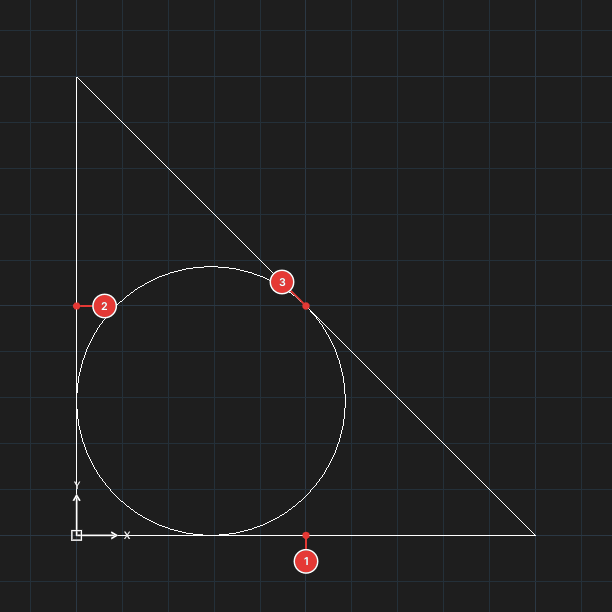
For the two tangent methods, click the objects, or type the coordinates of a point on each object (it acts like a click).
Command-line options
| Type | Option | What it does |
|---|---|---|
D | Diameter | Enter a diameter instead of a radius |
2P / 3P | 2-Point / 3-Point | Draw through two / three points |
T | Ttr | Tangent to two objects + radius |
TTT | Ttt | Tangent to three objects |