SKETCH — Freehand sketching
 Ribbon: Draw ▸ Draw ▸ (slide-out) SketchCommand:
SKETCH
SKETCH records the cursor path as a polyline — useful for freehand strokes, signatures and rough terrain lines.
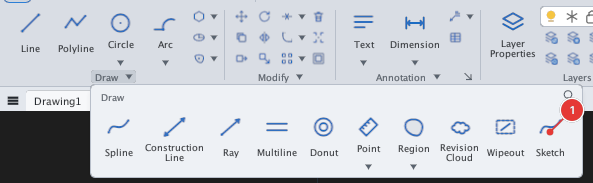
- Click Sketch or type
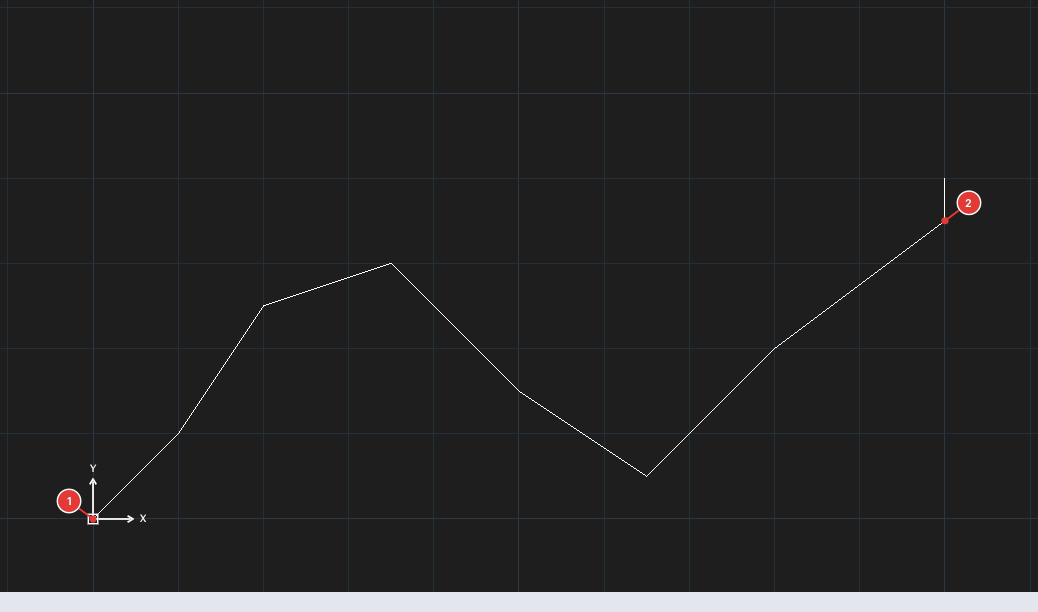
SKETCH, Enter. The command line showsRecord increment = auto, SKPOLY = 1andSKETCH: click to start or [Increment/Type]:. - Click to start 1 (
SKETCH: move to draw, click to finish.). - Move the mouse to draw; the line follows the cursor.
- Click again to stop 2. The stroke is saved as a polyline.
The I option (Increment) sets the minimum distance between recorded points (Specify sketch increment <0>:); T (Type) selects the kind of object recorded. Only the Increment option has been checked for this manual.