REVCLOUD — Revision cloud
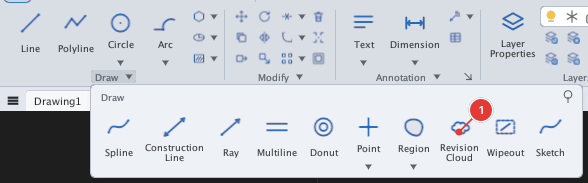
 Ribbon: Draw ▸ Draw ▸ (slide-out) Revision CloudCommand:
REVCLOUD
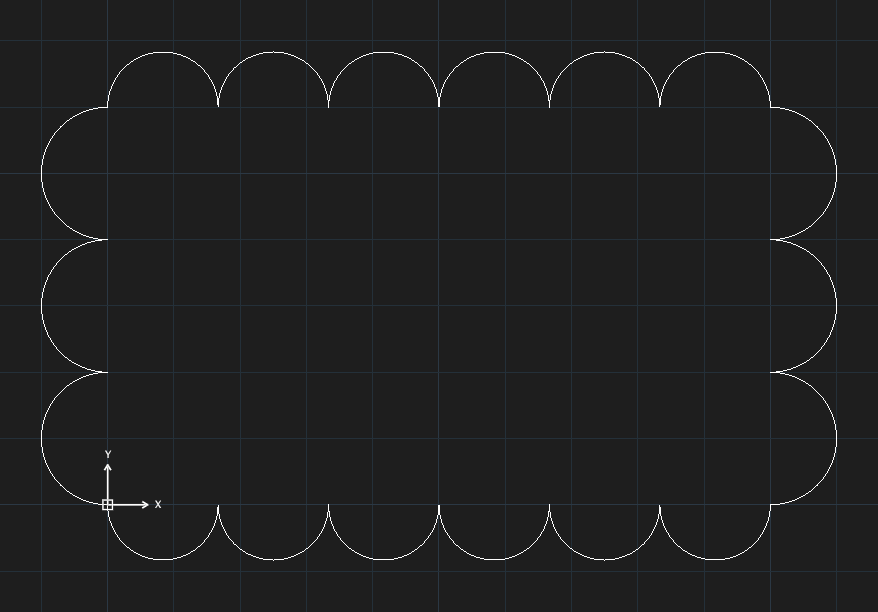
REVCLOUD draws an outline of linked arcs shaped like a cloud, used to mark areas that need attention when a drawing is revised.
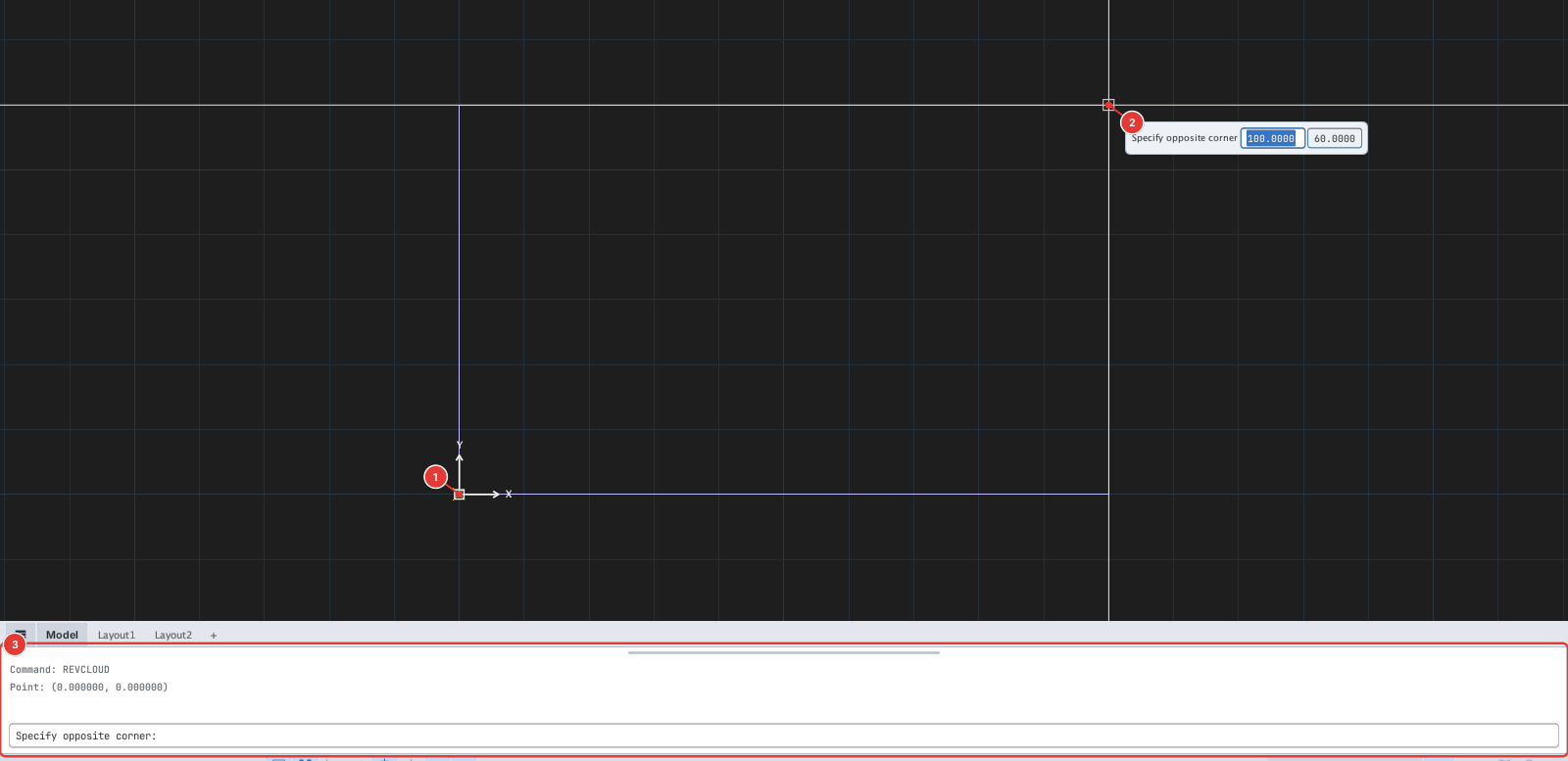
Cloud from two corners
- Click Revision Cloud or type
REVCLOUD, Enter. Prompt:Specify first corner or [Arc length/Object/Polygonal/Freehand/Style/Modify] <arc 5.0-10.0, Normal>:. - Click the first corner 1.
- Click the opposite corner 2 (
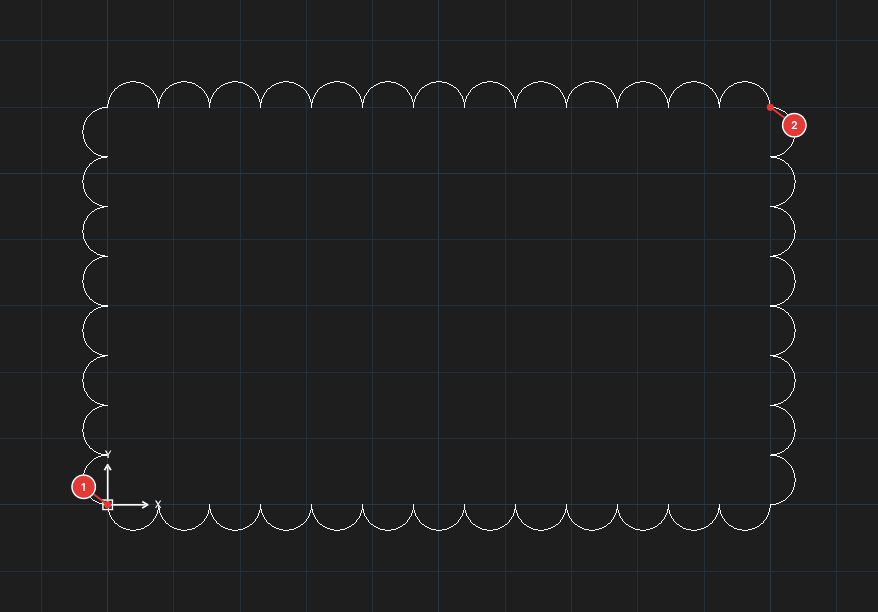
Specify opposite corner:). A rectangular cloud is created.
Options
| Type | Option | What it does |
|---|---|---|
A | Arc length | Enter the minimum then the maximum arc length (Specify minimum arc length:, Specify maximum arc length). |
P | Polygonal | Outline by polygon vertices you click; Enter or click the first point again to close. |
O | Object | Converts a closed object (polyline, circle…) into a cloud. |
F | Freehand | Draw freehand |
S | Style | Line style: Normal / Calligraphy |
M | Modify | Edit an existing cloud |
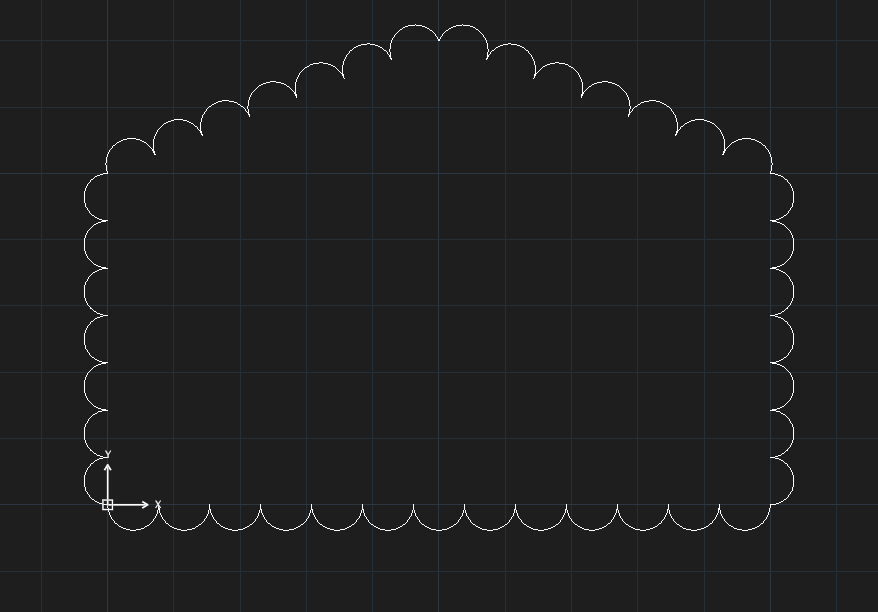
Only the Rectangle, Polygonal and Arc length methods have been checked for this manual; Object, Freehand, Style and Modify have not.