RECTANGLE — Rectangle
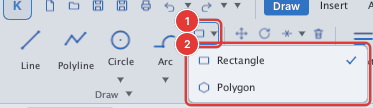
 Ribbon: Draw ▸ Draw ▸ RectangleCommand:
RECTANGLEAlias: REC
RECTANGLE draws a rectangle from two opposite corners. The button sits in a small group with POLYGON; the ▾ arrow on its right opens the Rectangle / Polygon list.
Steps
- Click Rectangle or type
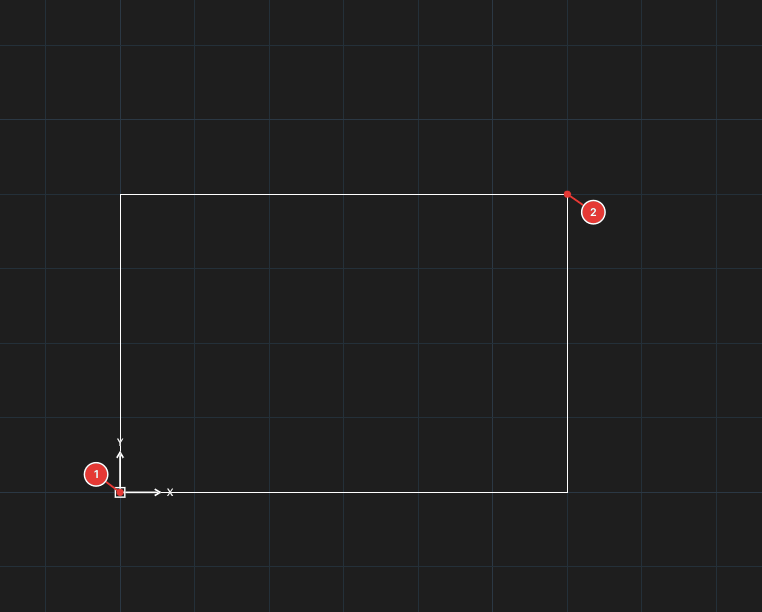
REC, Enter. Prompt:Specify first corner point or [Chamfer/Elevation/Fillet/Thickness/Width/Rotation]:. - Click the first corner 1 or type coordinates.
- Prompt
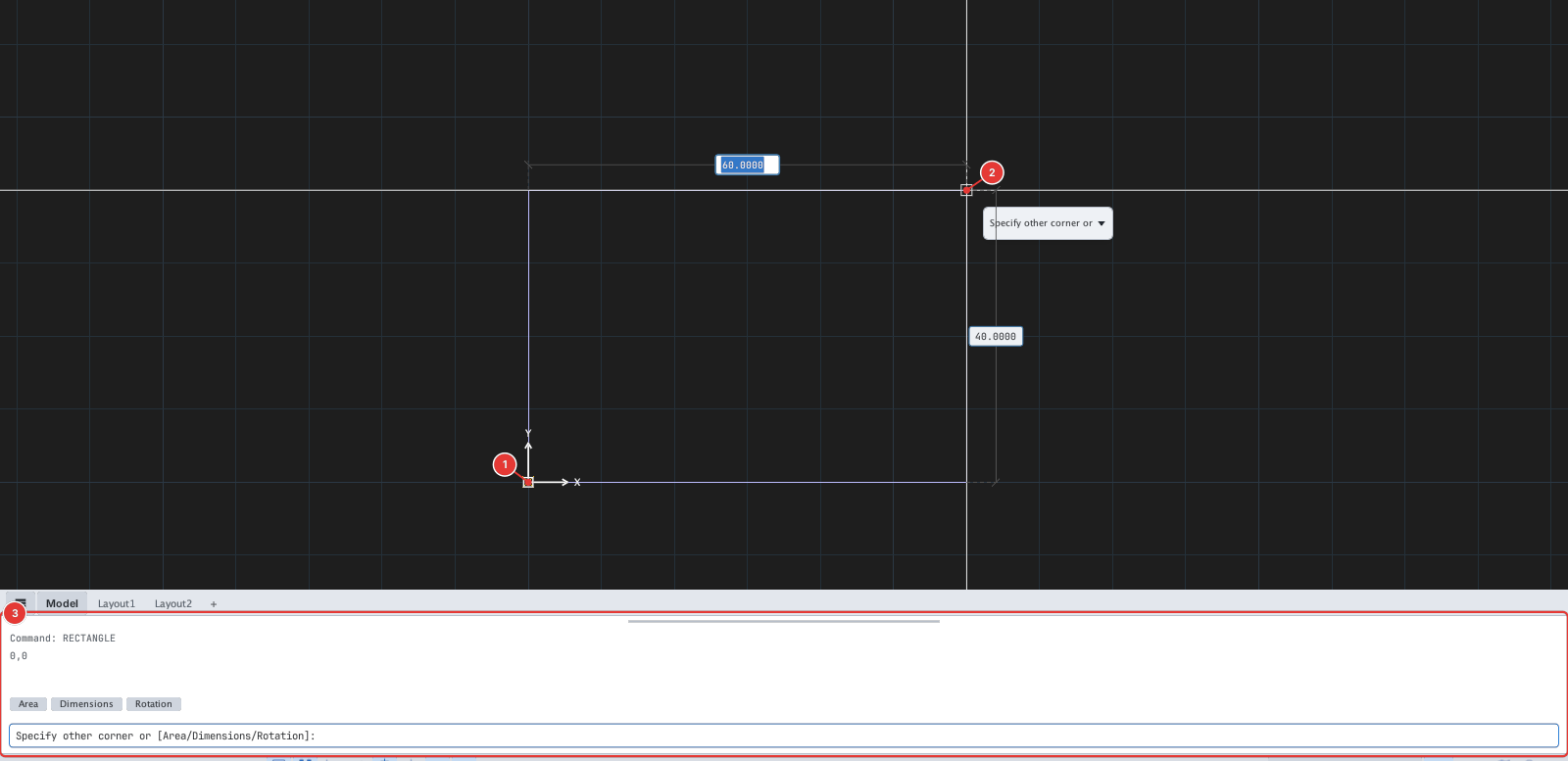
Specify other corner or [Dimensions]:. Click the opposite corner 2, or typedx,dy(relative to the first corner, for example60,40).
Options
The Chamfer, Fillet, Width and Rotation options are set before picking the first corner and stay in effect for later rectangles in the session. When any of them is used, the result is a closed polyline.
| Type | Option | What it does |
|---|---|---|
C | Chamfer | Enter two chamfer distances (first, second chamfer distance) — corners are cut. |
F | Fillet | Enter a corner fillet radius. |
W | Width | Enter the polyline stroke width. |
R | Rotation | Enter a rotation angle (degrees); the rectangle turns about the first corner. Works at both the first and the second corner prompt. |
E, T | Elevation, Thickness | Elevation / thickness — 3D-only settings, not covered here. |
D | Dimensions | (At the second-corner prompt) enter the length then the width. |
A | Area | (At the second-corner prompt) enter the area then the length of one side; the other side is computed. |
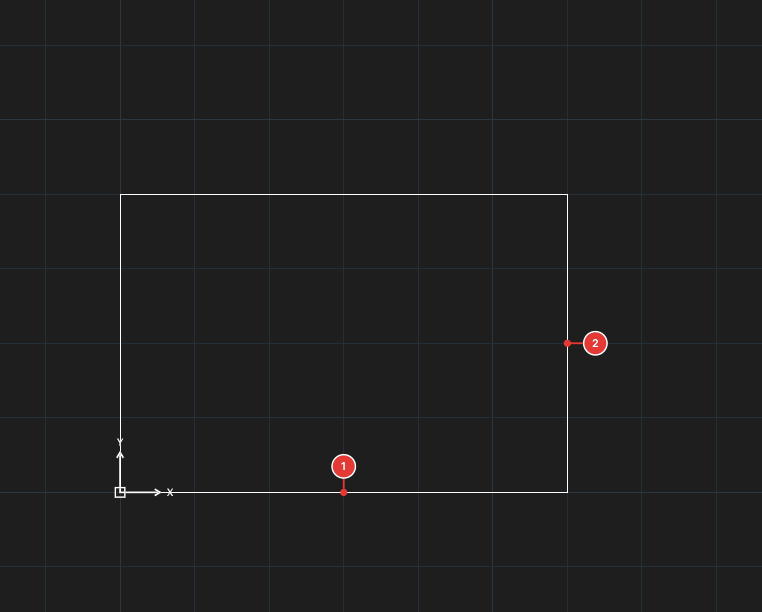
REC, 0,0, D, 60, 40 — length 1, width 2.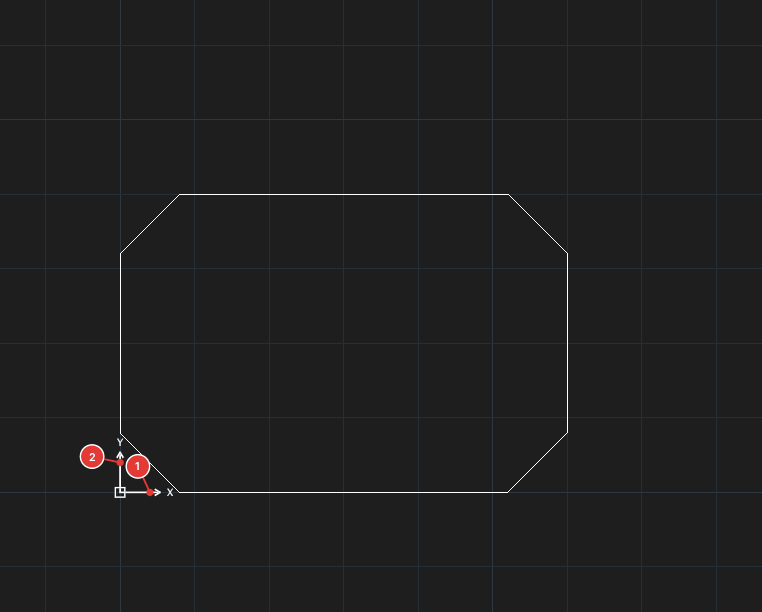
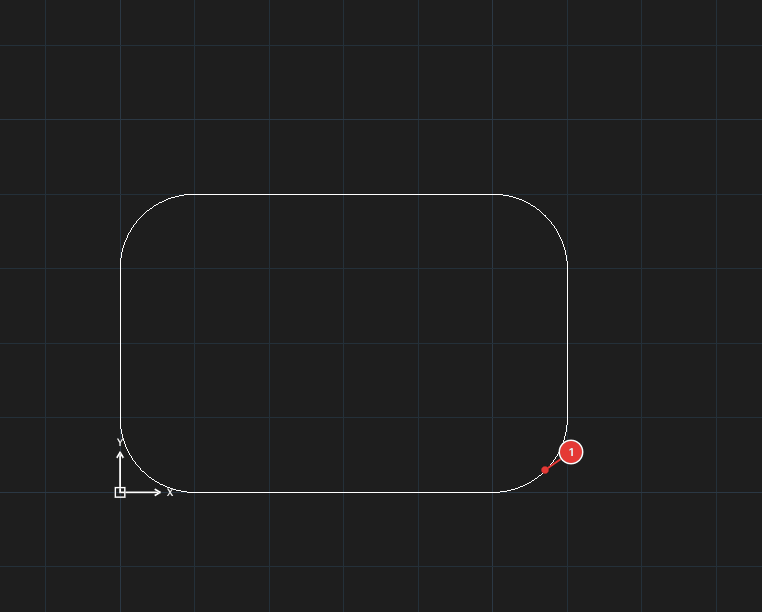
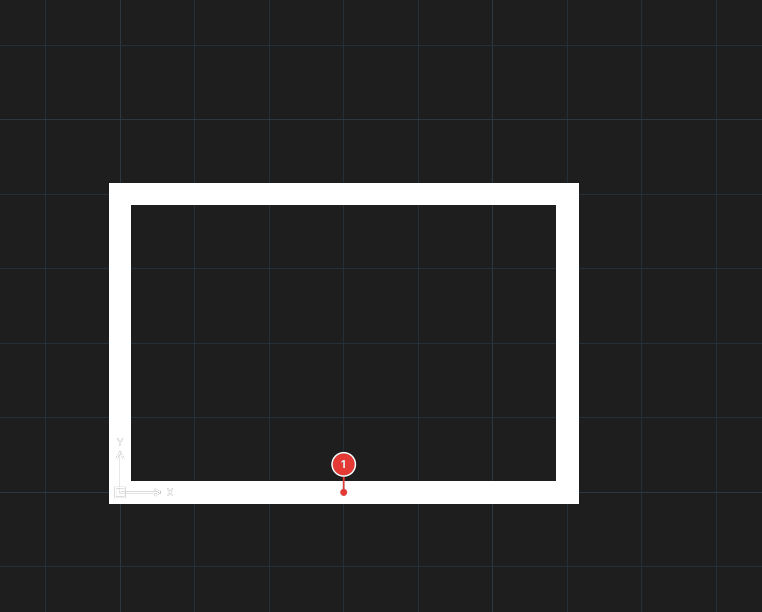
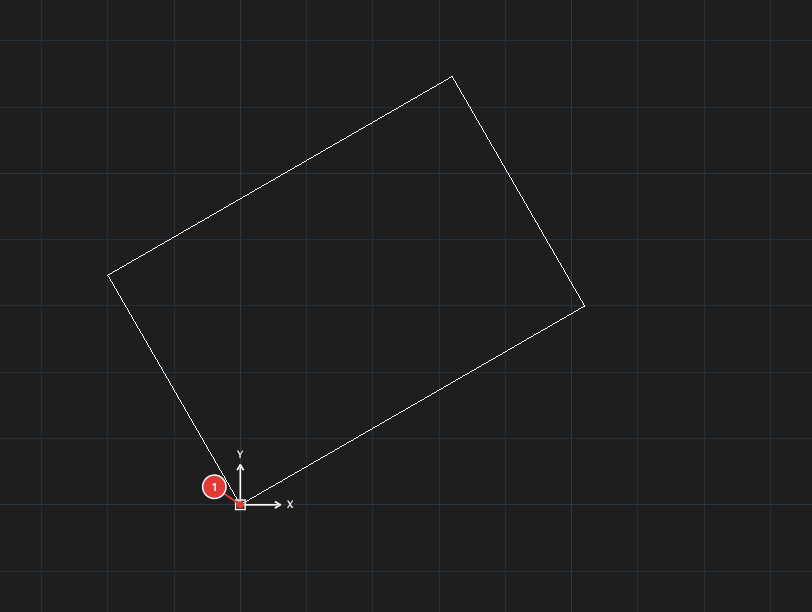
Typed sequences: REC, C, 8, 8, 0,0, 60,40 (Chamfer); REC, F, 10, 0,0, 60,40 (Fillet); REC, W, 3, 0,0, 60,40; REC, R, 30, 0,0, 60,40.