DIVIDE — Divide an object into equal parts
 Ribbon: Draw ▸ Draw ▸ (slide-out) Point ▾ DivideCommand:
DIVIDEAlias: DIV
DIVIDE places points (or blocks) that split a line, arc, circle or polyline into N equal parts. The original object is not cut.
- Open the Point group's list and choose Divide, or type
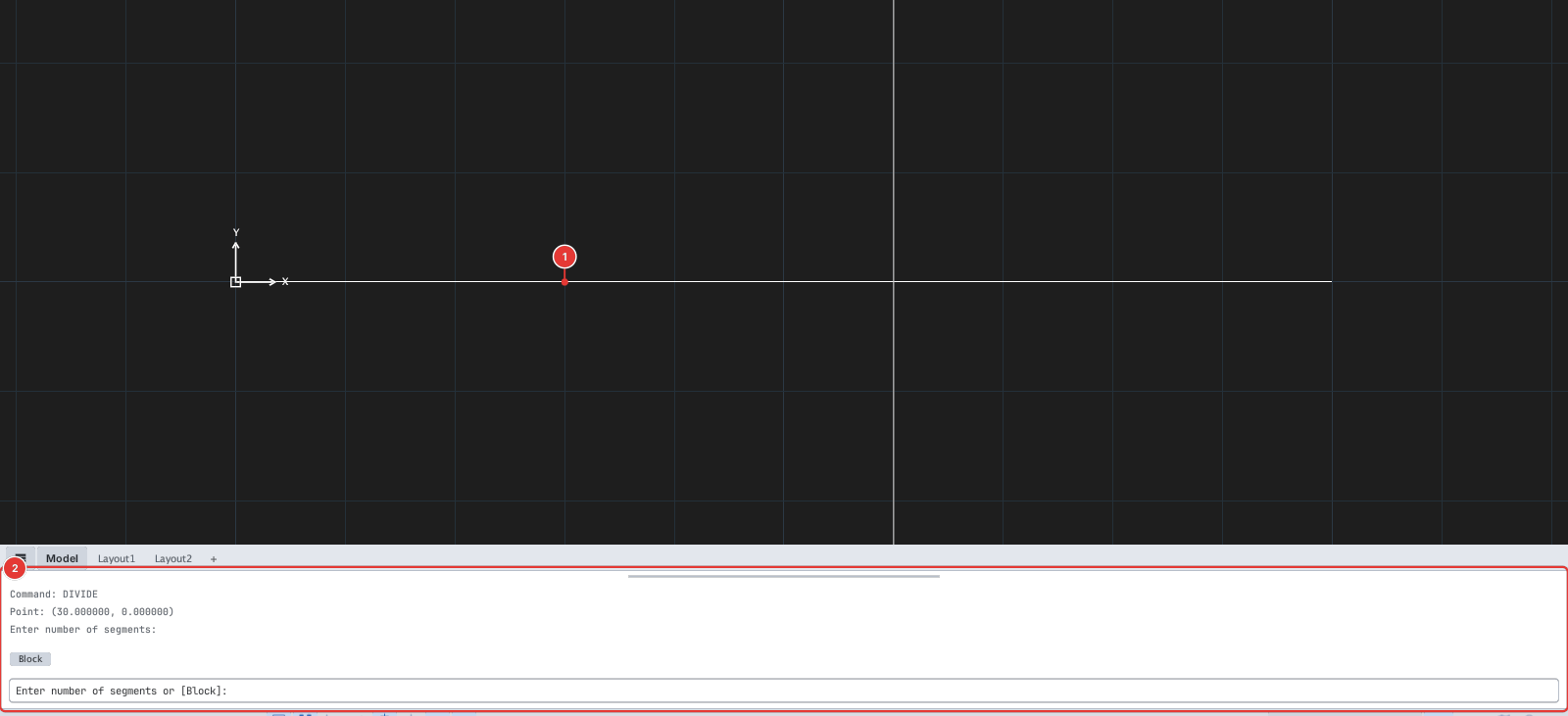
DIV, Enter. PromptSelect object to divide:. - Click the object 1.
- Prompt
Enter number of segments or [Block]:. Type the number of parts (for example5) — the command places N − 1 points. - Type
Binstead of a number to place a block (Enter block name to place at each division:).
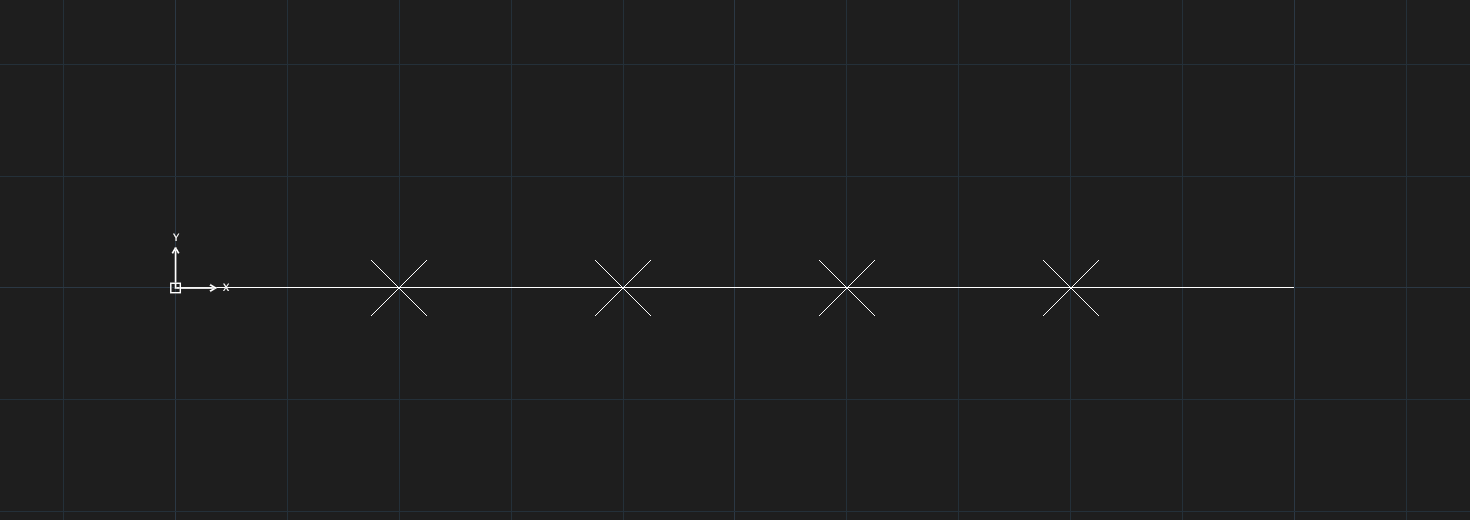
Points are tiny by default — set PDMODE 3 and PDSIZE 5 (or use PTYPE) to see them; then use the Node object snap to keep drawing through the division points.