REGION — Region
 Ribbon: Draw ▸ Draw ▸ (slide-out) Region (nút có mũi tên ▾)Command:
REGIONAlias: REG
REGION converts closed objects (closed polylines, circles, rectangles…) into regions: 2D surfaces that have an area. Regions are used for area calculation and for union / subtract / intersect operations.
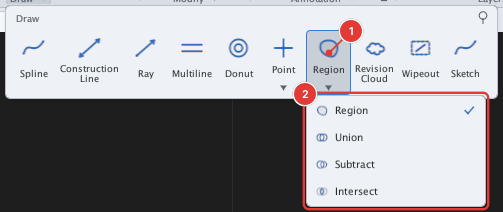
Steps
- Select first the closed objects to convert (click or window).
- Click Region or type
REG, Enter. The command runs at once on the selection and creates REGION objects.
Before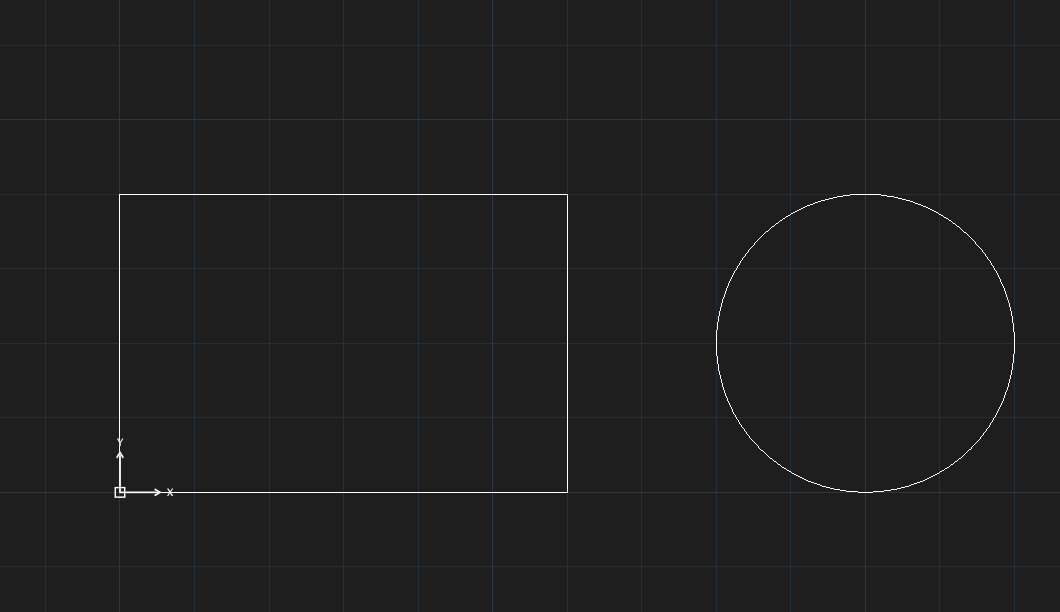
→
After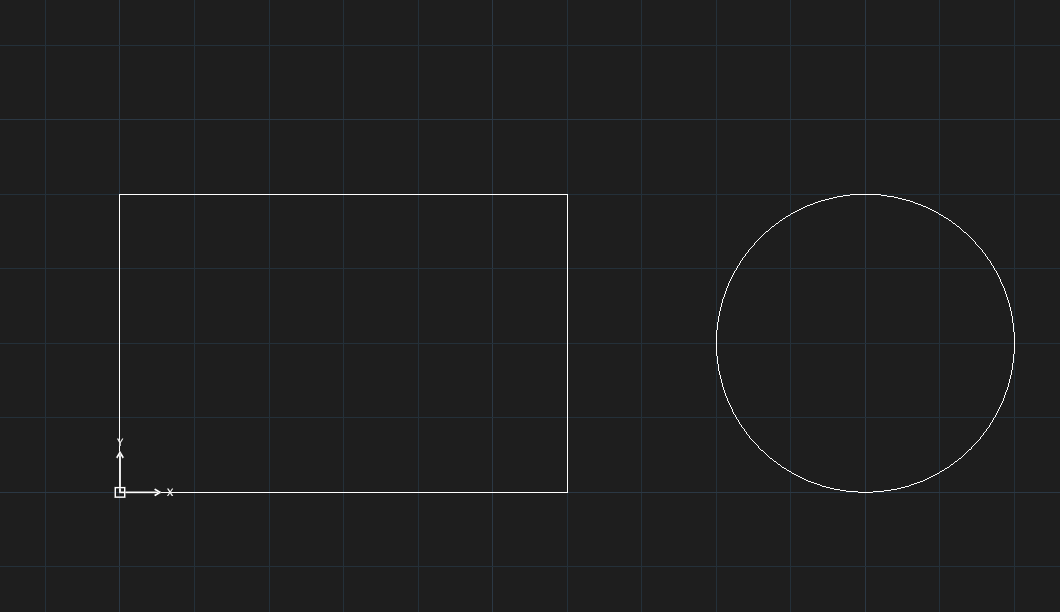
This command does not ask to select objects: you must select first, then type the command. The group also holds Union, Subtract and Intersect (operations on regions); these have not been checked for this manual.
See also: BOUNDARY.