RAY — Ray
 Ribbon: Draw ▸ Draw ▸ (slide-out) RayCommand:
RAY
RAY draws a half-line: it starts at a point and extends infinitely in one direction.
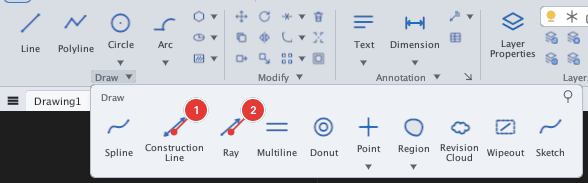
- Click Ray or type
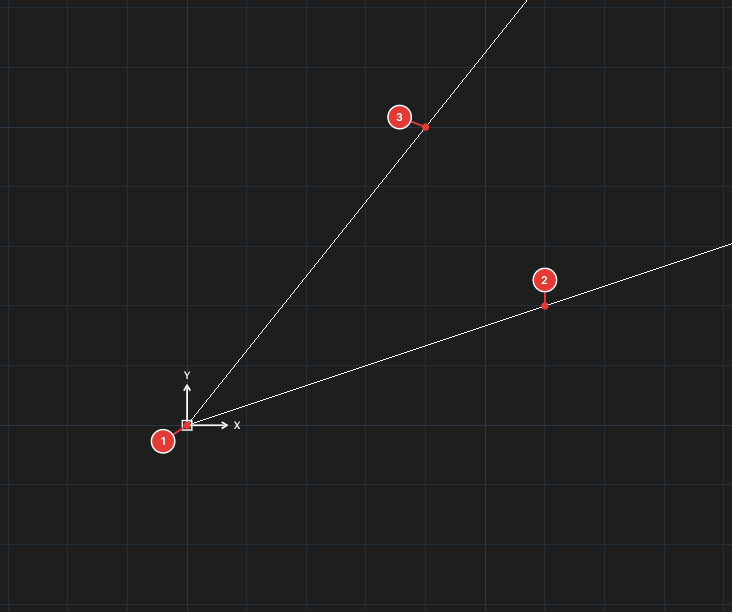
RAY, Enter. Prompt:Specify start point of ray:. - Pick the start point 1.
- Pick a point the ray passes through 2 (
Specify through point [Esc to end]:). You can keep picking points 3: each one adds another ray from the same start. - Press Esc to finish.
See also: XLINE.