DONUT — Filled ring
 Ribbon: Draw ▸ Draw ▸ (slide-out) DonutCommand:
DONUTAlias: DO
DONUT draws a filled ring: a solid annulus between an inside and an outside diameter. With an inside diameter of 0 you get a solid disc.
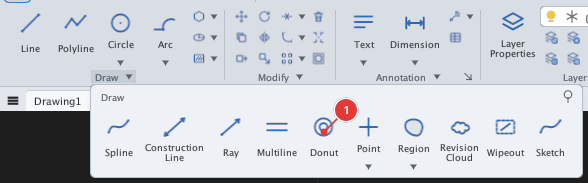
- Click Donut or type
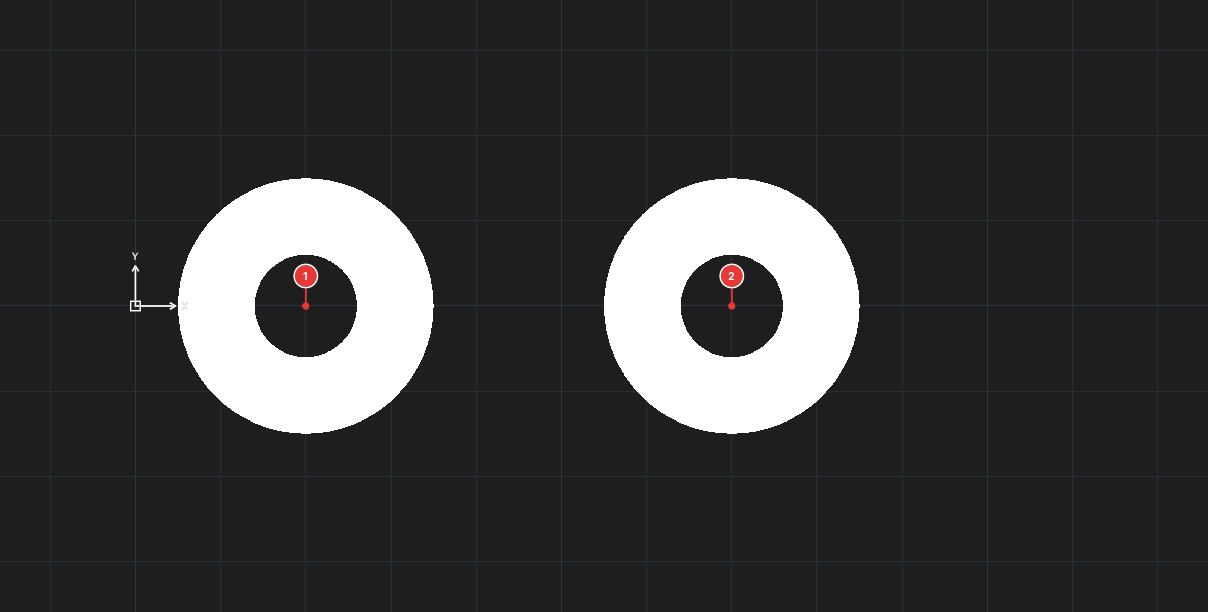
DO, Enter. Specify inside diameter of donut:— type the inside diameter (for example12).Specify outside diameter of donut:— type the outside diameter (for example30).Specify center of donut or <exit>:— click (or type) the centres 1, 2… Each point places a ring of the same size; press Enter or Esc to finish.
With an inside diameter of 0 you get solid discs:
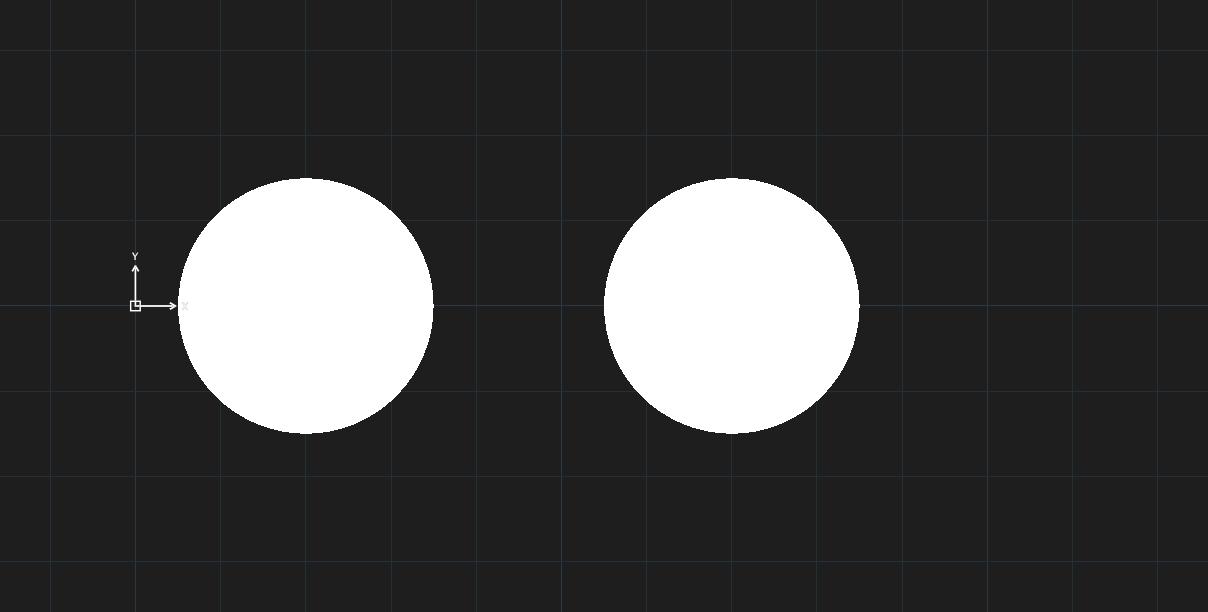
The result is a solid hatch, filled with the layer colour.