MEASURE — Place points at a fixed spacing
 Ribbon: Draw ▸ Draw ▸ (slide-out) Point ▾ MeasureCommand:
MEASURE
MEASURE places points (or blocks) along an object, a given distance apart, counted from the end nearest to where you click.
- Open the Point group's list and choose Measure, or type
MEASURE, Enter. PromptSelect object to measure:. - Click the object near the end you want to measure from (the left end 1).
- Type the distance between points (for example
30). TypeBto place blocks instead.
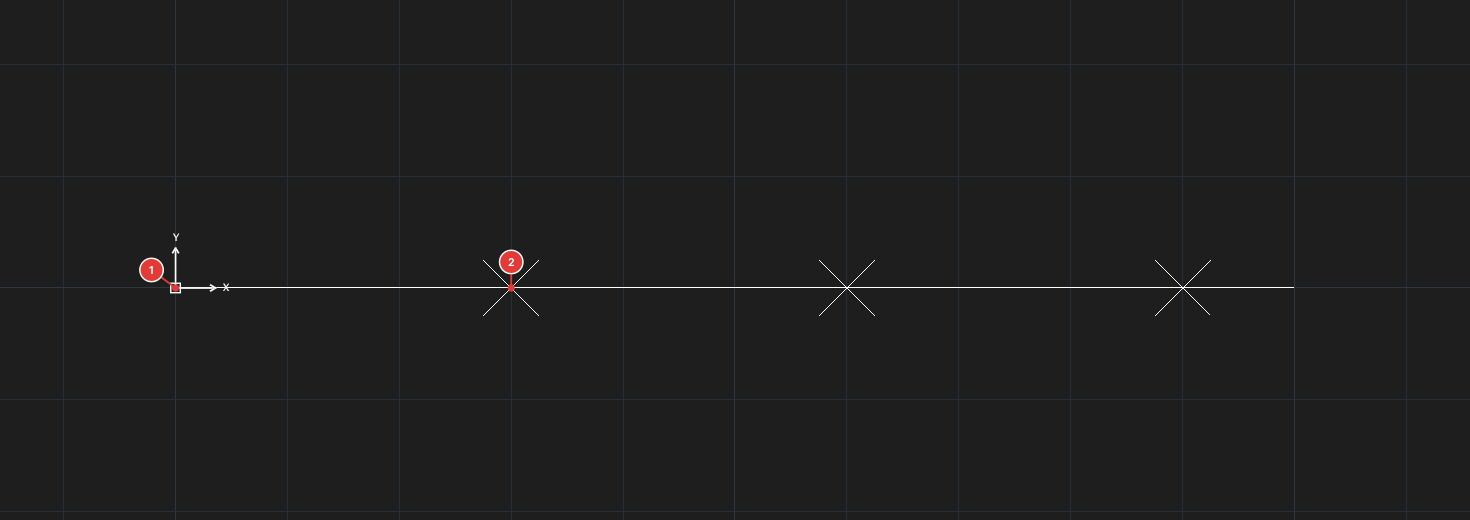
This is the MEASURE command of the Point group (it places points). The commands that measure distance / area are DIST, AREA, ID and LIST (chapter 4, page "Measuring commands").
See also: DIVIDE.