POLYGON — Regular polygon
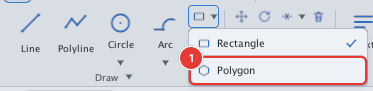
 Ribbon: Draw ▸ Draw ▸ Rectangle ▸ PolygonCommand:
POLYGONAlias: POL
POLYGON draws a regular polygon (3 or more sides); the result is a closed polyline. Its button is in the Rectangle button's list.
Inscribed or circumscribed about a circle
- Type
POL, Enter. Enter the number of sides (Enter number of sides <6>:). - Click the centre 1 or type coordinates (
Specify center of polygon or [Edge]:). - Choose the type:
I— Inscribed (vertices lie on the circle), orC— Circumscribed (sides touch the circle). - Click a point 2 or type the radius. For inscribed, this point is a vertex; for circumscribed, it is the midpoint of a side.
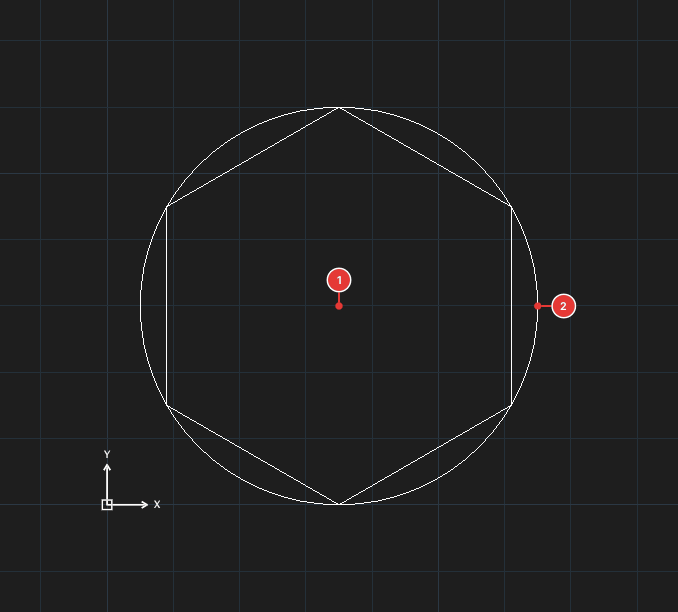
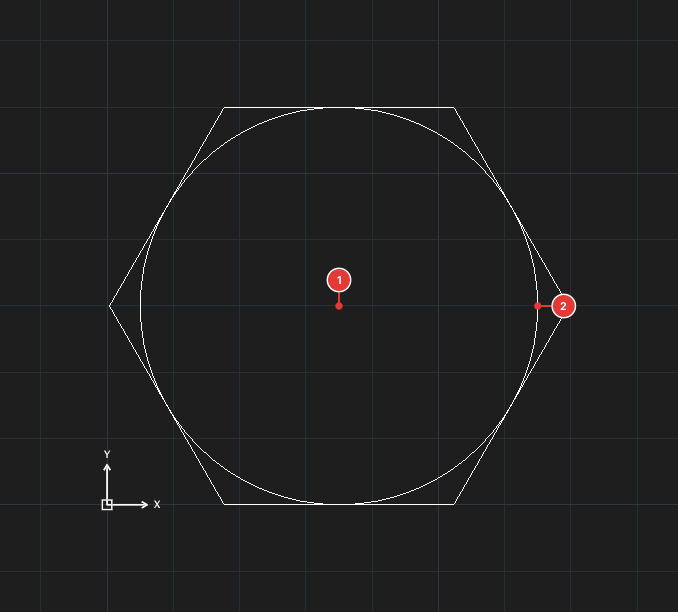
Typed sequence: POL, 6, 35,30, I, 30.
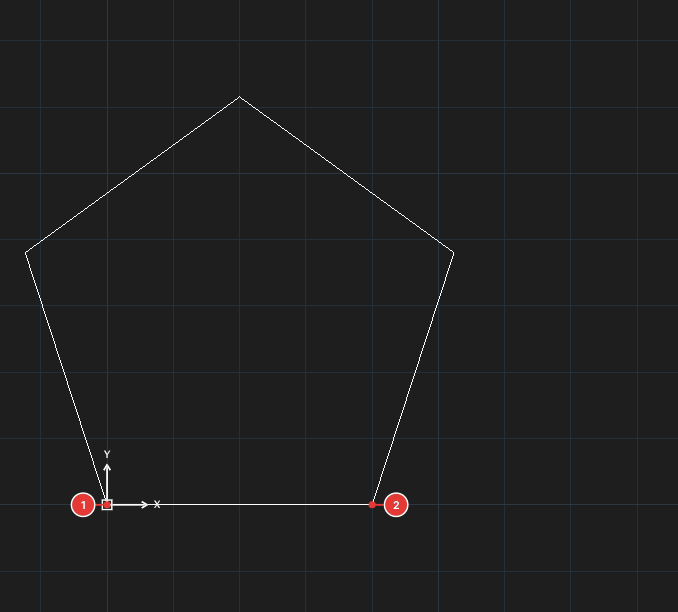
By one edge (Edge)
At step 2 type E, then click the two ends of one side 1, 2; the polygon is built counter-clockwise from that side.
See also: RECTANGLE.