MLINE — Multiline
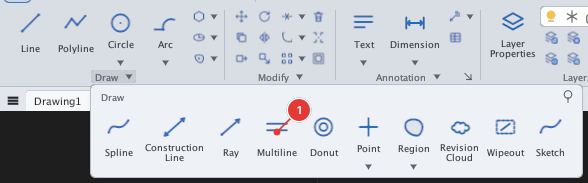
 Ribbon: Draw ▸ Draw ▸ (slide-out) MultilineCommand:
MLINEAlias: ML
MLINE draws several parallel lines at once (for example the two strokes of a wall). The shape of the lines (how many, spacing, colour) comes from the multiline style; the built-in style is STANDARD, two lines spaced by 1 unit times the scale.
Steps
- Click Multiline or type
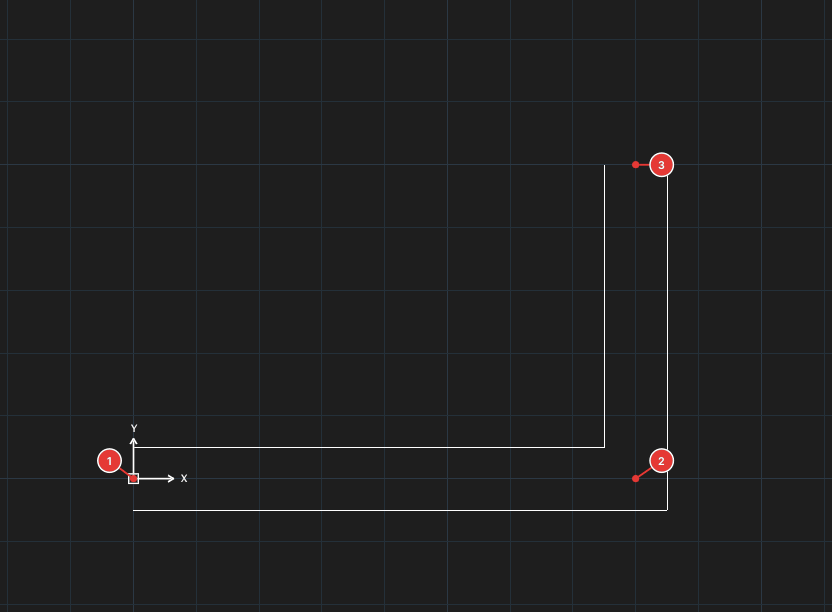
ML, Enter. - Pick the start point 1, then the next points 2, 3. Two parallel strokes follow the path and mitre automatically at direction changes.
- Press Enter to finish.
Options
| Type | Option | What it does |
|---|---|---|
J | Justification | Aligns the path: Top / Zero / Bottom — the line you click is the top, middle or bottom stroke. |
S | Scale | Multiplier for the spacing between strokes (Enter mline scale <10>:). |
ST | STyle | Choose a multiline style by name (Enter mline style name or [?]:). |
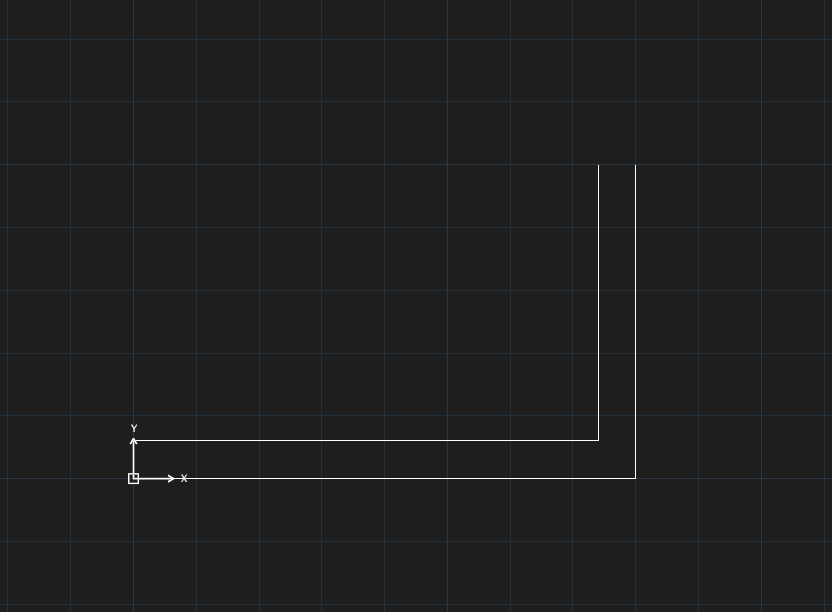
ML, S, 6, J, B, 0,0, 80,0, 0,50, Enter — the bottom stroke lies on the path.Multiline styles (MLSTYLE)
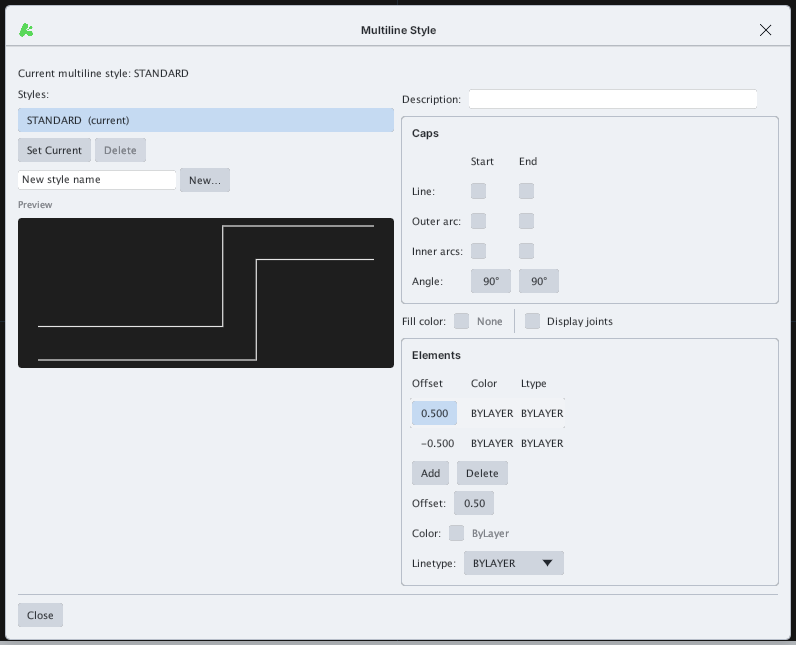
Type MLSTYLE to open the Multiline Style dialog: create a new style (New…), make a style current (Set Current), delete a style, and edit each stroke: Offset, Color, Linetype (the Add / Delete buttons add or remove strokes), plus the end caps (Caps), Fill color and Display joints.
Edit an existing multiline with MLEDIT and EXPLODE (chapter 6).