WIPEOUT — Mask an area with the background colour
 Ribbon: Draw ▸ Draw ▸ (slide-out) WipeoutCommand:
WIPEOUT
WIPEOUT creates a polygonal area that hides the objects underneath (it is filled with the background colour). It is commonly placed behind text or symbols so the lines below do not clutter them.
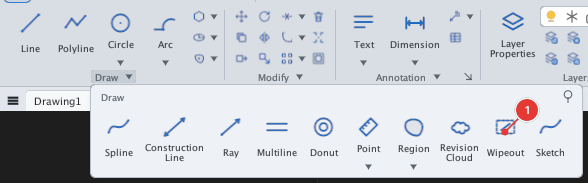
- Click Wipeout or type
WIPEOUT, Enter. Prompt:Specify first point or [Frames/Polyline] <Polyline>:. - Click the vertices of the area to hide in turn 1, 2… (
Specify next point or [Undo] <Enter to finish>:). - Press Enter to finish; the polygon closes itself.
Before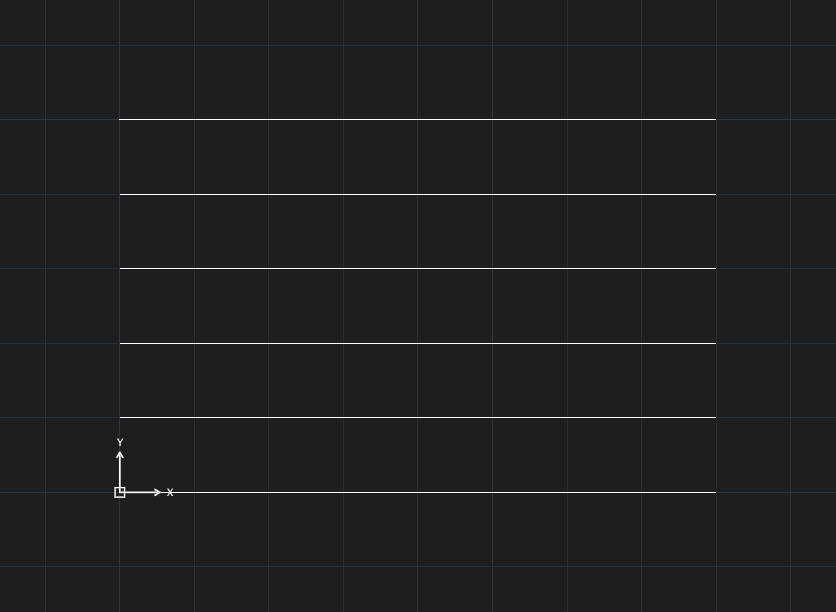
→
After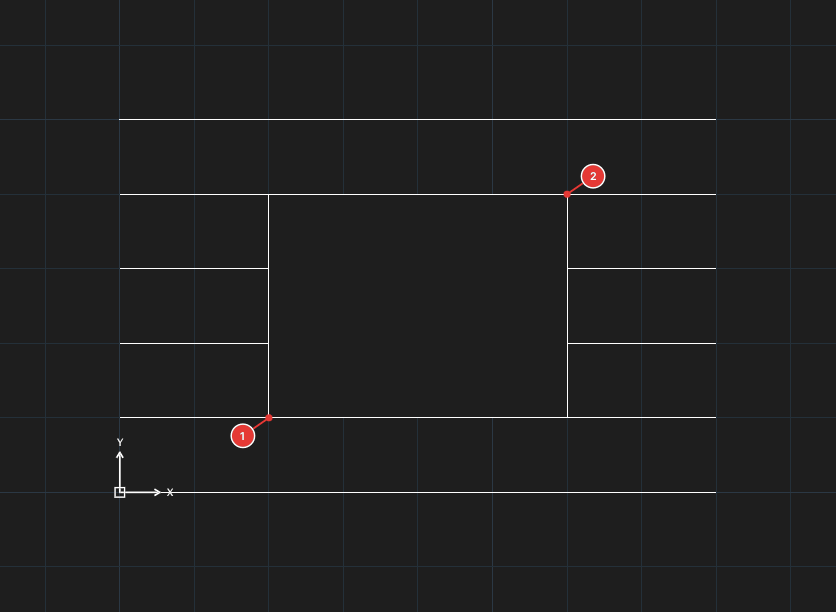
| Type | Option | What it does |
|---|---|---|
P | Polyline | Use an existing closed polyline as the boundary (Select a closed polyline:). |
F | Frames | Turn the visible outline of wipeouts on / off. |
Only picking vertex by vertex has been checked for this manual; Polyline and Frames have not.
Bring the wipeout above the objects to hide, and put text / symbols above the wipeout, with DRAWORDER (chapter 6).