POLYLINE — Polyline
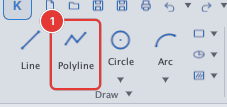
 Ribbon: Draw ▸ Draw ▸ PolylineCommand:
PLINEAlias: PL
POLYLINE (PLINE) draws a chain of line and arc segments joined into one object. A polyline can be closed, can have width (thick strokes, arrows) and can be offset or filleted as a whole.
Steps
- Click Polyline, or type
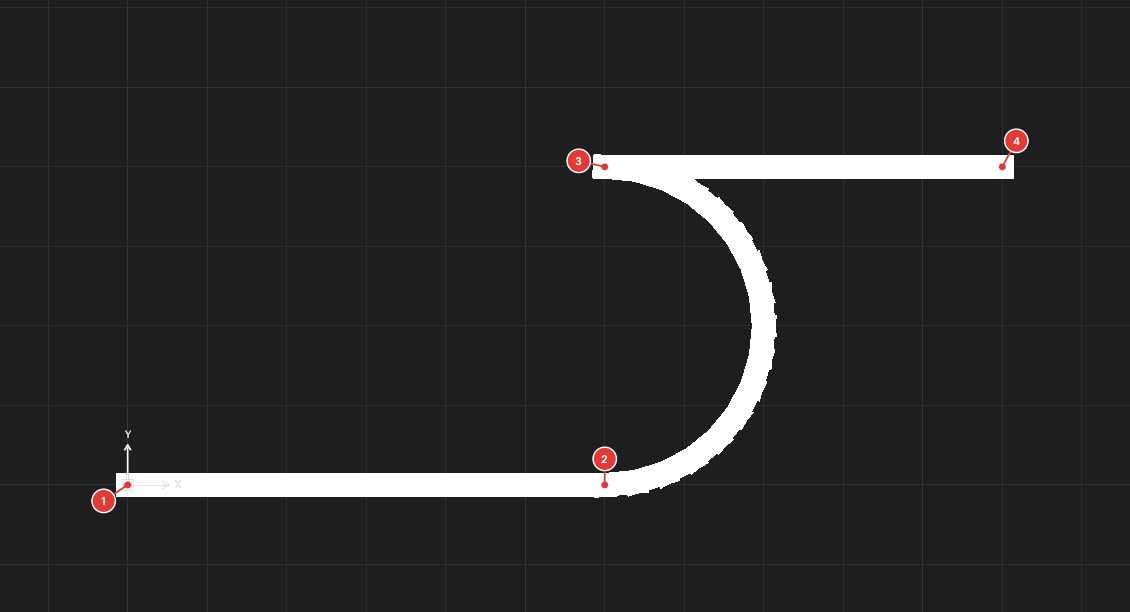
PLand press Enter. - Pick the start point 1, then the next points (prompt
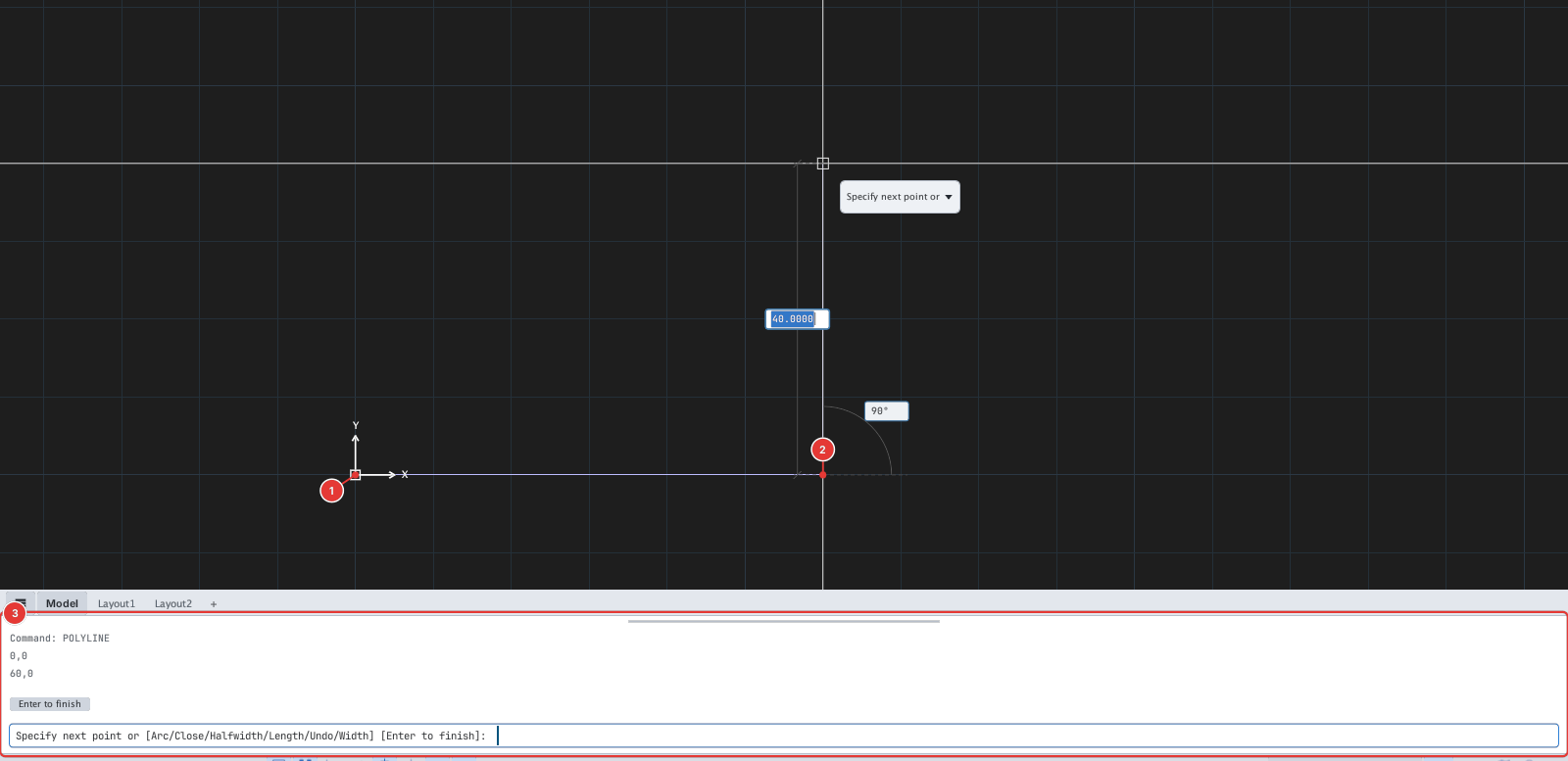
Specify next point or [Arc/Close/Width/Halfwidth/Undo]). - Press Enter to finish (open polyline), or type
Cto join back to the start and close it.
Options
| Type | Option | What it does |
|---|---|---|
A | Arc | Switches to arcs: the point you pick is the end point of the arc, tangent to the previous segment. The prompt changes to Specify endpoint of arc or [Close/Halfwidth/Line/Undo/Width]. |
L | Line | (In arc mode) returns to line segments. |
C | Close | Closes the polyline with a segment back to the start and finishes. |
W | Width | Enter the starting width, then the ending width for the following segments. Different values give a tapered segment (arrow). |
H | Halfwidth | Like Width, but you enter half the width. |
U | Undo | Removes the last vertex added. |
The line prompt also offers L (Length): enter a length and the new segment continues in the direction of the previous one (or along the tangent if it was an arc). For example PLINE → 0,0 → #40,0 → L → 20 gives a vertex at (60,0).
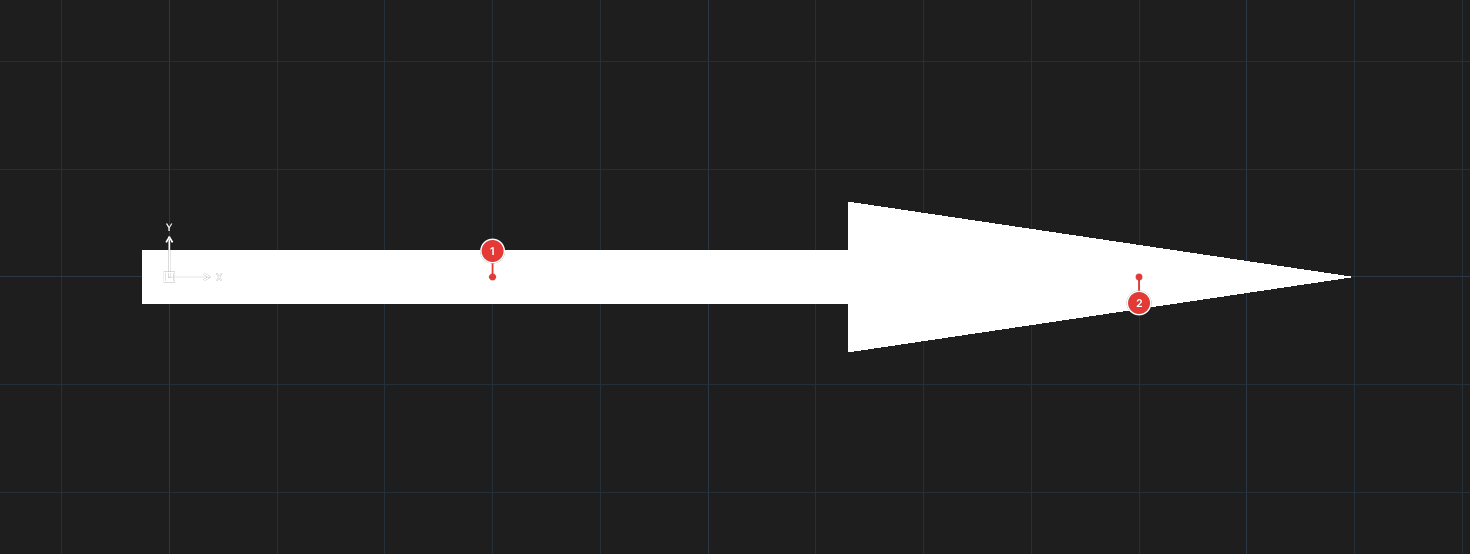
PL, 0,0, W, 5, 5, 70,0, W, 14, 0, 40,0, Enter.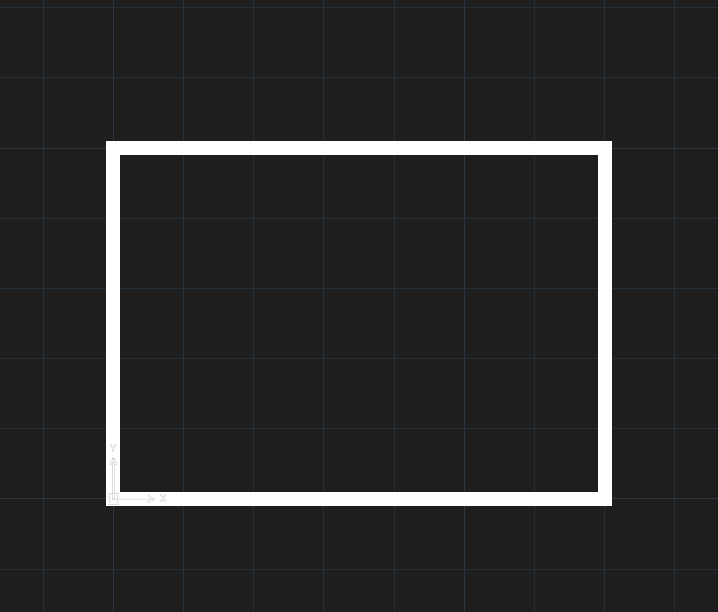
C: a 70 × 50 rectangle, width 2.In Arc mode only the arc end point can be picked for now; the Angle / CEnter / Direction / Radius / Second point sub-options are not available, and the prompt and preview do not change when you enter arc mode. If a polyline mixes segments of non-zero width with zero-width segments, the zero-width ones that follow a wide segment are currently not drawn on screen (the object still holds all its data). Give the whole chain the same width when you need to see it.
Notes
- Polylines are saved to DWG / DXF as LWPOLYLINE (with width and arcs).
- Edit a polyline by dragging grips, or with PEDIT (chapter 6). Break it into separate pieces with EXPLODE.
- Rectangles and polygons (RECTANGLE, POLYGON) also produce closed polylines.