Light / dark theme
Menu: K ▸ Font & Theme…Also at: View ▸ Interface ▸ Font & Theme, Options ▸ Display
KufCad has two looks: Dark (the default on first launch) and Light (used in this manual). The canvas keeps a dark background unless you change Options ▸ Display ▸ Model space background.
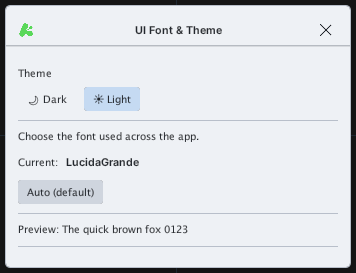
- Open K ▸ Font & Theme….
- Click Dark or Light — the interface changes at once.
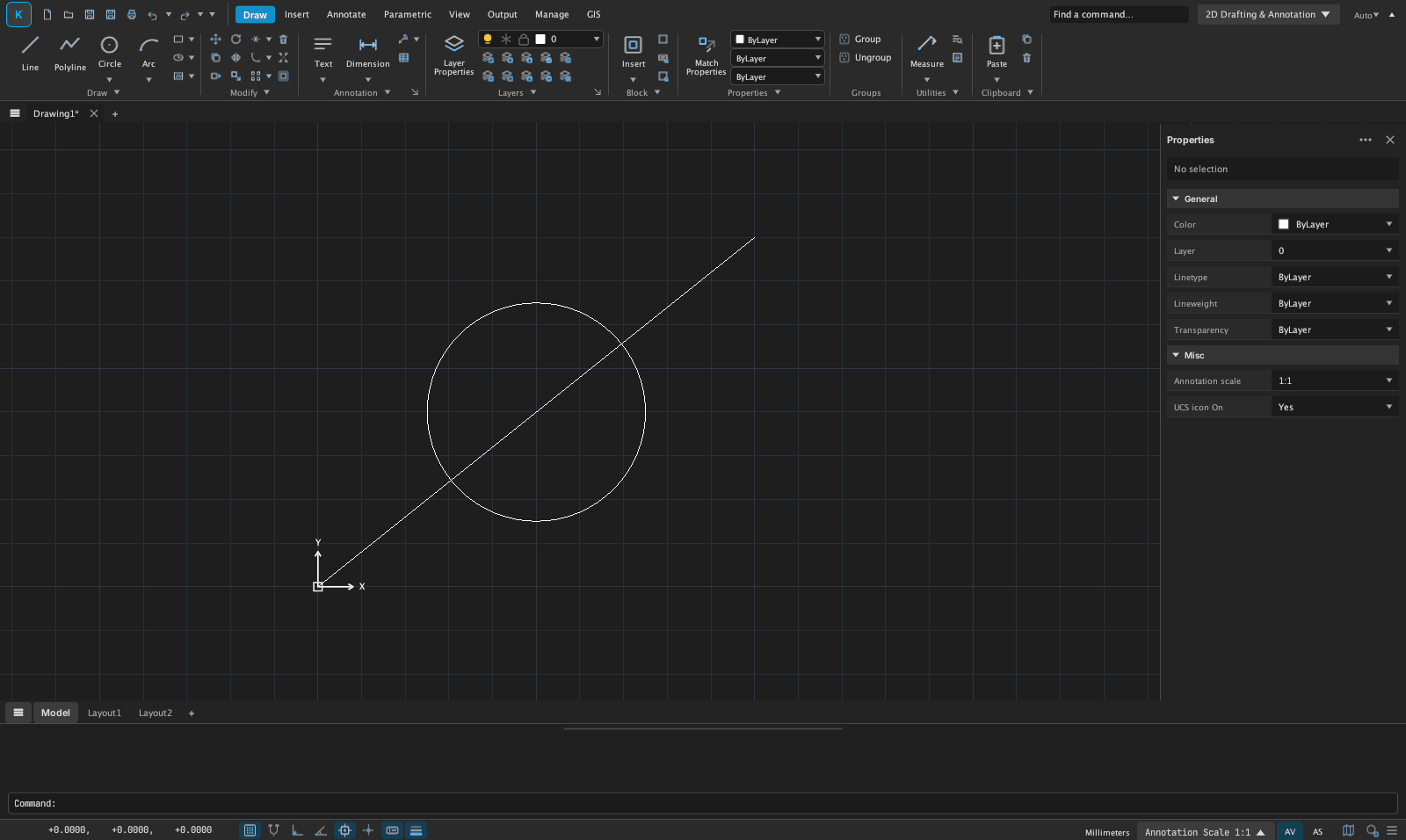
Your choice is remembered for the next session.