KufCad

Right-click menus

A right-click gives a menu suited to where you click.

On the canvas, nothing selected
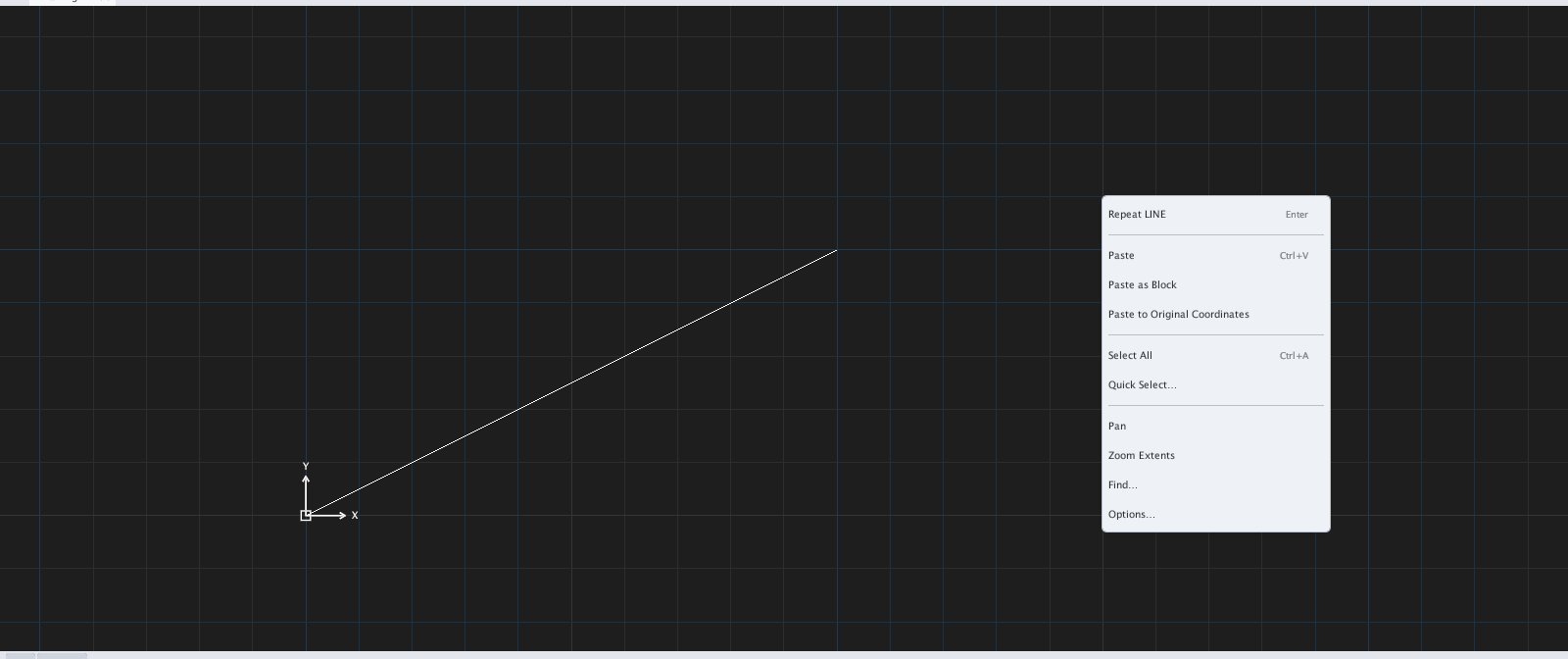
Right-click on an empty canvas: Repeat the last command (Enter), Paste, Past
Figure 1.45 — Right-click on an empty canvas: Repeat the last command (Enter), Paste, Paste as Block, Paste to Original Coordinates, Select All, Quick Select…, Pan, Zoom Extents, Find…, Options…

On the canvas, objects selected

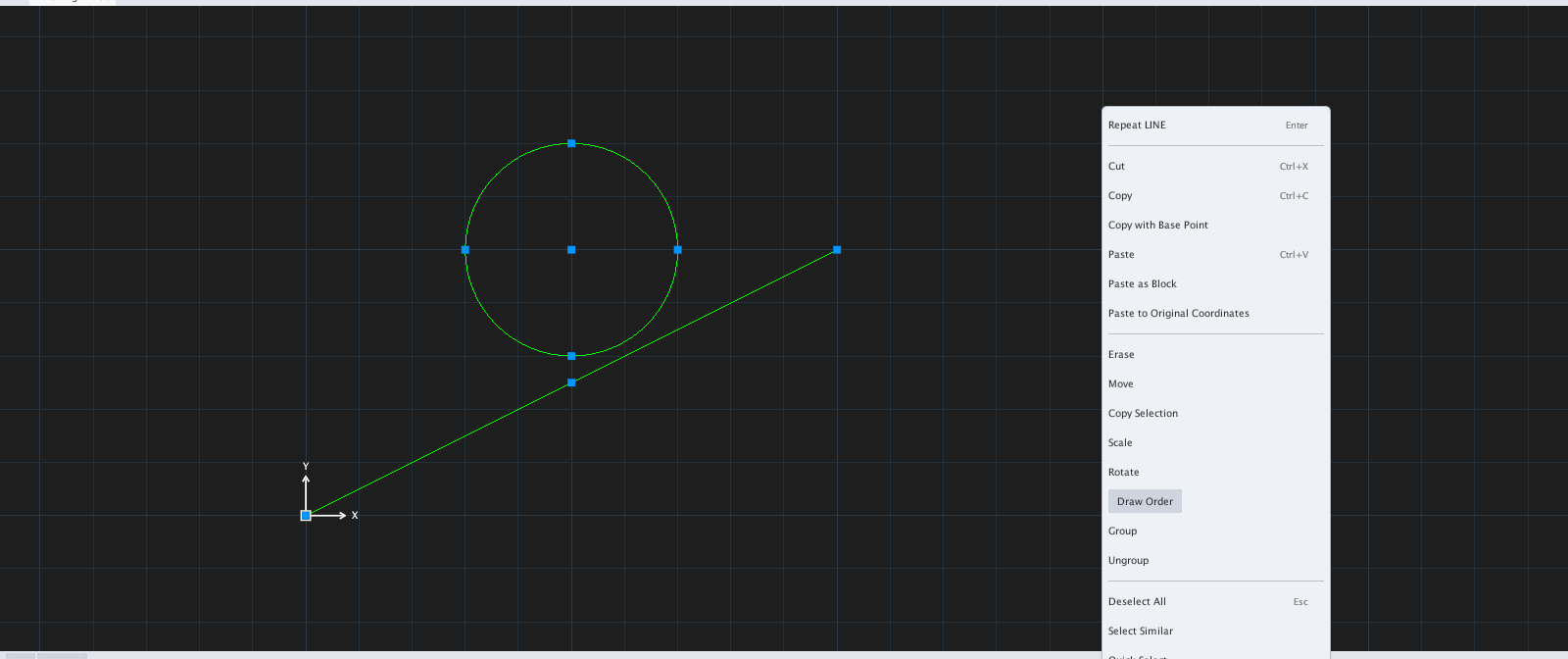
Right-click with a selection adds Cut, Copy, Copy with Base Point, Erase, Move,
Figure 1.46 — Right-click with a selection adds Cut, Copy, Copy with Base Point, Erase, Move, Copy Selection, Scale, Rotate, Draw Order, Group, Ungroup, Deselect All, Select Similar.

While a command is running

A right-click usually acts like Enter — it ends the command or the object-selection step. Shift + right-click opens the temporary object snap menu.

Elsewhere

Drawing tabs (page), layout tabs (page), the command line (page), the Polar / Osnap buttons (page).