Options
Menu: K ▸ Options…Ribbon: View ▸ Interface ▸ OptionsCommand: OPTIONS
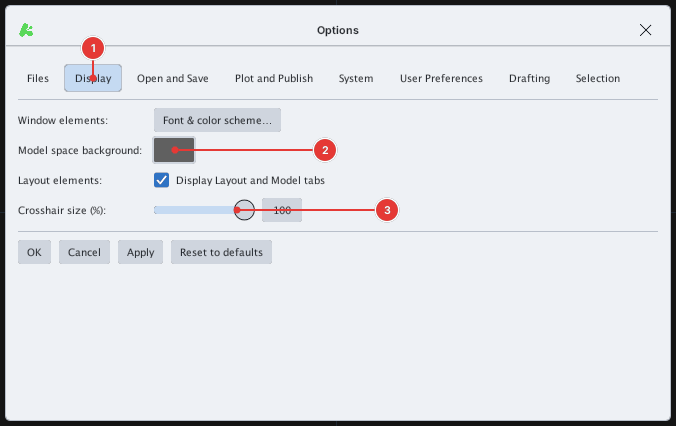
The Options dialog groups program settings into eight tabs. OK applies and closes, Apply applies, Cancel discards, Reset to defaults restores the defaults.
| Tab | Contents |
|---|---|
| Files | The folders KufCad uses, with Open buttons (see Configuration folder) |
| Display | Model background, crosshair size, Model/Layout tabs, Font & Theme |
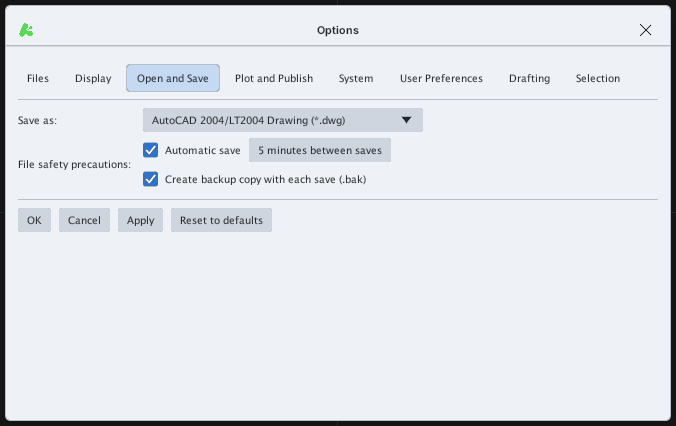
| Open and Save | Default save format, automatic save, backup copy |
| Plot and Publish | Default output device and plot style table |
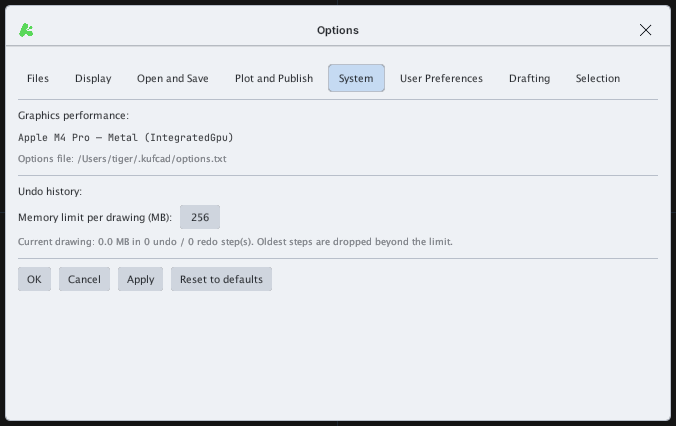
| System | Graphics info; undo history memory limit |
| User Preferences | Double-click editing; default insertion units |
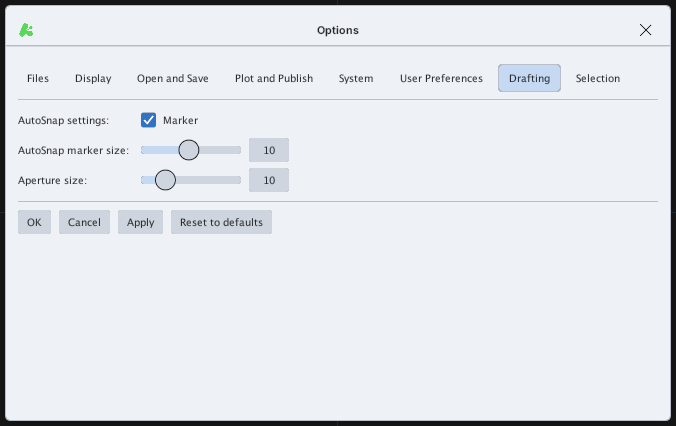
| Drafting | AutoSnap marker, marker size, aperture |
| Selection | Pickbox size, grip size and colors |
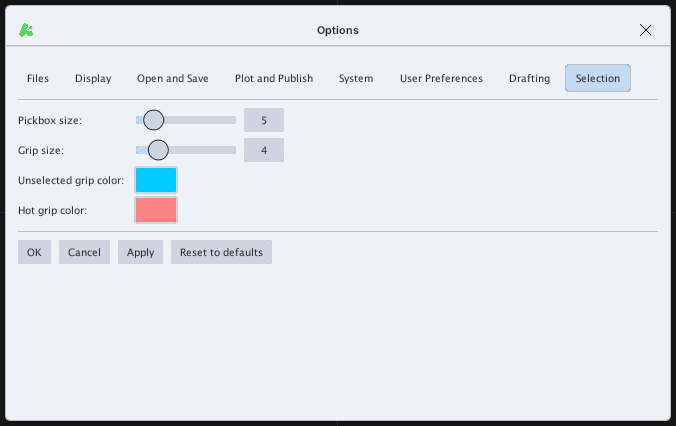
Values are stored in options.txt (see Configuration folder). The Files tab has no screenshot because it shows folder paths of your computer.