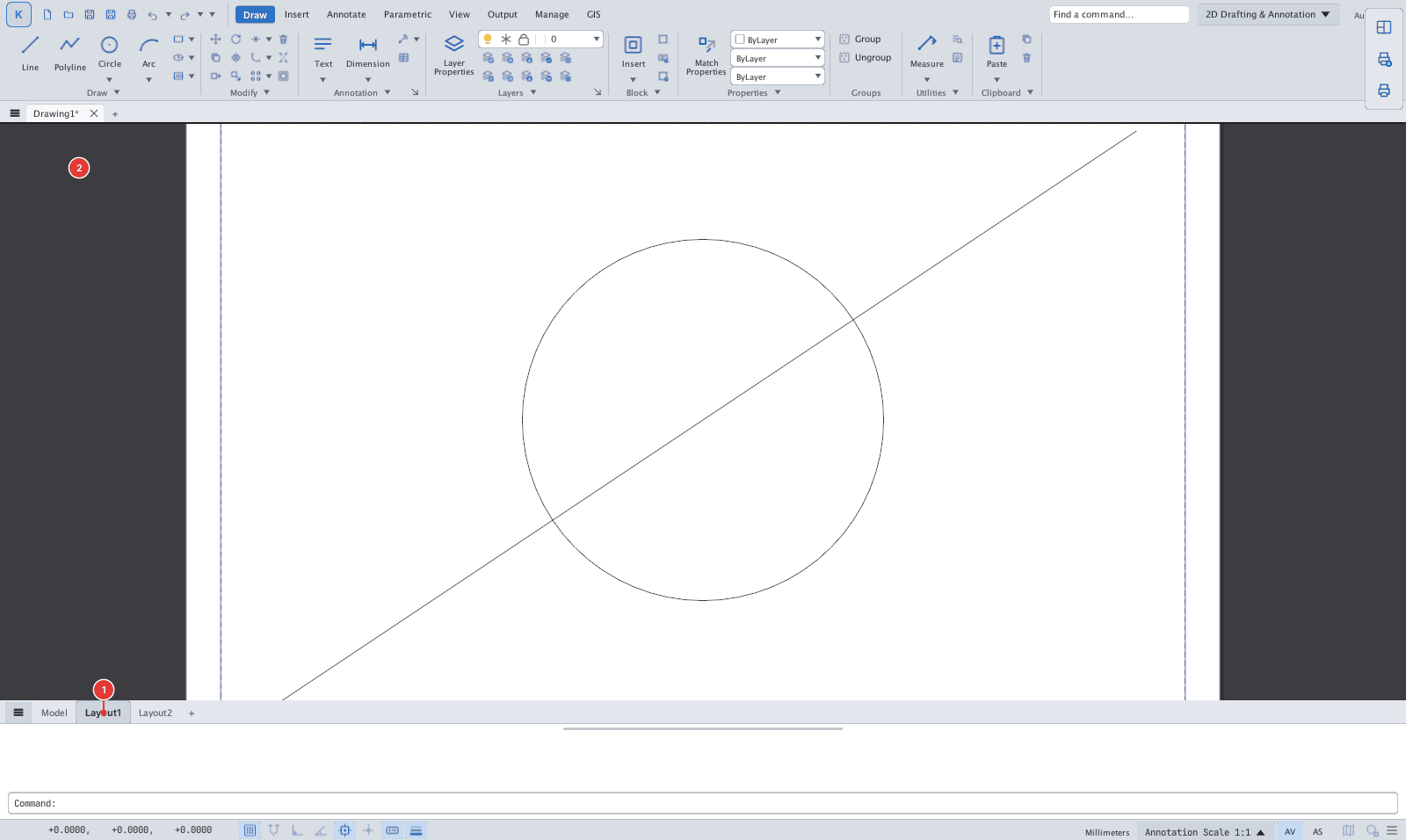
Model / Layout tabs
Location: the tab strip below the canvas, above the command line
Model is the main drawing space; Layout1, Layout2… are paper sheets for arranging and plotting.

Click a tab to switch space; Ctrl+PgUp / Ctrl+PgDn move to the previous / next tab.
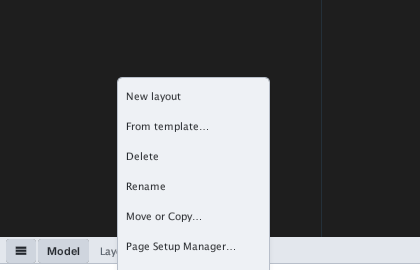
Right-click menu
| Item | What it does |
|---|---|
| New layout, From template… | Add an empty layout / from a template file |
| Delete, Rename, Move or Copy… | Manage layouts |
| Page Setup Manager…, Plot…, Publish… | Printing |
| Create Layout wizard… | Layout creation wizard |
| Hide Layout and Model tabs | Hide the strip (turn it back on in Options ▸ Display) |