Palettes and docking
Properties, Tool Palettes, DesignCenter, External References, Layer Properties… are palettes: panels that dock to any of the four window edges or float like small windows.
Ribbon: View ▸ PalettesCommand: PROPERTIES, TOOLPALETTES, ADCENTER, XREF, LAYER
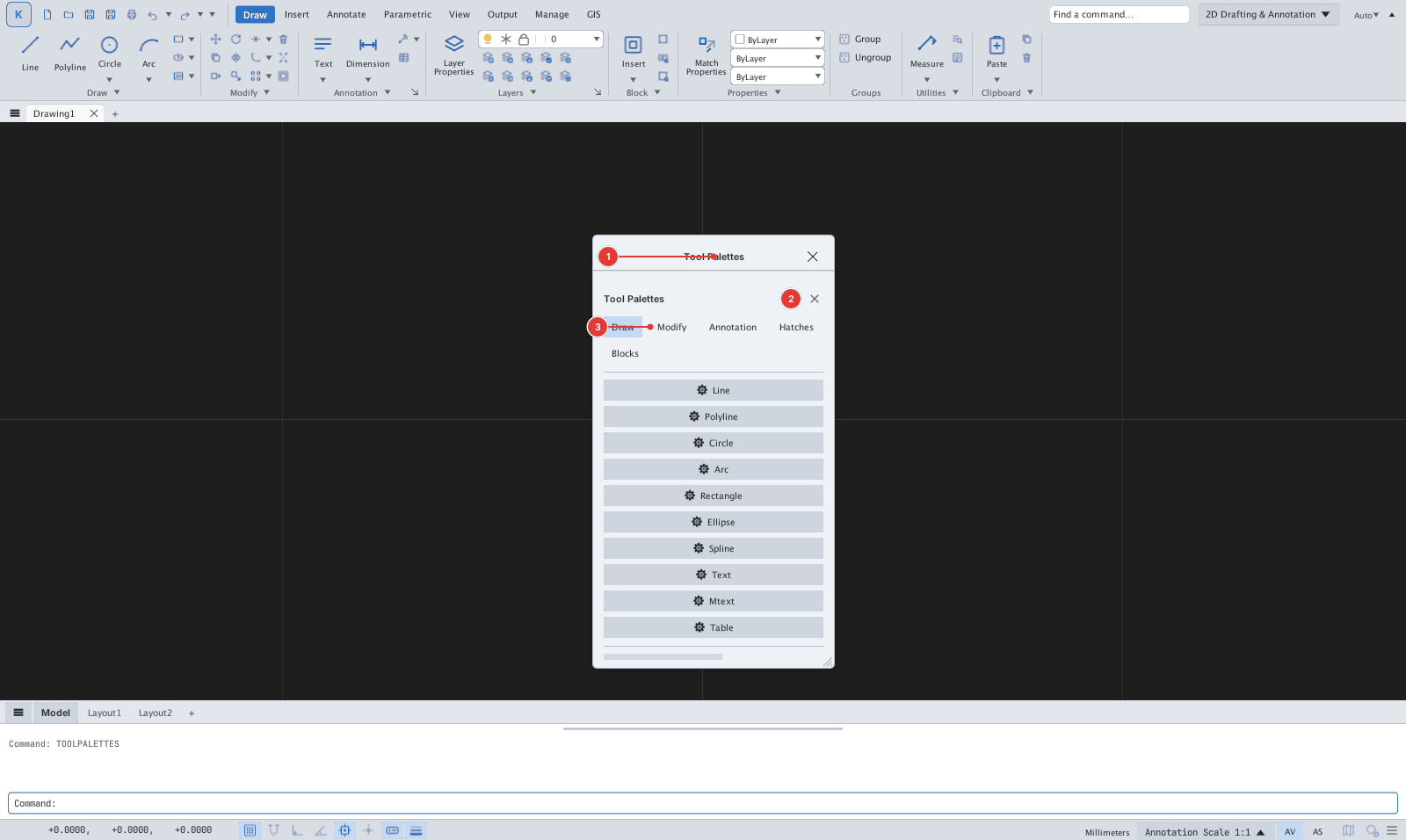
- Each palette's ⋯ menu offers Dock Left / Right / Top / Bottom, Float, Tab with Others, Collapse to Edge; the position is remembered for next time.
- Several palettes on the same edge sit side by side; Collapse to Edge shrinks one into a thin strip, click the strip to open it (other palettes on that edge collapse automatically).
- A floating palette can be resized from its bottom-right corner.
The content of each palette: Properties — previous page; Tool Palettes, DesignCenter — chapter 9; Layer Properties — chapter 7.