UCS and the UCS icon (UCSICON)
The UCS (User Coordinate System) is the user's coordinate system; the WCS is the drawing's base system. By default the two coincide and the X–Y icon at the origin (0,0) shows the axis directions.
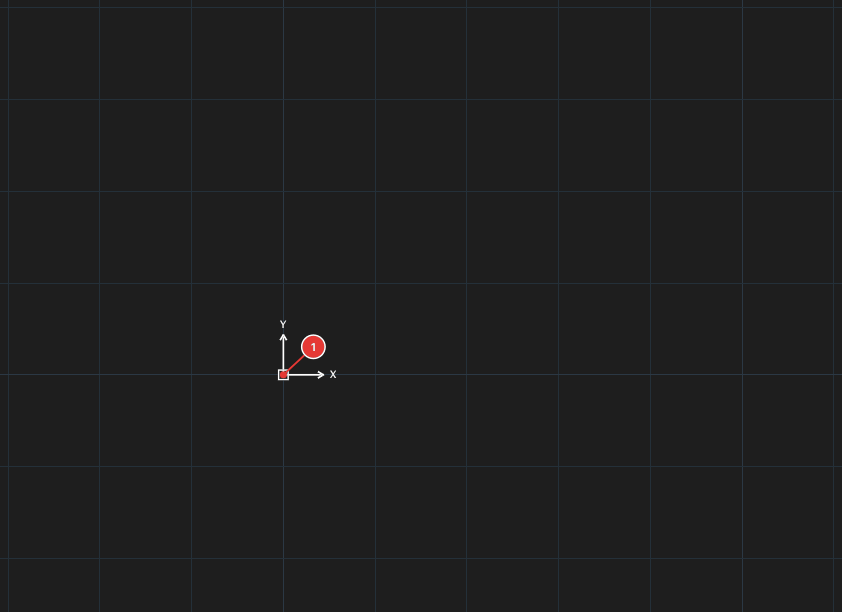
The UCS command
In the current KufCad build, UCS only sets the coordinate system back to World and reports UCS set to World.:

UCS.The AutoCAD options (Origin, ZAxis, 3point, Object, Save, Restore, Delete…) and the UCS Manager dialog (UCSMAN) are not available — UCSMAN reports Not implemented. Coordinates you type and the numbers on the status bar therefore always follow the World system.
UCSICON — show / hide the icon
Type UCSICON: the command toggles the icon and reports UCS icon on. / UCS icon off. (no ON / OFF / Origin options). It can also be changed in the Properties palette, item UCS icon On, when nothing is selected.
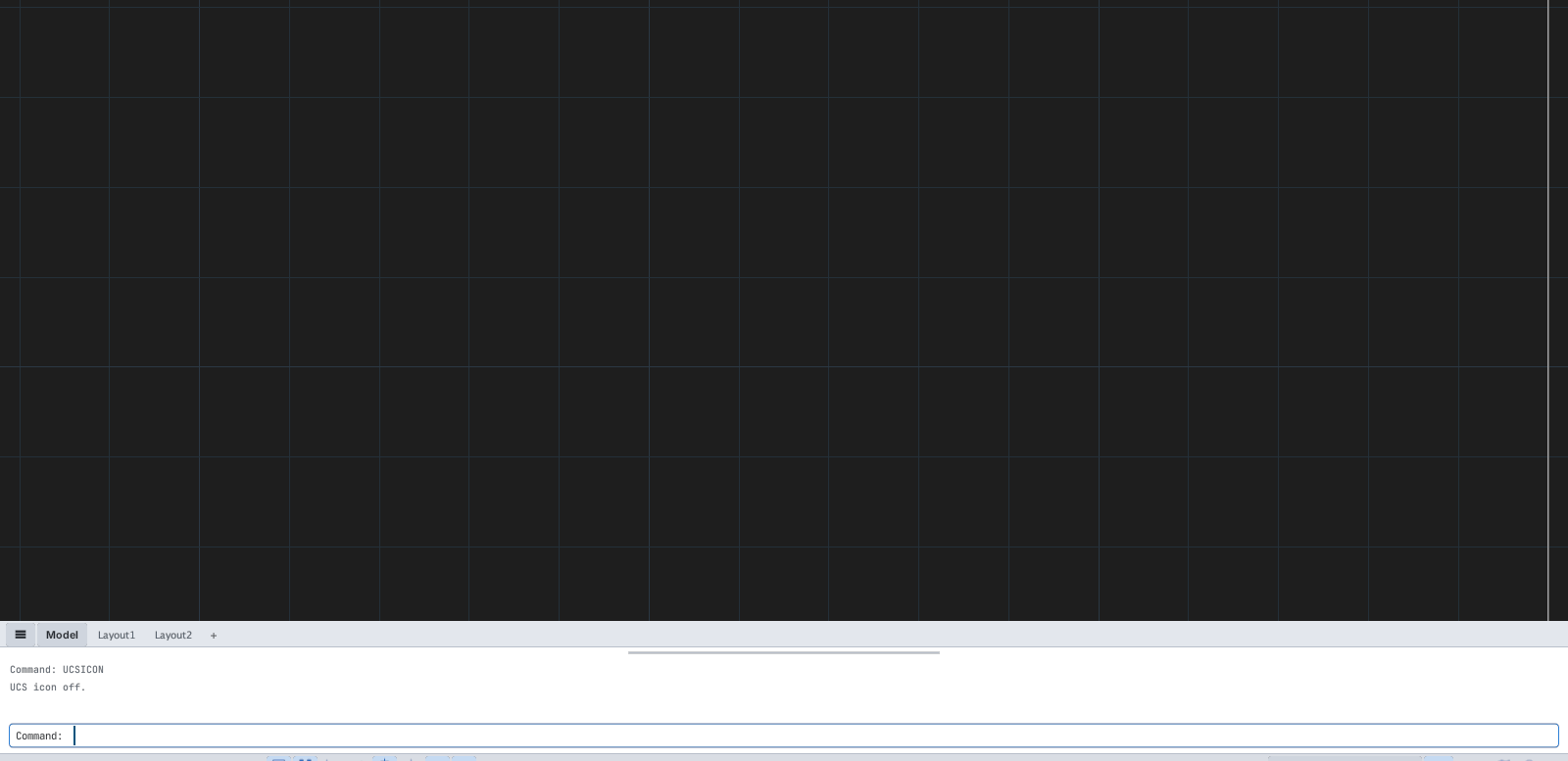
UCSICON: the icon disappears and the command line reports "UCS icon off."