Direct distance entry
Instead of typing full coordinates you can move the mouse in the direction you want to draw and type a length — the new point is exactly that distance from the previous one, in the cursor's direction.
- Run a drawing command and pick the first point (for example
L,0,0) 1. - Move the mouse in the direction to draw 2; the rubber band and the dynamic input box show the current length / angle.
- Type the length (for example
50) and press Enter.
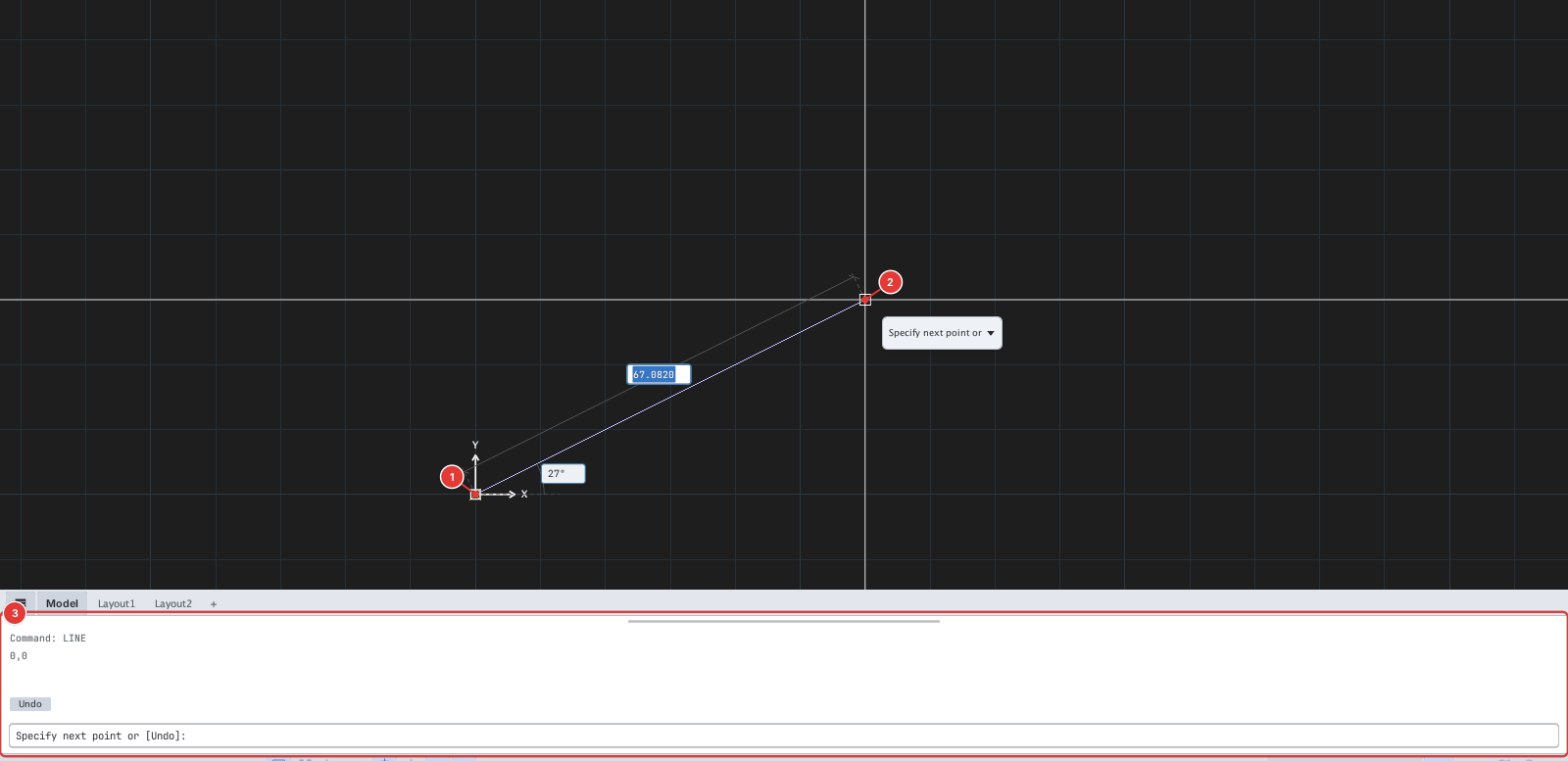
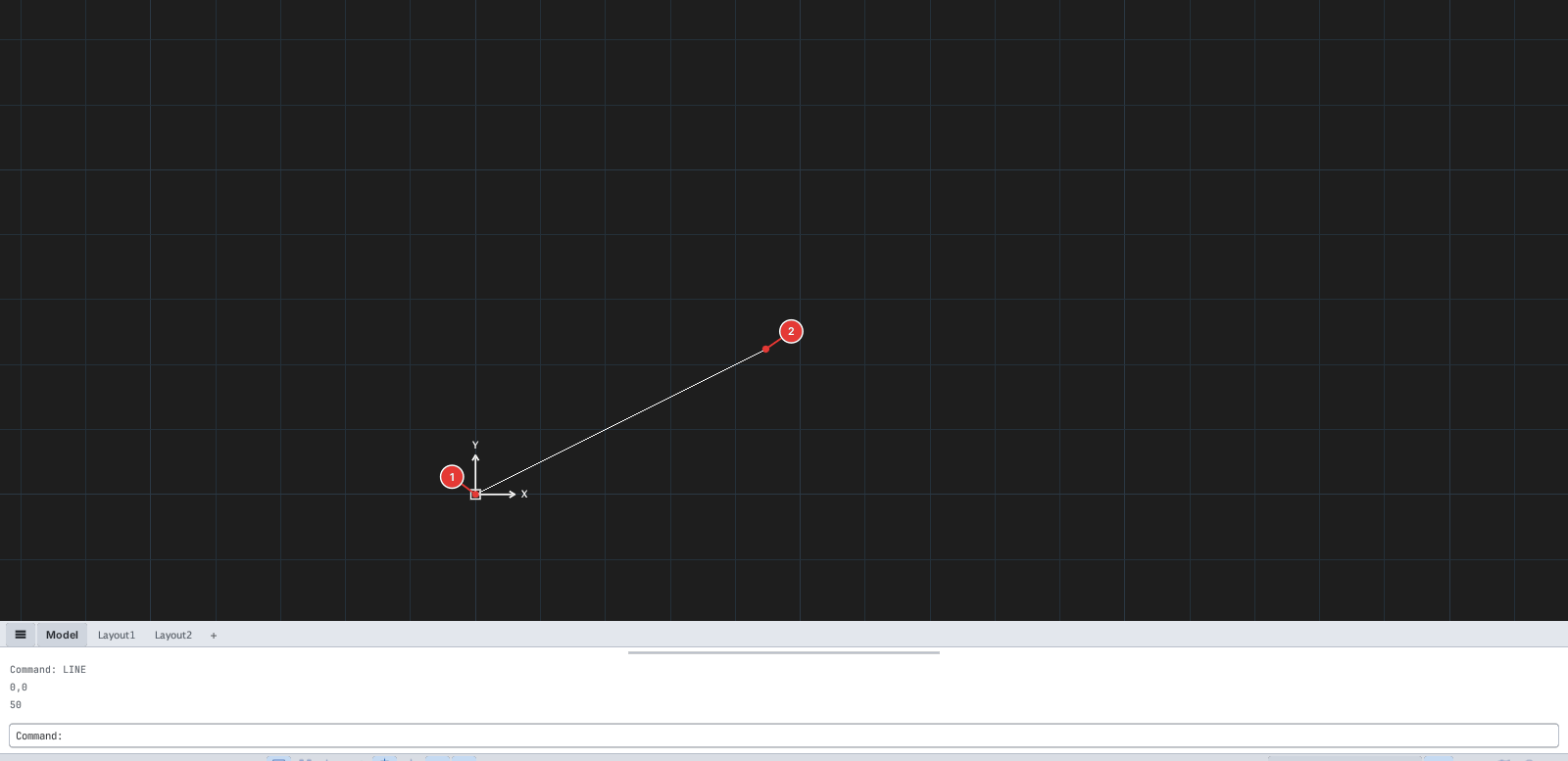
50 gives a segment of length 50 in the mouse direction: end point 2.Combine it with Ortho (F8) or Polar (F10) to lock the direction exactly — the fastest way to draw horizontal / vertical / fixed-angle segments.
With Ortho or Polar on, the length is applied along the locked direction, even if the cursor drifts slightly off the horizontal / vertical. The ORTHO command also turns Ortho on / off, like F8.