Ortho — Lock horizontal / vertical
With Ortho on, the rubber band and the picked point are locked to the horizontal or vertical axis — whichever is nearer the cursor direction.
Toggle: press F8, or click the Ortho button (right-angle icon) on the status bar 3. A blue button means it is on.

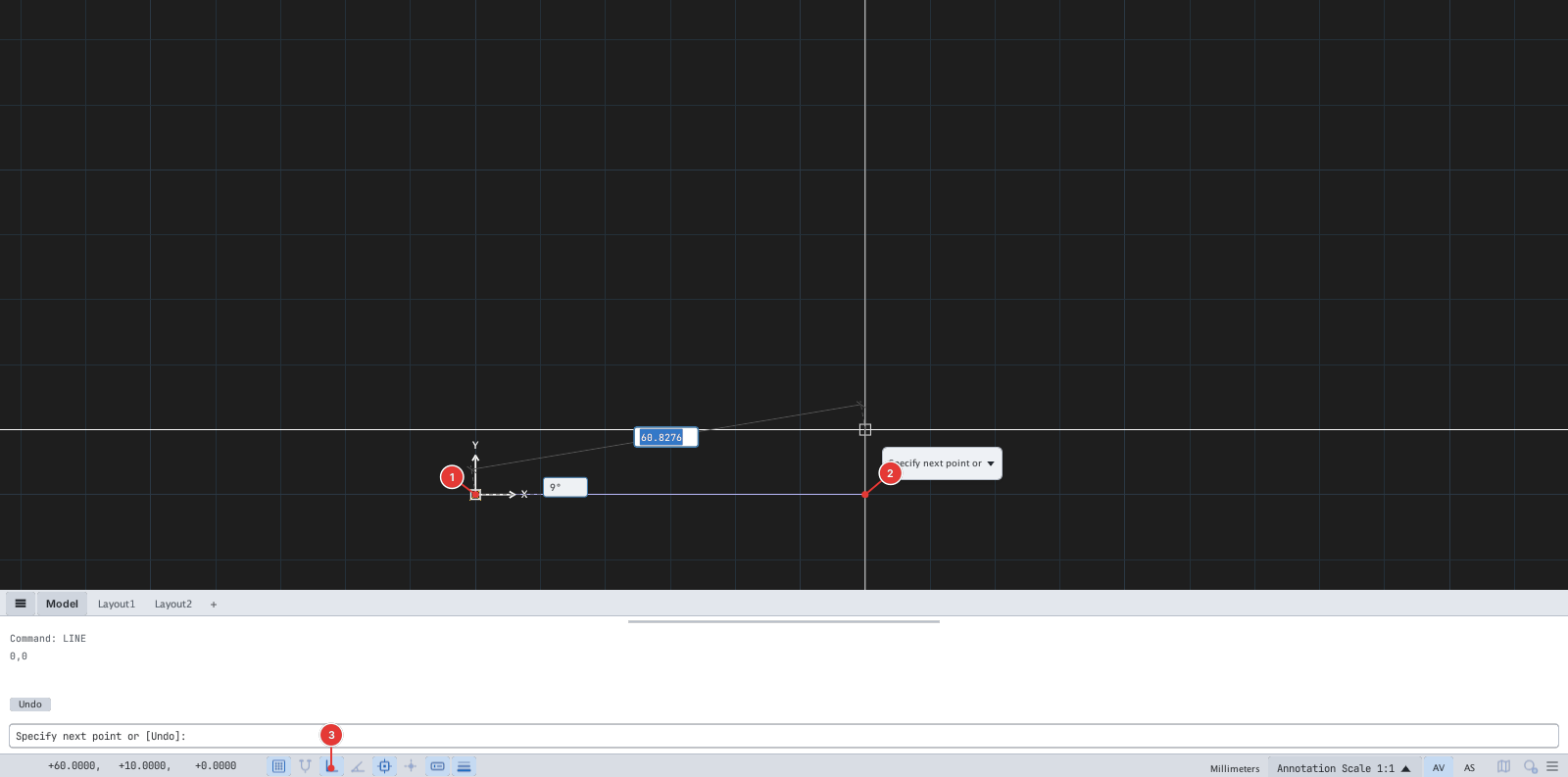
Picking the next point now puts it exactly on the horizontal line:
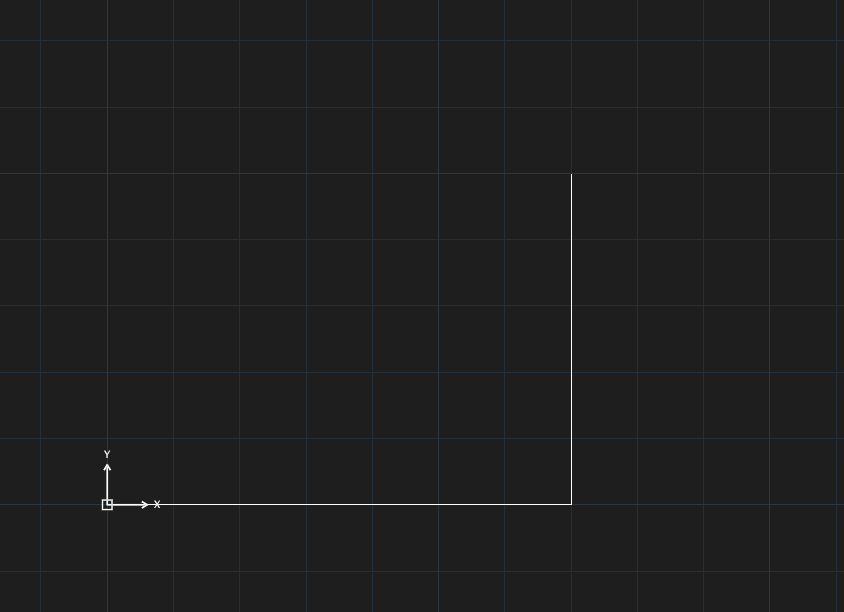
Ortho and Polar are mutually exclusive: turning Ortho on turns Polar off, and vice versa. Ortho also locks the direction while dragging grips. Ortho does not affect coordinates you type.
See also: "Polar tracking", "Direct distance entry".